

We hear it a lot these days, but what does it actually mean for software to have a “new interface”?
At Kilo, we aren’t approaching this question in the abstract—we’re living it every day.
As we lean into agentic flows, we’re discovering that working in a new interface means that the layer between you and the tool is no longer a dashboard, a form, or a button. It’s a sentence.
You will still hear people talk about UX improvements. Better navigation. Cleaner design. More intuitive onboarding flows. It will be framed as progress.
But the real change runs deeper than any redesign. The interface layer is decoupling from the application layer entirely. You don’t need to know where the button is. You don’t need to learn the menu structure. You just say what you need done.
Natural language is the new UI.
A couple of things I’m not saying:
I’m not saying every app will disappear.
I’m not saying this works perfectly today for every use case.
I’m not saying you should throw away your existing workflows.
But here’s what I am saying: the apps you already use didn’t have to rebuild themselves from scratch for this to be true. KiloClaw can talk to Todoist and Linear and your calendar and your inbox – through the same window, using the same language you’d use to text a colleague. You don’t have to live inside each one to operate them.
This isn’t about saving five minutes. It’s about a bigger shift. The way we interact with software is fundamentally changing.
Twelve Tools, One Front Door
Here’s where the new interface really shines.
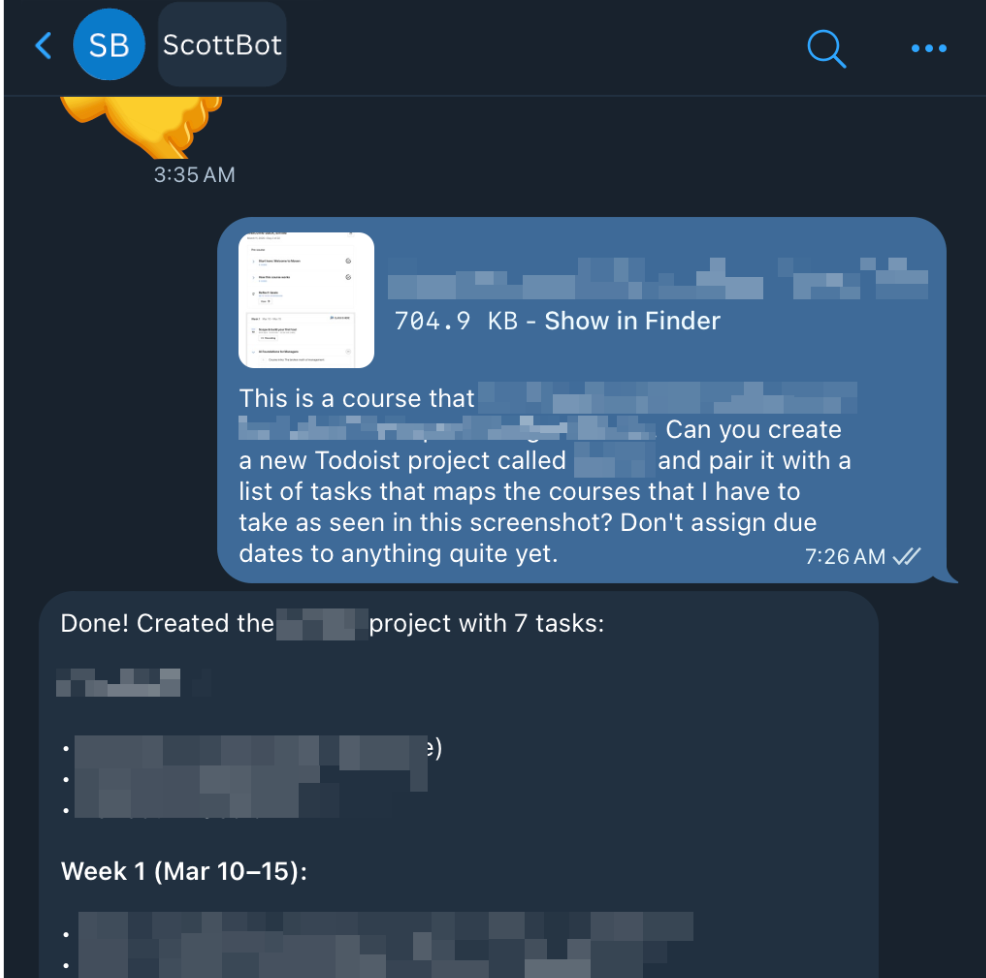
Last week, I had a new project land in my inbox. I downloaded the PDF, uploaded it to my KiloClaw bot on Telegram, and typed a simple prompt in natural language, essentially: Create a Todoist project for this and add the tasks based on these guidelines.
That’s it. No excessive bulleted lists. No diagrams. No long paragraphs discussing the background and goals for this project. Just a couple of sentences.
Thirty seconds later, it was done.
And the same thing with scheduling.
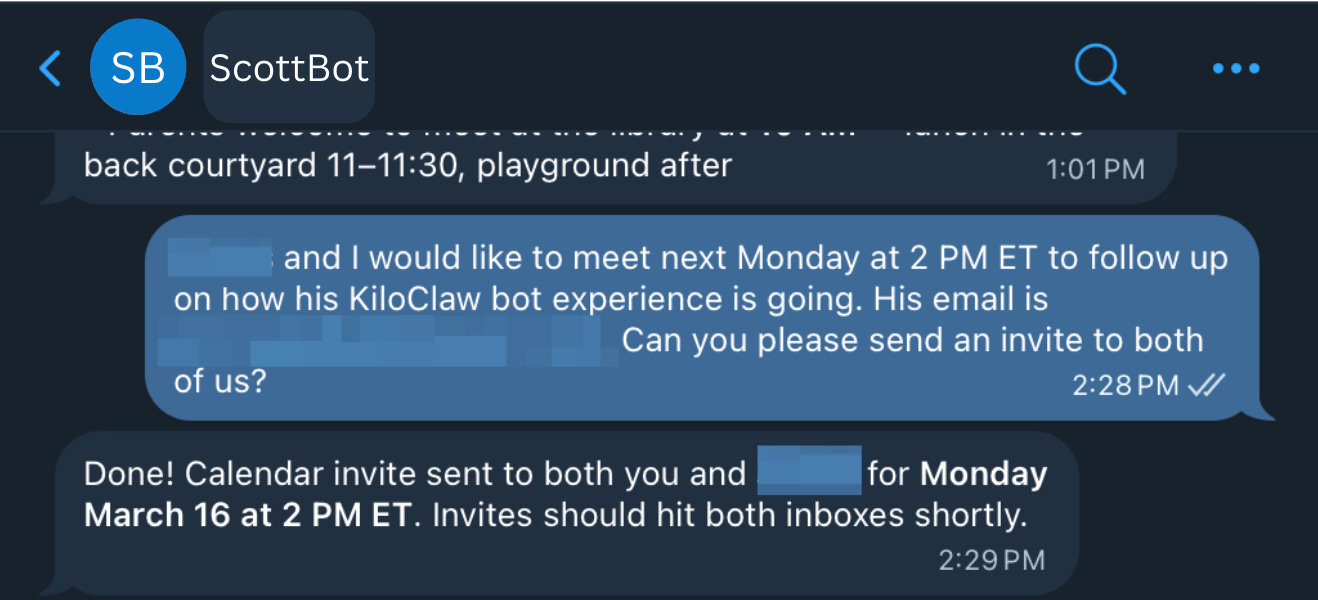
I was meeting with a friend and colleague and we agreed to sync again the following week. We both pulled up our calendars, found a time. I sent a message to KiloClaw. My contact received a calendar invite a minute later.
Two different tools. Two different workflows. One conversation.
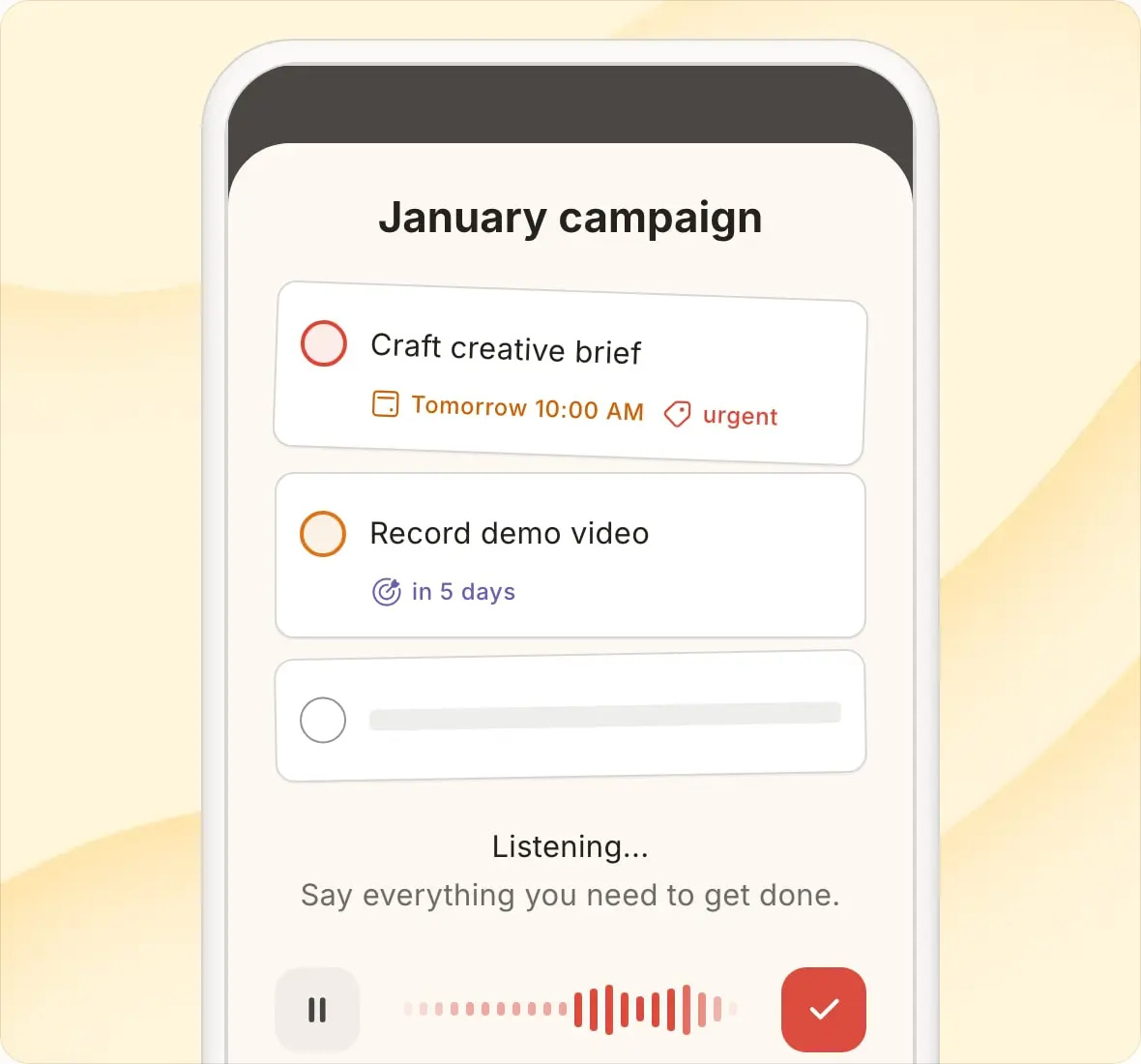
Here’s the thing: Todoist actually has a feature for this. It’s called Ramble – you can talk to it, describe your project, and it populates tasks for you. That’s cool. But that’s not the unlock I’m talking about.
I’m the kind of person who has a different tool for everything. Todoist for tasks. GitHub for engineering projects. Slack for team communication. Gmail for email. Each tool lives in its own silo, with its own interface, its own learning curve, its own quirks.
The problem has never been the tools.
The problem is the twelve different front doors. With a unified interface that acts on natural language, we now have a single way into the house.
The New Interface is the Front Door We Always Needed
Count the apps you opened before lunch today.
Email. Slack. Calendar. Linear. Todoist.
They’re all like different doors into your life, each with its own login, its own layout, its own way of asking you to do the same basic thing: move information from your head into the right place.
That tax – the constant context-switching, the re-orienting, the “where does this live?” – is so familiar that most of us stopped noticing it.
We got so used to micro context-switching that we forgot there could be a better way.
Curious?
Here’s what I recommend you to do to get started: Start with one workflow you do repeatedly. Something tedious. Something where you’re just copying information from one place to another. Tell your bot to do it instead.
You might be surprised how short the conversation needs to be.