

Welcome back to the weekly product roundup! This week introduces Agent Manager for running parallel agents, JetBrains autocomplete, a massive native tool calling expansion - plus, a fresh upstream sync from Roo.
New Features
We’ve released a wave of new features over the past week, including:
Cloud Agents - Run Kilo Code from any device, with no local machine required. Access the essential Kilo experience with the same 5 agentic modes, model selection, and chat interface, all from the web via the Kilo Dashboard.
Kilo Sessions - A session is your platform-agnostic interaction with Kilo. It remembers your repository, your task, and the conversation so you can pause and resume work without losing context. Sessions are private to your account by default; you can optionally share a link with others who can read or fork your session.
Managed Indexing - Semantic search across your repositories using cloud-hosted embeddings. When enabled, Kilo indexes your codebase to deliver more relevant, context-aware responses during development. It’s now turned on for everyone by default
To see an end-to-end demo of the Kilo platform, watch the webinar we hosted last Friday (December 12th) with Kilo CEO Scott Breitenother, here:
Extension
Agent Manager
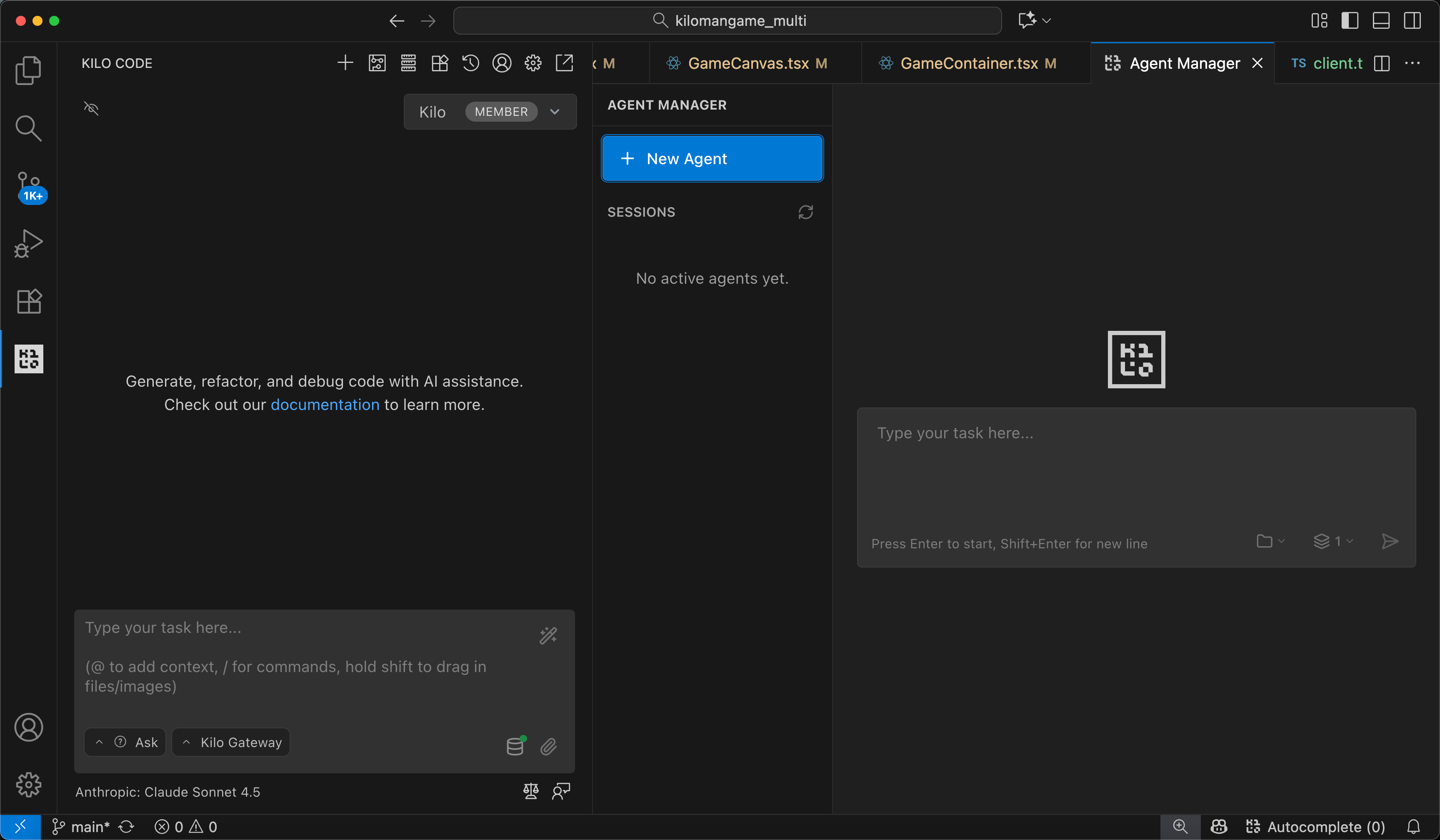
Run multiple Kilo Code agents in parallel from a single panel. The new Agent Manager lets you launch 1–4 agents simultaneously via git worktrees, each working on different tasks without conflict.
A new todo list UI displays task progress above the chat input with a collapsible list view. Interactive worktree sessions now start without auto-execution, allowing you to manually click “Finish to Branch” when ready.
JetBrains Autocomplete
Autocomplete is now available for JetBrains IDEs. Enable it in Settings → Autocomplete. We’ve also added autocomplete support to the chat text box itself, which can be toggled separately in the autocomplete settings menu.
Device Authorization Flow
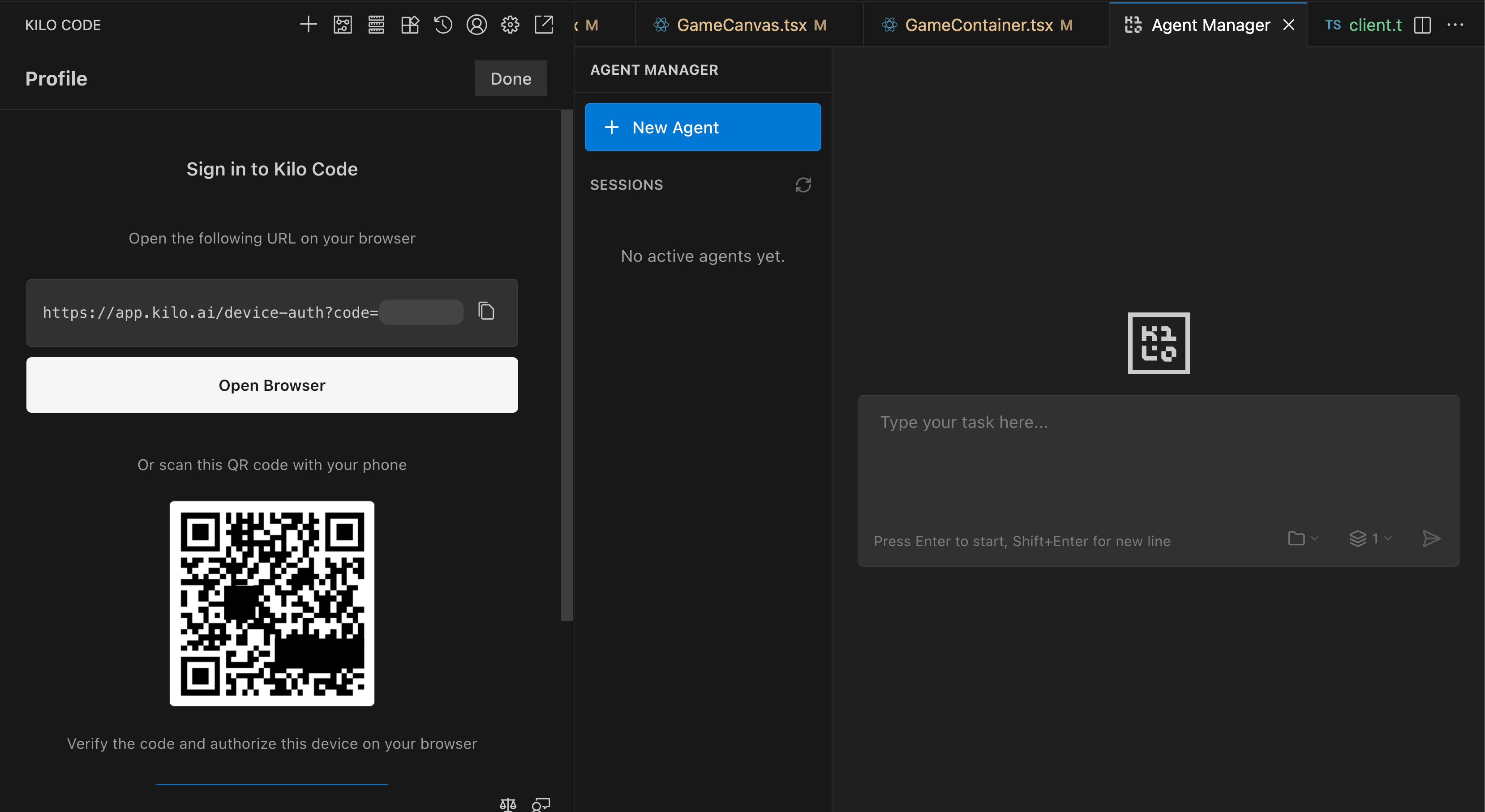
Connecting to Kilo Gateway just got easier. You can now scan a QR code or click to open the authorization page, approve from your browser, and get authenticated automatically.
New Models
GPT-5.2 support added
GPT-5.1-codex-max added to OpenAI provider
Grok 4 Fast and Grok 4.1 Fast models added to xAI
xhigh reasoning effort option now available
Upstream Sync (Roo Code v3.36.2)
This release includes a substantial sync from Roo Code, bringing:
Native tool calling massively expanded across providers: Bedrock, Cerebras, Chutes, DeepInfra, DeepSeek, Doubao, Groq, LiteLLM, Ollama, OpenAI-compatible, Requesty, Unbound, Vercel AI Gateway, Vertex Gemini, and xAI
New tools:
apply_patchfor efficient file editing,search_and_replacefor batch text replacementsMessageManager layer for centralized history coordination
Metadata-driven subtasks with automatic parent resume
Model-specific tool customization via excludedTools/includedTools configuration
Provider routing selection for OpenRouter embeddings
Debug buttons to view API and UI history for troubleshooting
Smoother stick-to-bottom behavior during streaming
Improved error messages and documentation links
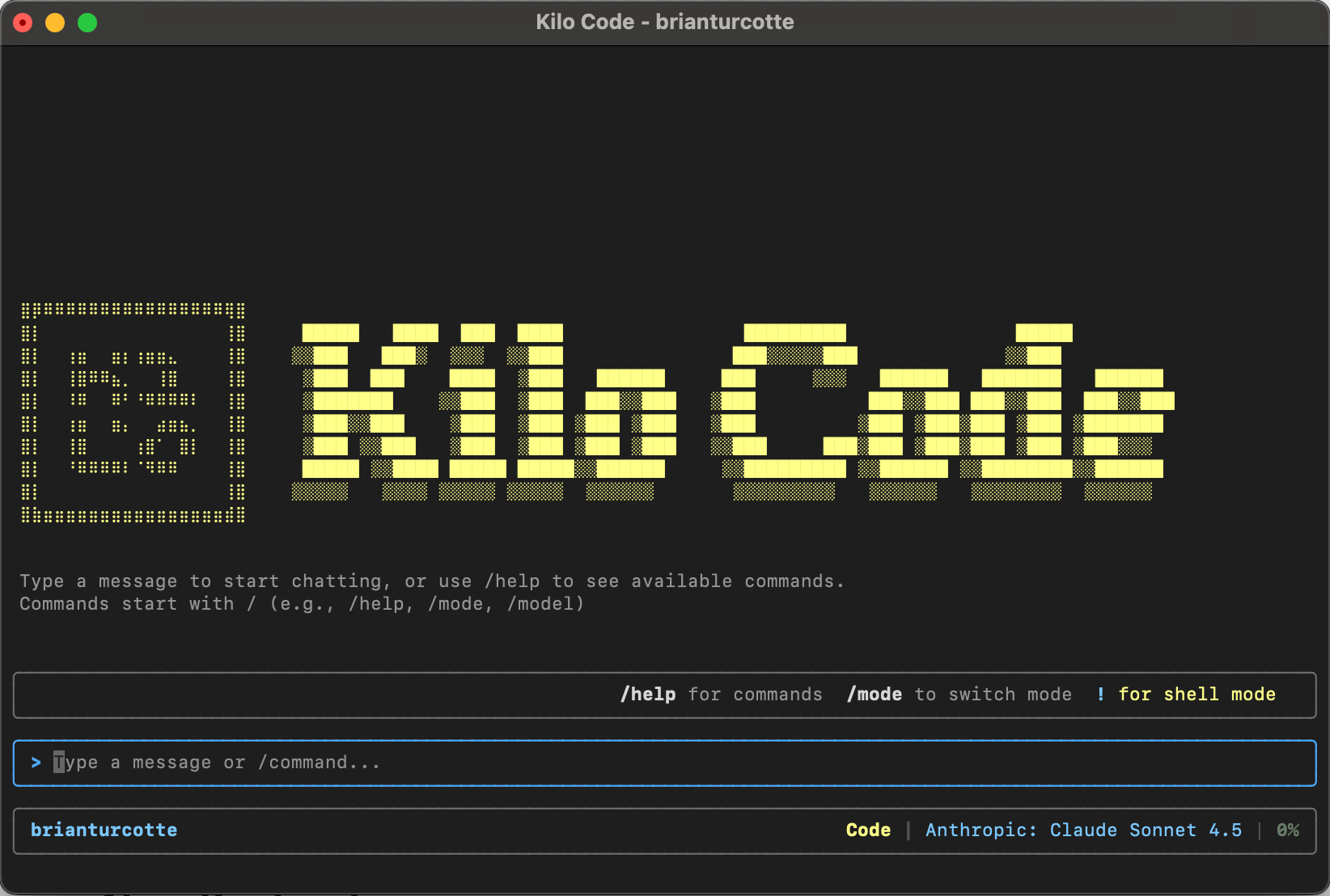
CLI
Session Improvements
Session versioning added for better history tracking
Event-based session sync replaces timer-based mechanism
Parent session ID tracking when creating sessions
New Keybinding
Press Ctrl+Y to toggle YOLO mode directly from the CLI.
Install & Update:
npm install -g @kilocode/cli
View All Latest Releases
CLI: 0.14.0 • 0.15.0 • 0.16.0 • 0.17.0
Extension: 4.132.0 • 4.133.0 • 4.134.0 • 4.135.0 • 4.136.0 • 4.137.0 • 4.138.0