

Kilo App is a Kilo Code companion that allows you to follow up on your coding sessions, watch any Kilo session across any surface, start Cloud-based coding sessions, chat with your KiloClaw, as well as manage it (update, manage secrets, models, and more).
All features are available for both org and individual users. You can install the app via this link. (Scroll down the page to find the QR code.)
Here’s what you can do with it today.
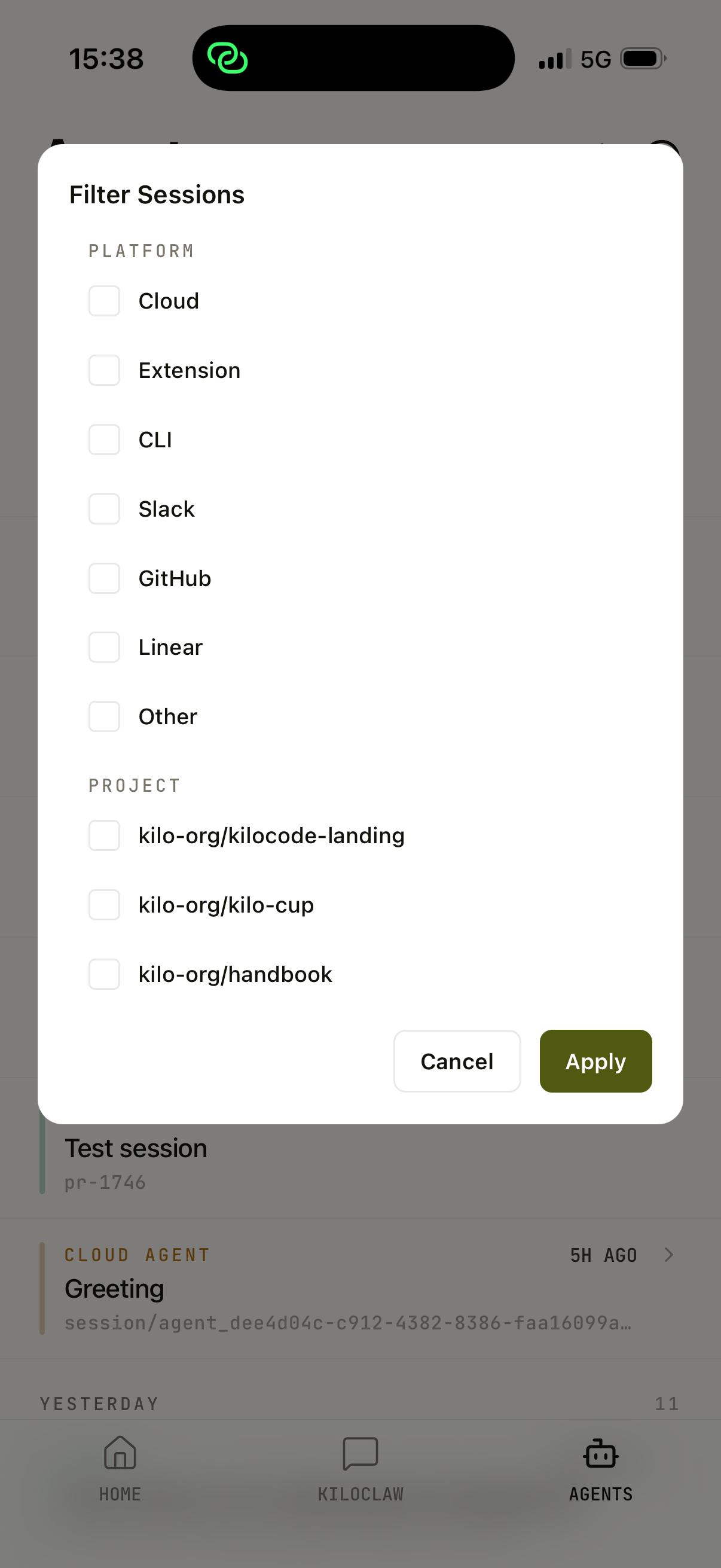
Follow up on active sessions. Open any session on the VS Code or CLI, use the /remote command and you will be able to control it on the app. Filter by surface with a tap, and switch between sessions in seconds. Right now, /remote sessions support only Kilo Gateway models, but we are working on making custom models available as well. Follow this and this PR.
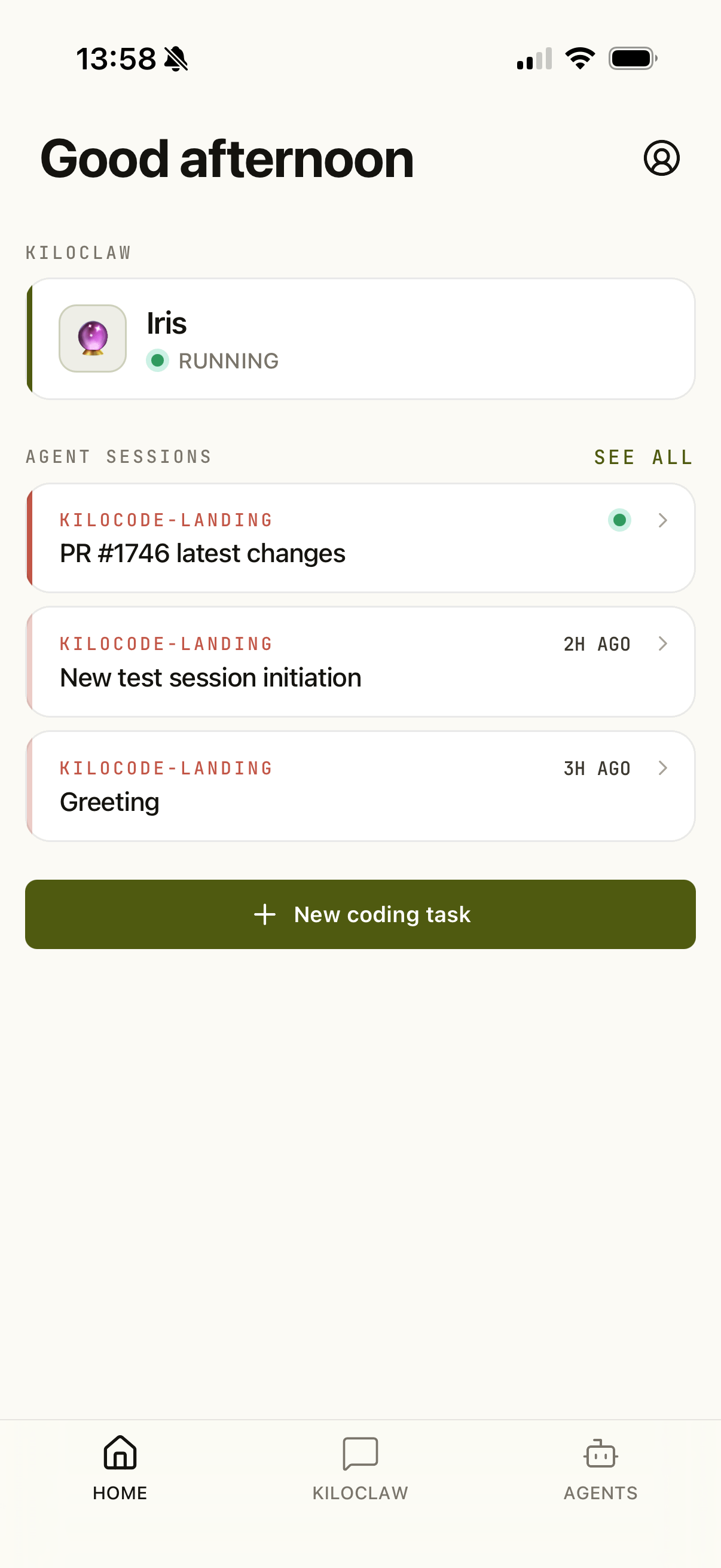
Watch sessions across surfaces. Whether a session is running in the CLI, an IDE, or the cloud, you can see what the agent is doing from the app. This view allows you to see any Kilo session, including read-only ones.
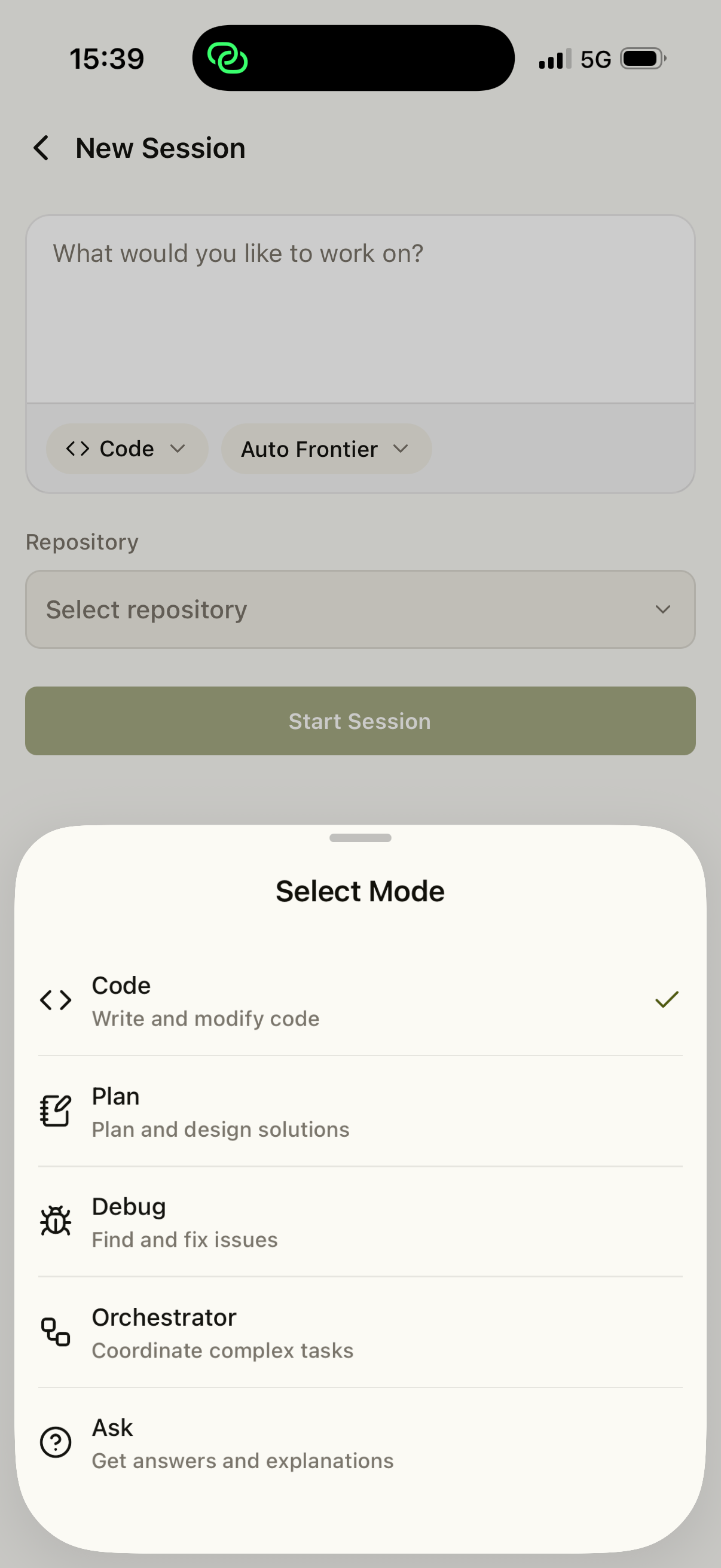
Start a Cloud session. Pick a repository, choose a model, describe the task, and the agent starts working. Please note that only Kilo Gateway models are available for Cloud sessions.
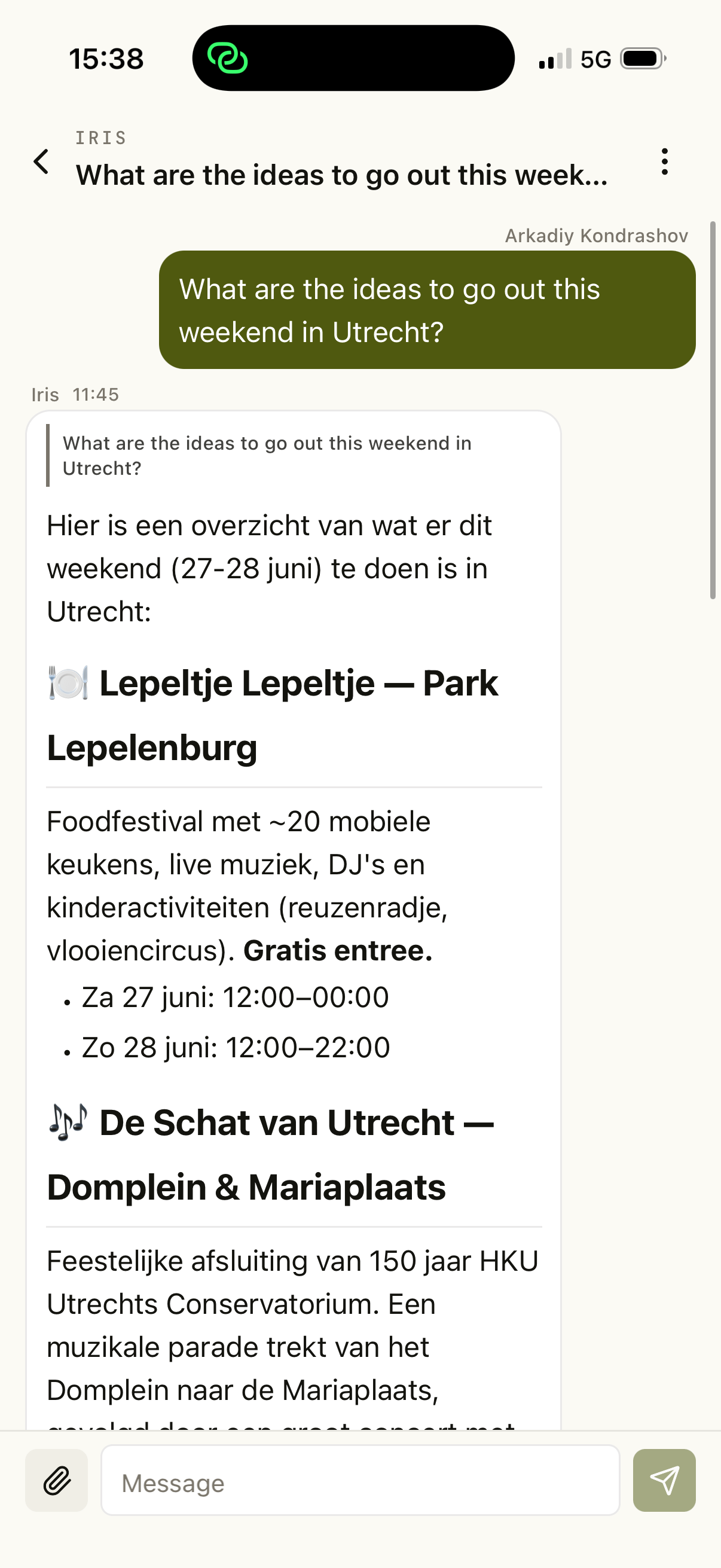
Chat with your KiloClaw. Talk to it directly in the app instead of through a separate messenger. KiloClaw chat supports file attachment.
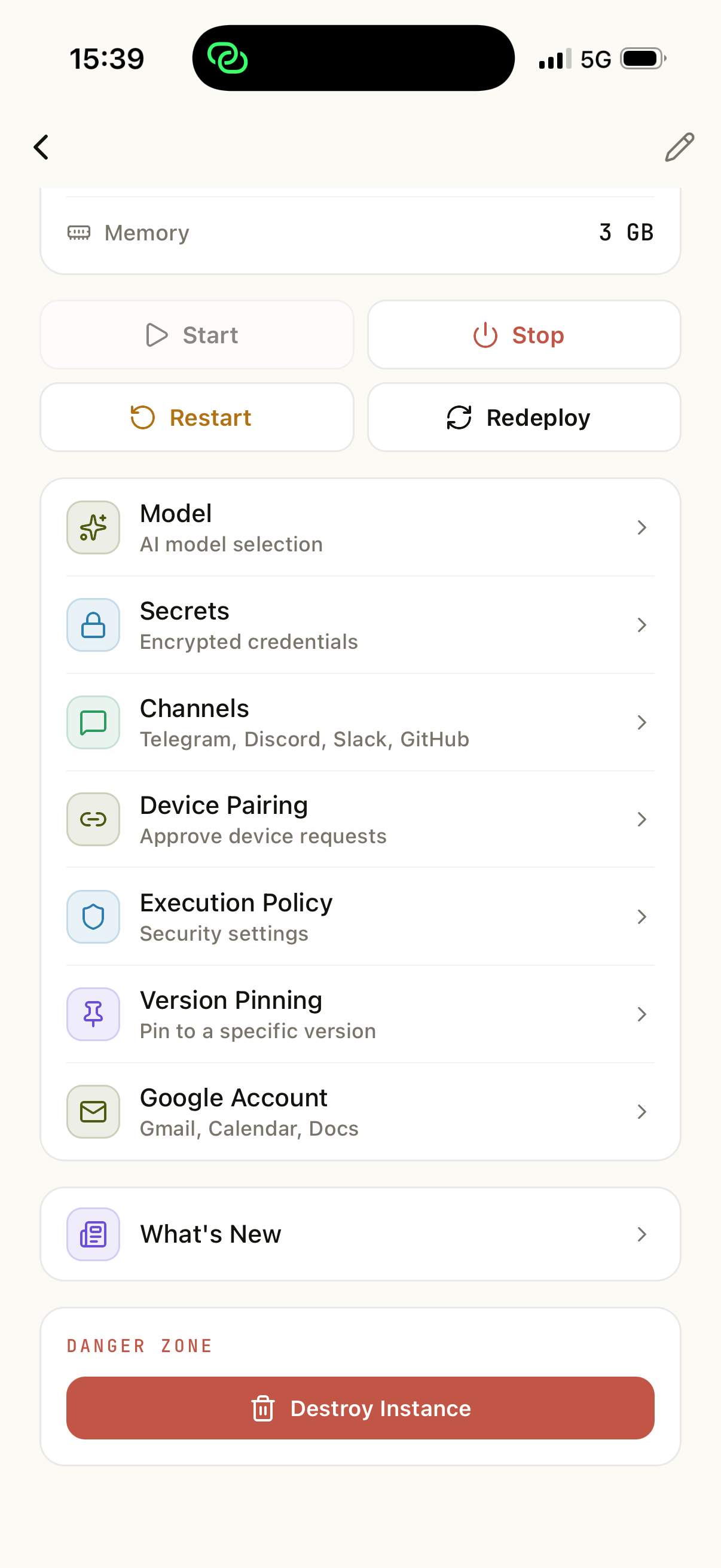
Manage your KiloClaw. Update it, set secrets, switch models, and handle its configuration.
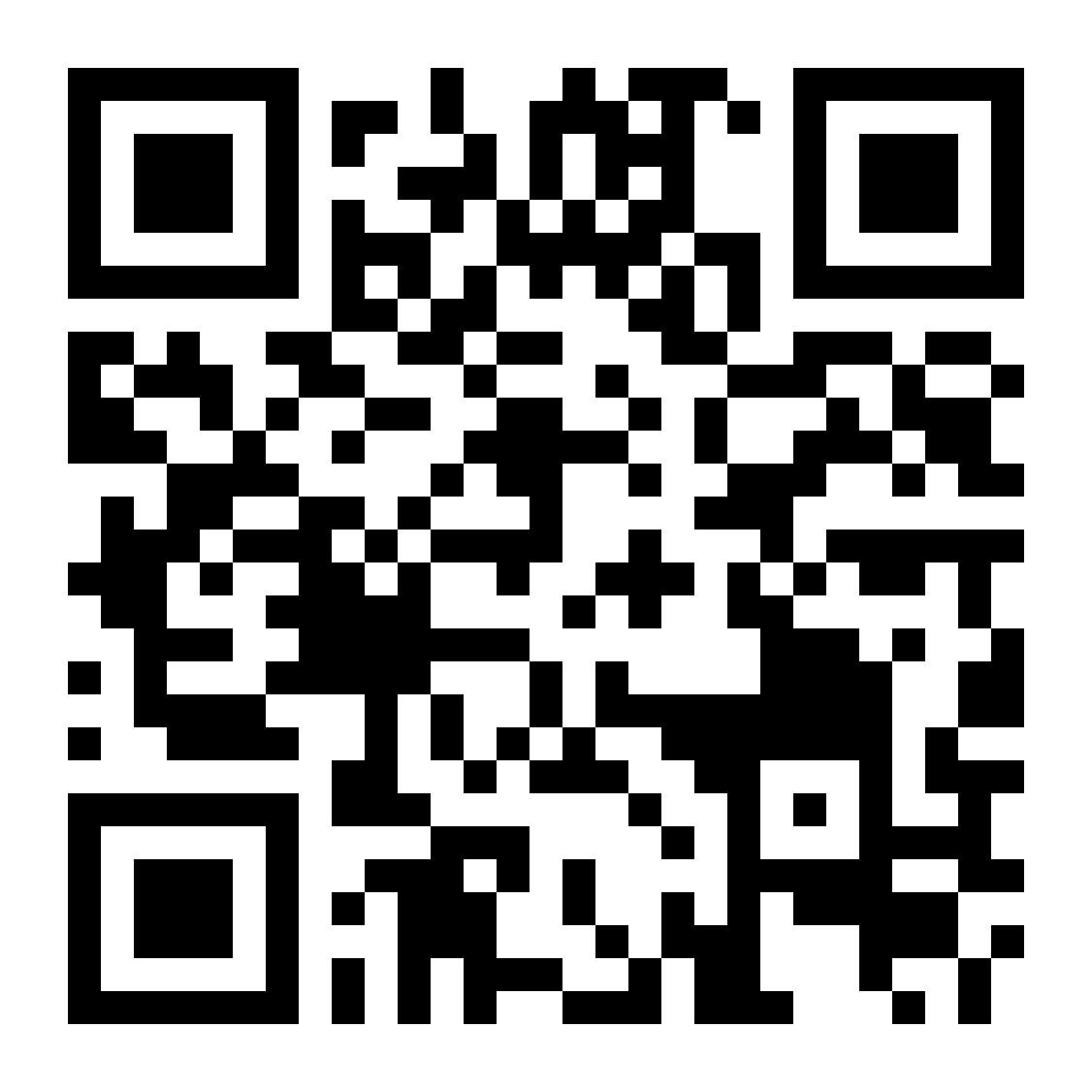
Kilo App is on Google Play an App Store. Use this link to download it. If you are on the desktop, scan the QR code to install the app.
The app is in active development. Please let us know how your experience is, what you want to see in the next versions, and what did not work for you. Drop us a message on Discord in the #mobile-app channel or reach out to us at support@kilocode.ai.
Happy coding!
Wait die you visit Utrecht or about to? Could drink a beer and give you some tips. By the way very cool app.
This is incredible! Just started with Kilo and now this is making me stay 🙌