

I started at Kilo just a few days before the whole team flew to Amsterdam for focus week. The first conversations of it occurred in a hotel lounge, after I had just met the Kilo team in person for the first time. By Thursday, we had the first iteration of Cloud Agents running.
That’s not a humble brag. It’s what happens when you join a team that’s committed to Kilo Speed.
The Friction We Wanted to Eliminate
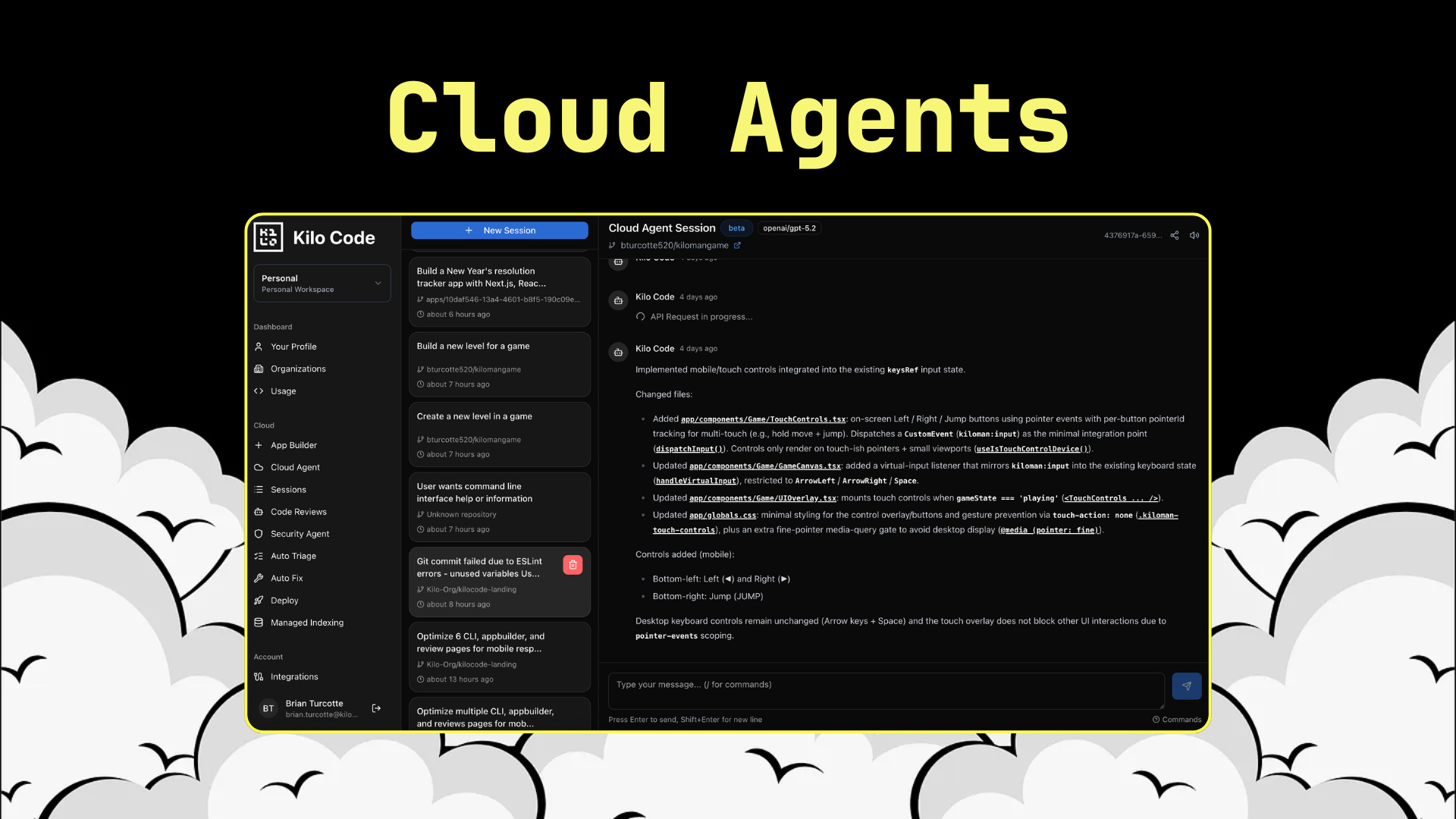
Here’s something that’s been bothering me for years: we live in an era where you can edit a Google Doc from your phone, review a Figma design on a tablet, or approve a PR from literally anywhere. But actually writing code? That often still requires you to be sitting in front of your laptop with your full dev environment spun up.
We’ve watched developers build incredible things with Kilo Code over the past months. Complex refactors, greenfield projects, legacy rescues. But there was always this one constraint lurking underneath: your local machine had to be involved.
And the more I thought about it, the more arbitrary that felt.
Ideas don’t wait for you to be at your desk. You’re on the plane to your first Kilo focus week and suddenly realize exactly how you want that one specific feature to work. You’re at dinner and your teammate pings about a production issue. You’re traveling for a week and a critical feature needs to ship. In all of these moments, you’re stuck. You can think about the code, but you can’t touch it.
Bugs don’t care about your schedule either. They surface when they surface. And right now, the workflow for handling them remotely is basically: make a mental note, hope you remember the context later, then actually fix it when you’re back at your desk. That gap between “I know what’s wrong” and “I can do something about it” is pure friction.
Cloud Agents removes all of this. They have their own development envs, their own compute, their own workspace. So I don’t need a remote dev env, because I’m gonna offload a task to them and check back on it when I get home. They can start the task for me, and when I get back to my desk with my setup - there will be a PR waiting for me, or a remote Kilo session for me to pick up locally.
How It Actually Works
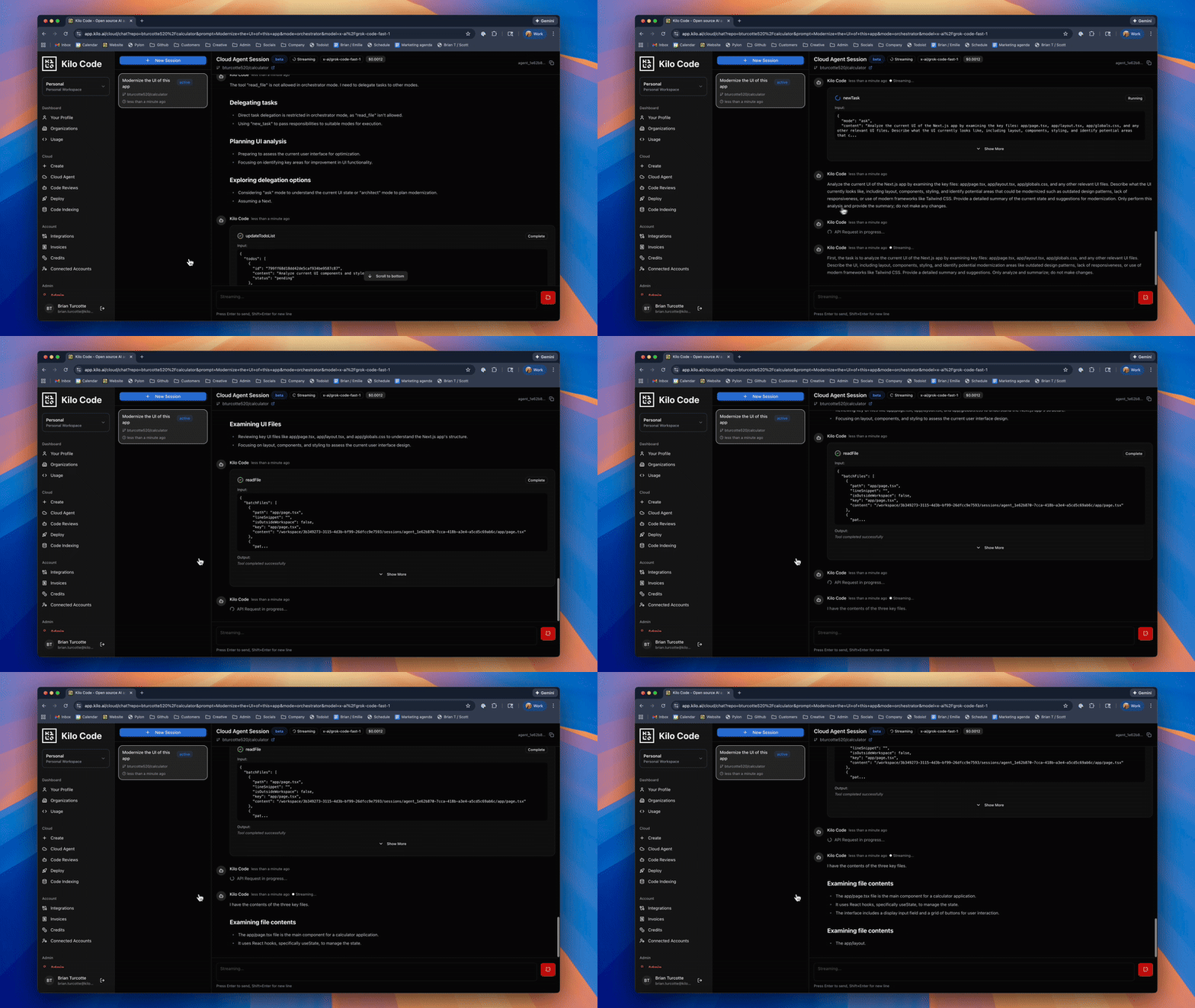
When you start a Cloud Agent session from the Kilo Dashboard, we spin up an isolated Linux container with standard dev tooling preinstalled: Python, Node.js, git, and the usual stack you’d expect.
Environment variables and secrets get injected automatically through the Dashboard configuration. Startup commands run when your session begins, so you can automate any initial setup your project needs. Each session stays isolated in its own workspace and branch.
Those env vars, secrets, and setup commands can all be saved as reusable env profiles that can be applied automatically to every session.
You connect to any of your GitHub repos, and we clone it into a fresh workspace on its own branch.
From there, it’s the same Kilo you know from the IDE or CLI (spoiler Cloud Agents are powered by the CLI). Same five modes: Code for implementation, Debug for troubleshooting, Architect for planning, Ask for exploration, and Orchestrator for breaking down complex tasks. Same interface, same capabilities. The only difference is where it runs.
Every file change gets committed and pushed between messages. Your work lives on GitHub immediately, not in some ephemeral local state that could disappear if your browser tab closes or your connection drops. This isn’t just a safety net. It means you can start something on your phone, close the browser, and pick it up hours later from your laptop without losing anything.
And here’s the thing that ties it all together: Kilo Sessions persist across all interfaces. Start debugging something in a Cloud Agent from your phone, then continue that exact same session in VS Code or JetBrains when you’re back at your desk. The context, the conversation history, the agent state, it all follows you. You’re not locked into the browser once you start there.
What This Actually Enables
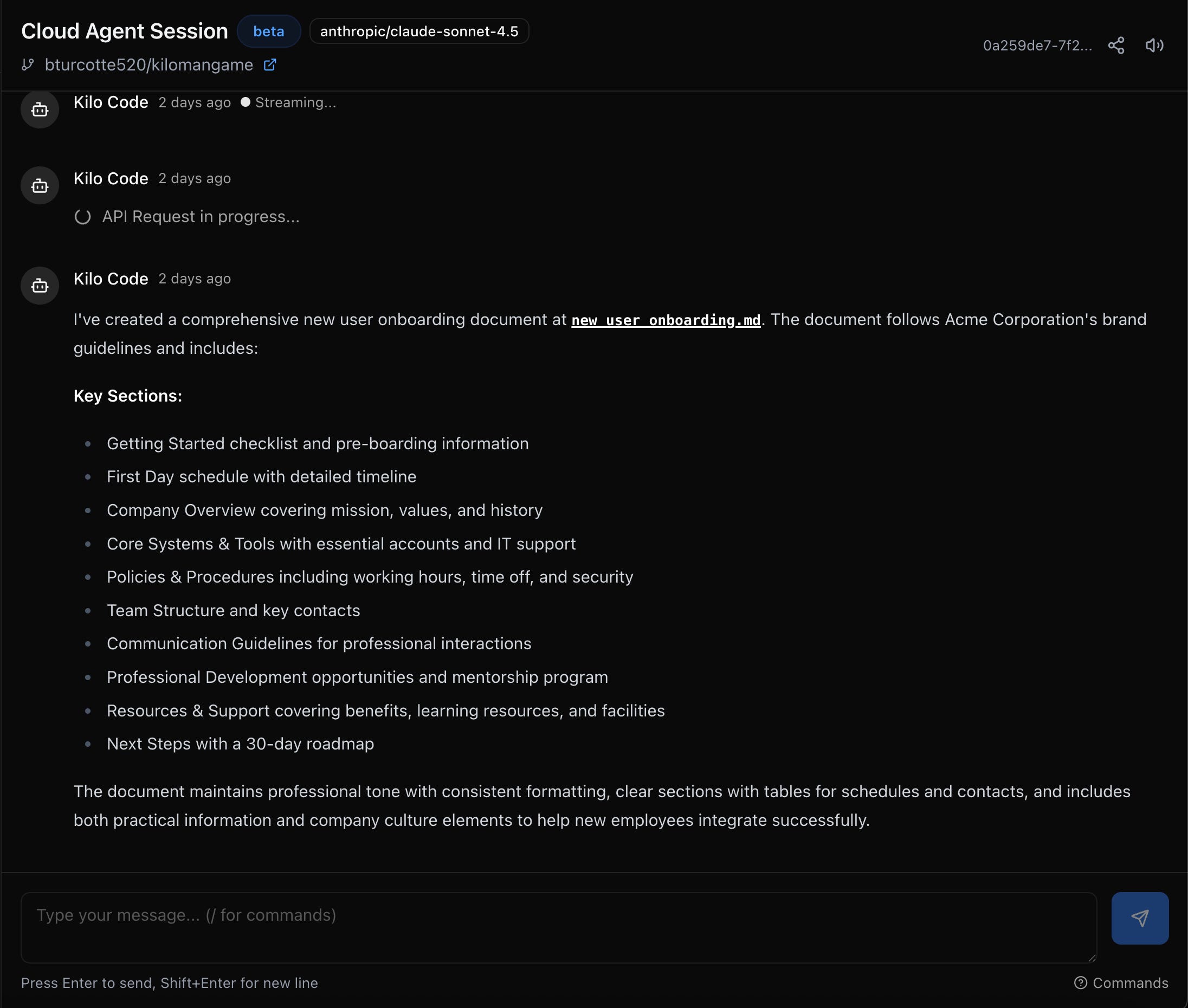
I’ve been using Cloud Agents constantly since we shipped that first iteration in Amsterdam. Some patterns have emerged that I wasn’t fully anticipating.
Async bug fixes and triage. Something breaks and I’m away from my desk. Before Cloud Agents, my only option was to context-switch mentally, make notes, and hope I could reconstruct my thinking later. Now I can actually investigate and push fixes in the moment. Pull up Debug mode on my phone, point Kilo at the GitHub Issue with the bug report, and ask it to investigate. It can read the logs, trace through the code, identify the issue, and push a fix. By the time I’m back at my laptop, there’s already a PR waiting for review.
Sandbox exploration without the mess. We’ve all been there. You inherit a legacy codebase, or you want to explore an open source project, or you need to understand how a dependency works under the hood. The old way: clone it locally, install dependencies, deal with version conflicts, clutter up your machine with stuff you’ll forget about in a week. The Cloud Agents way: spin up a session, connect the repo, explore freely. Ask mode is perfect for this. You can interrogate the codebase, understand the architecture, trace through flows, all without touching your primary dev environment. When you’re done, the session is just... there. No cleanup required.
Offloading tedious work. Some tasks are important but boring. Automated refactors across dozens of files. Batch updates to configuration. Tech debt cleanup that’s been on the backlog for months. These are perfect for Cloud Agents. Kick off a session, give Kilo clear instructions, and let it run while you focus on something else. The auto-commit means you can check progress whenever you want. And because each session runs in its own branch, there’s no risk of polluting your main codebase until you’re ready to merge.
When to Reach for Your Local Environment
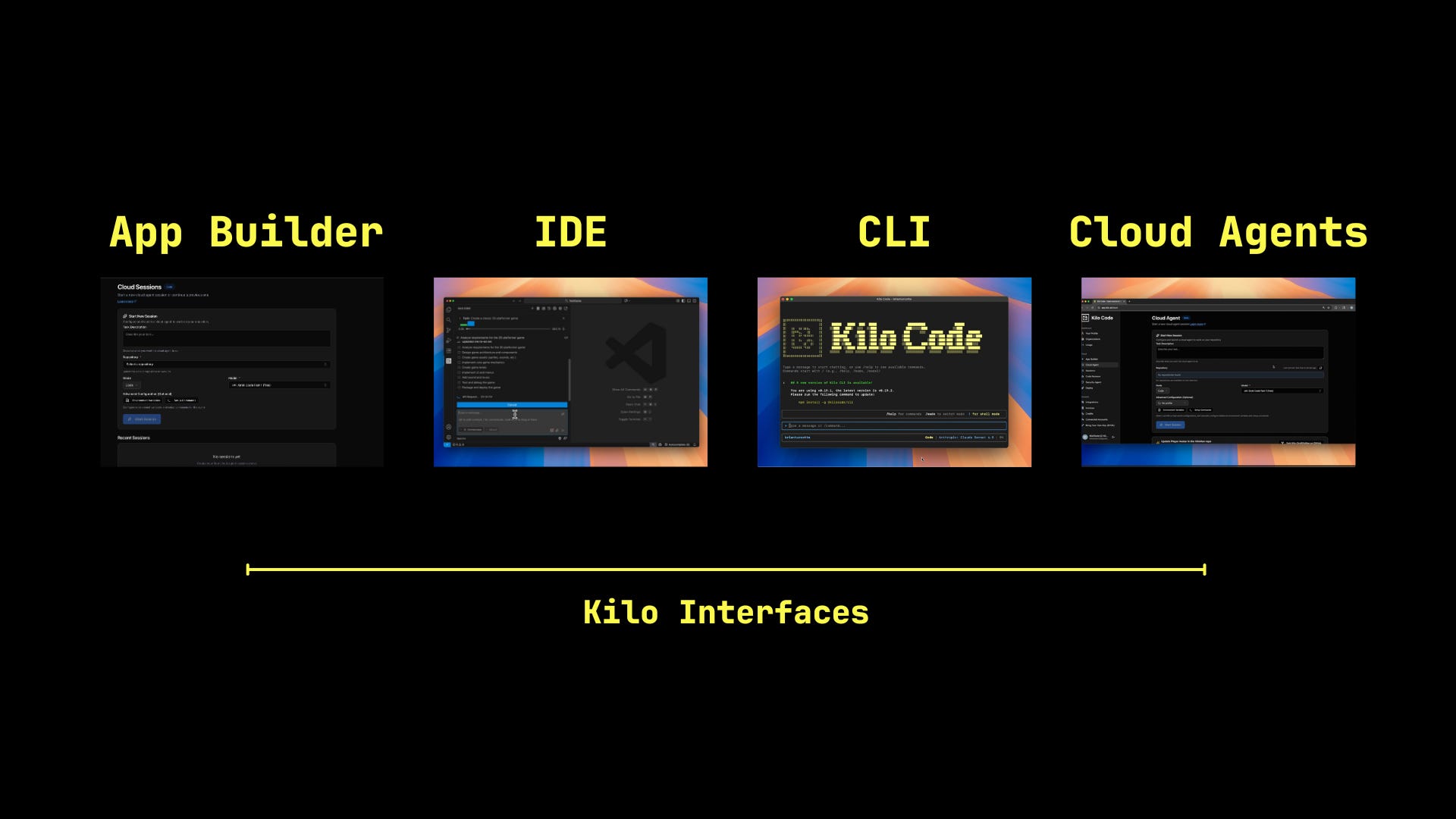
Cloud Agents are optimized for portability, quick access, and low-friction experimentation. They’re running in a containerized environment with solid but not infinite resources, shared across your active sessions.
For heavier workflows, your local environment is still the right tool. Resource-intensive builds, complex dependency chains, projects that need specialized system configurations or unusual tooling. The IDE and CLI give you full control over your environment, and for deep implementation work where you need maximum horsepower, that’s where you want to be.
But here’s why this isn’t really a tradeoff: Sessions sync everywhere. Start exploring something in a Cloud Agent, understand the problem space, sketch out an approach. Then continue that same session in VS Code when you’re ready to go deep. The context follows you. The conversation history follows you. You’re not starting over.
This is what we mean when we talk about staying in your flow. Your development environment should adapt to where you are and what you need, not the other way around.
Try It
If you’re already using Kilo Code, getting started takes about thirty seconds:
Head to the Kilo Dashboard and connect your GitHub account in the Integrations tab
Select a repository you want to work with
Scroll down to try our Kilo Man pre-built starter project!
Configure any environment variables or startup commands your project needs
Start chatting
That’s it. Your work auto-pushes to GitHub. Nothing to remember, nothing to lose.
Cloud Agents joins App Builder and Code Reviews in our lineup of recent releases. Your Kilo workflow now stretches from first commit to production deployment, accessible from anywhere you have a browser.
Start a Cloud Agent session and let me know what you think. I’m genuinely curious what workflows emerge that I haven’t thought of yet. The best features are always the ones users discover that the builders didn’t anticipate.
Predictione Ultimatos:
This Will Be The Way
How to replicate the cloud env on my local machine so I know with confidence I'm working from the same starting point? (ie: is there a docker image?)