

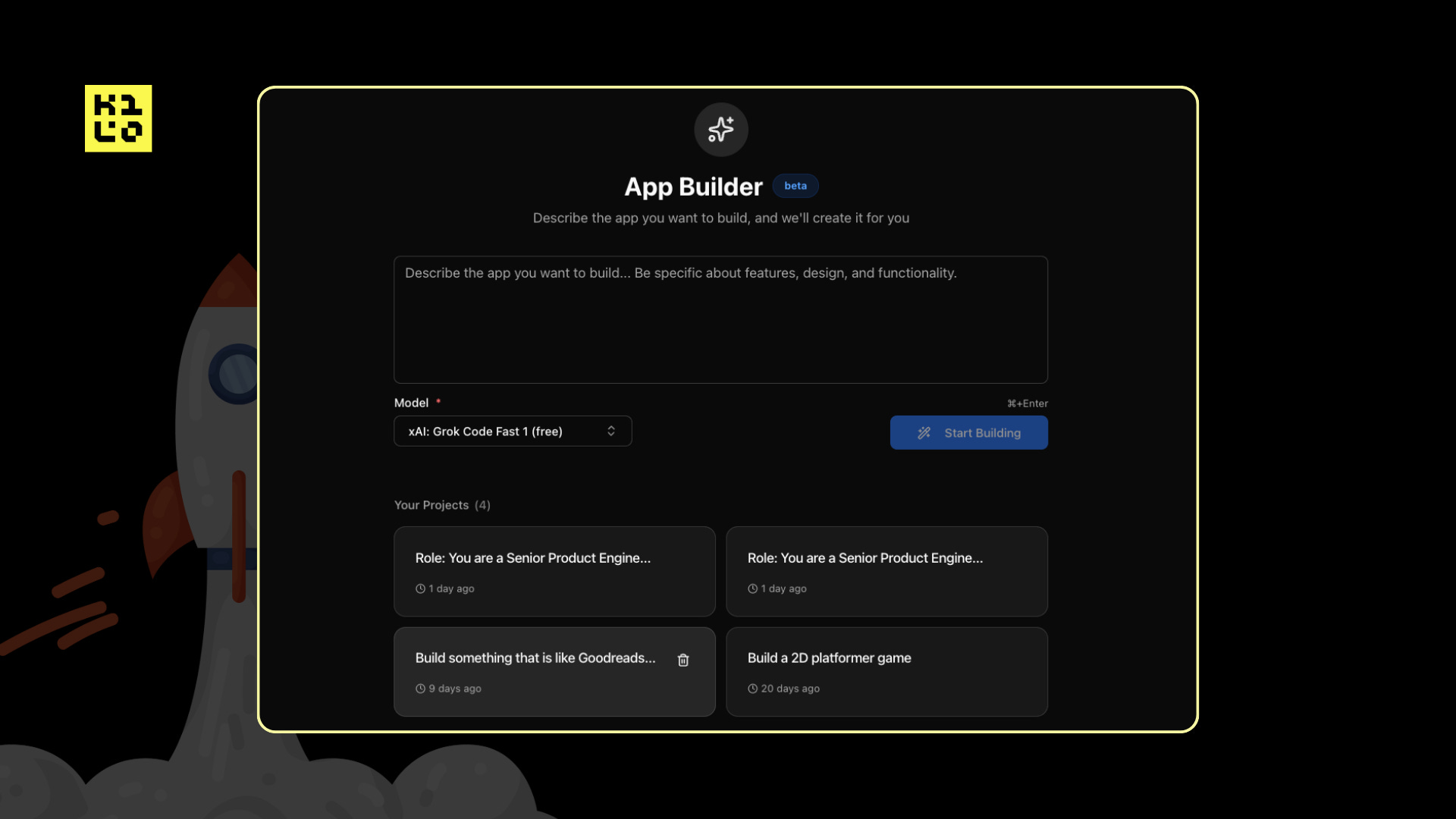
I’ve used tools like Lovable and Bolt to prototype. They’re great for that initial “describe it and watch it appear” moment. But when it came time to actually ship something, I’d look at the generated code and realize I was about to spend a week untangling it into something maintainable.
App Builder started as a question: what if a prototype didn’t have to be a throwaway?
The Dead-End Problem
Tools like Lovable are great for what they do. You describe an app, it appears. That moment of seeing your idea materialize is powerful.
But there’s a ceiling. When you need to integrate with your existing backend, follow your team’s code conventions, or add functionality that doesn’t fit the tool’s model, you hit a wall. You can export the code, but now you’re in a new environment, debugging unfamiliar patterns, essentially starting over with extra steps.
The prototype becomes a dead end. Something you demo, then rebuild properly.
I kept thinking: what if the code you generated was actually code you’d want to keep?
Real Code From the Start
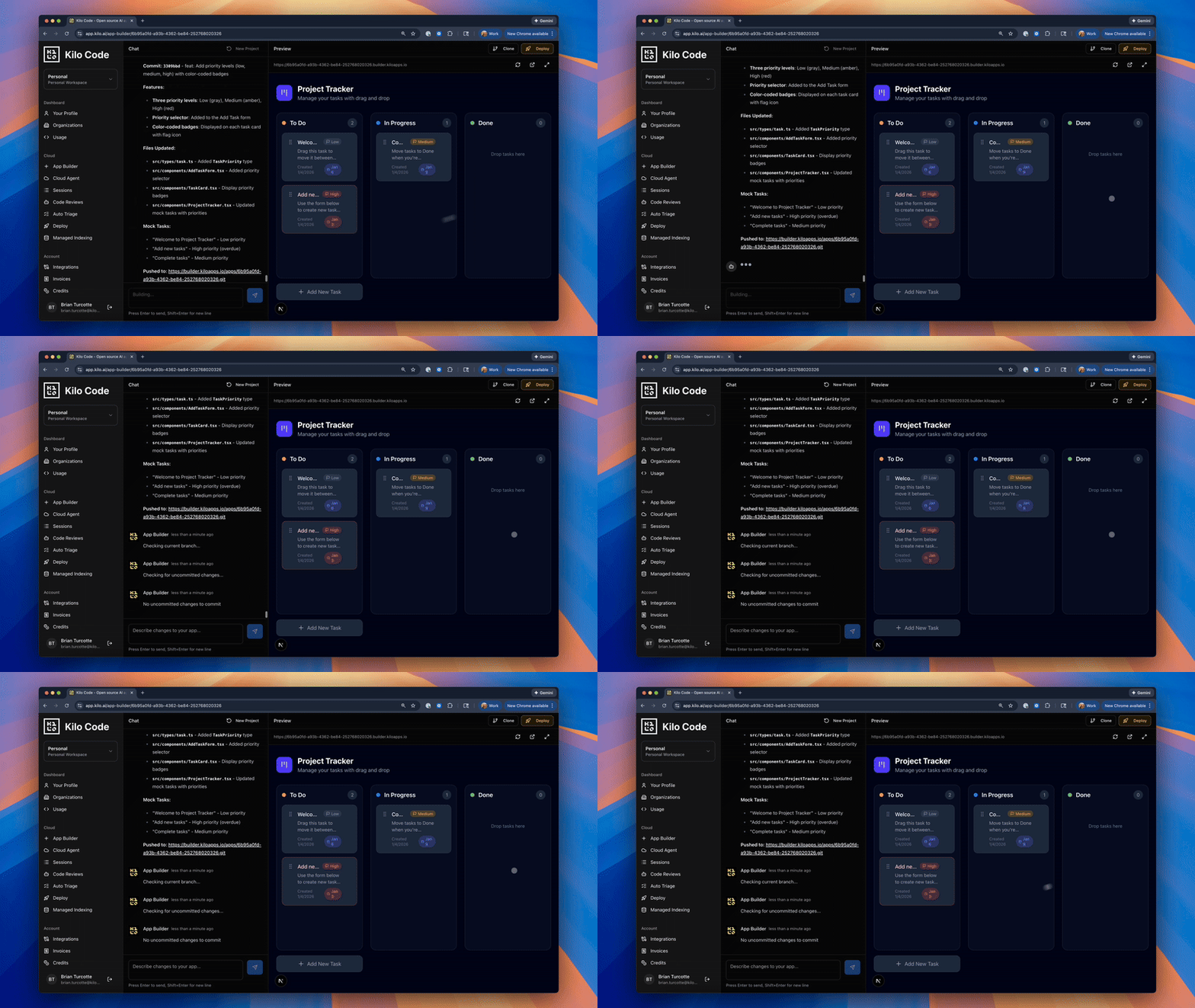
App Builder is a web-based conversation interface with a live preview panel. You describe what you want, the AI generates a Next.js application, and we render it immediately. Every message updates the code, and the preview reflects those changes in real-time.
A few things make this different from Lovable or Bolt:
Model choice. You’re not locked into one model. App Builder runs on the same 500+ models available across Kilo. Use Claude Opus 4.5 for complex logic, or a faster, less expensive model like MiniMax M2.1 for quicker implementations. Match the model to the task.
Pay per token. No AI usage subscription, which can result in invisible rate limits, usage caps, or arbitrary pricing changes. You pay for LLM usage, per token, at exactly the rate set by providers.
Part of the larger Kilo platform. When you outgrow the conversational interface, you’re not exporting into the void. Clone the repo and continue in Kilo’s IDE extension, CLI, or Cloud Agents. Same models you already know, plus Orchestrator mode, Managed Indexing, and the rest of Kilo’s agentic tooling.
These principles are core to how Kilo works. It felt like the right time to bring them to prototyping.
What Works Well
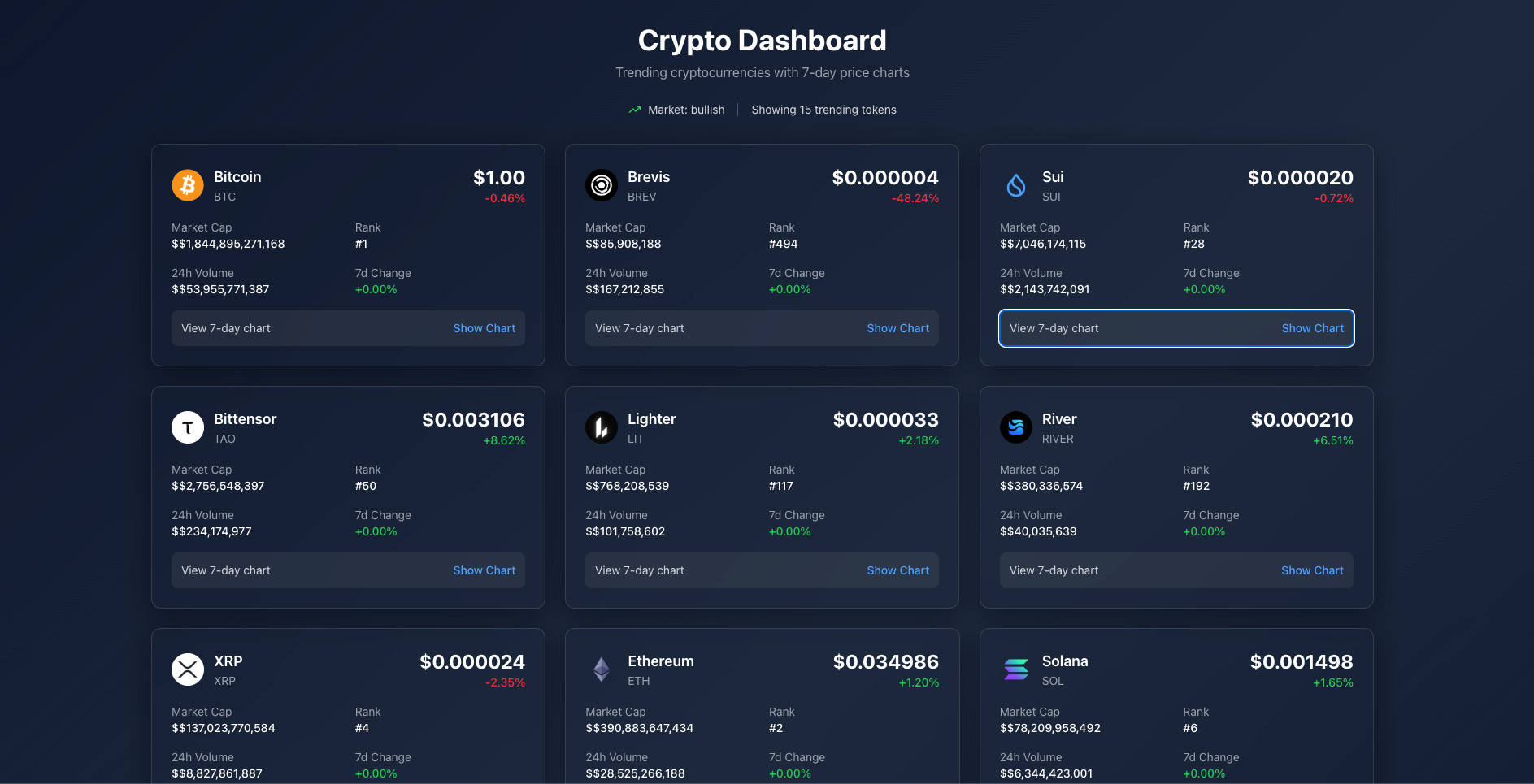
App Builder excels at the things you’d expect from a conversational interface: landing pages, dashboards, internal tools, data visualization apps. Anything that can run as a Next.js application is fair game. In just the few weeks since its launch, we’ve seen people bring a range of ideas to life - from simple, classic video games, all the way to live, interactive crypto dashboards:
The live preview was the feature I was most focused on getting right. There’s no “build and wait” cycle. You’re always looking at the current state of your app, clicking around, testing interactions. When you say “make the navigation sticky,” you see it happen immediately. That feedback loop changes how you think about building.
One-click deployment is also non-negotiable. I previously built Kilo Deploy, and App Builder felt like a natural evolution. The whole point is eliminating friction. If you have to configure hosting, set up CI/CD, or think about infrastructure before your prototype can be shared, you’ve already lost the speed advantage.
Why This Matters
The reason I wanted to build App Builder comes down to one observation: developers waste enormous amounts of time on the wrong kind of work.
Setting up environments. Configuring deployments. Rebuilding prototypes because the generated code wasn’t meant to last. None of that is the actual creative work of building software. It’s friction.
When you remove that friction, the math changes on what’s worth building. That internal dashboard your team has been discussing for months? You can have a working version in an afternoon. The landing page for next week’s launch? Done in minutes. The prototype you want to show investors? Functional and deployed before the meeting.
This isn’t about replacing developers or dumbing down the craft. It’s about getting to the interesting problems faster.
Try It
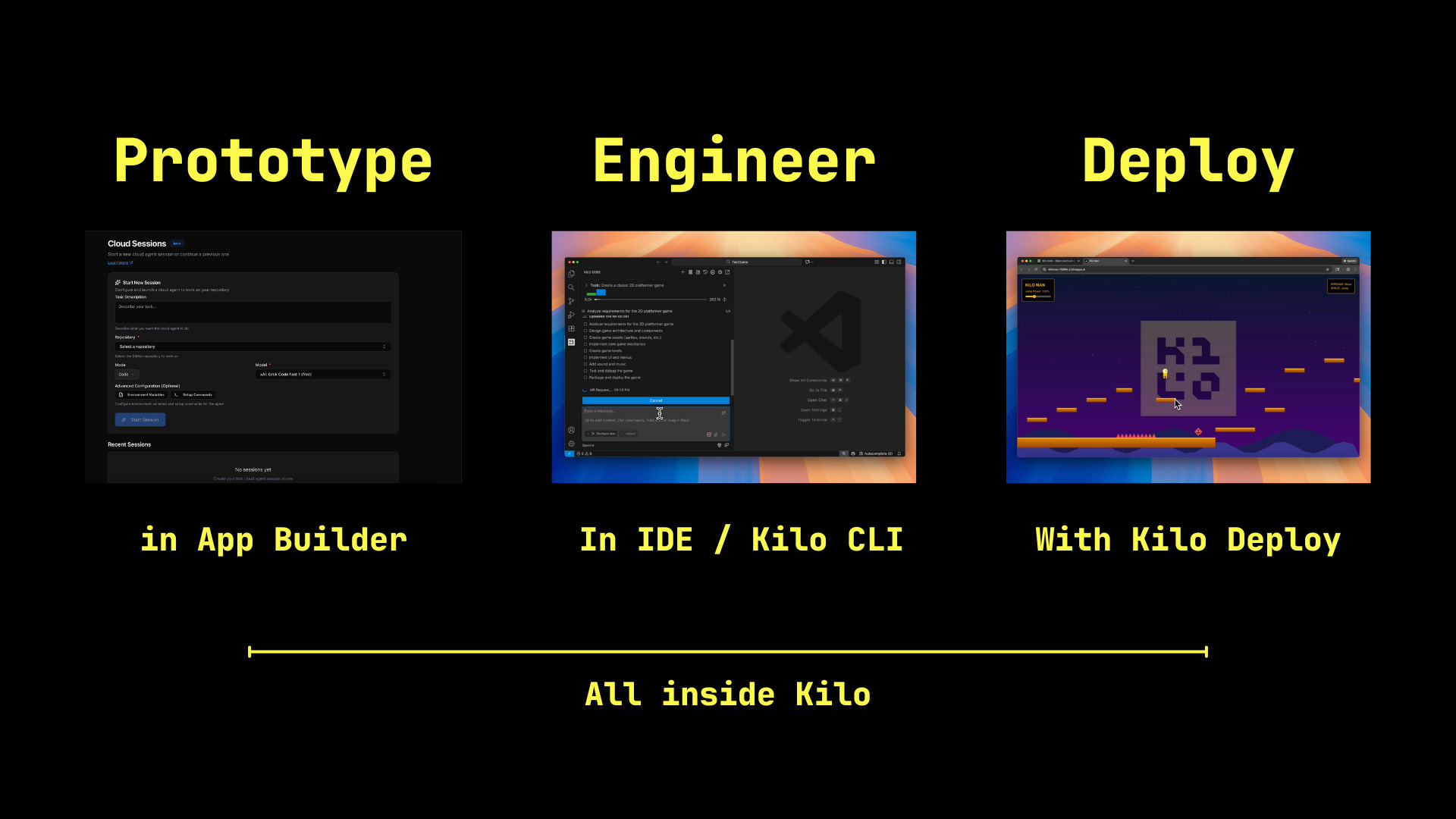
App Builder is live now for all Kilo users.
Head to app.kilo.ai/app-builder, pick a model, and describe something you want to build. Watch it appear. Refine it through conversation. Deploy it when you’re ready.
Then, when you need to go deeper, clone the repo and keep building in Cloud Agents, the Kilo CLI, or your IDE.
I’m genuinely curious what people build with this. Drop into our Discord and show us. The feedback shapes what we build next!
App Builder is such a powerful tool for ideas as they're coming to life!
Thanks 🙏