

Your existing ChatGPT subscription gives you flat-rate access to powerful OpenAI models like GPT-5.3-Codex. Now you can use this subscription to run OpenAI’s top coding models with Kilo in IDEs like VS Code and JetBrains.
No extra pay-as-you-go charges beyond your ChatGPT subscription — it’s a win-win.
Why this matters
Flat-rate access to OpenAI models: Your subscription covers usage without pay-as-you-go API costs.
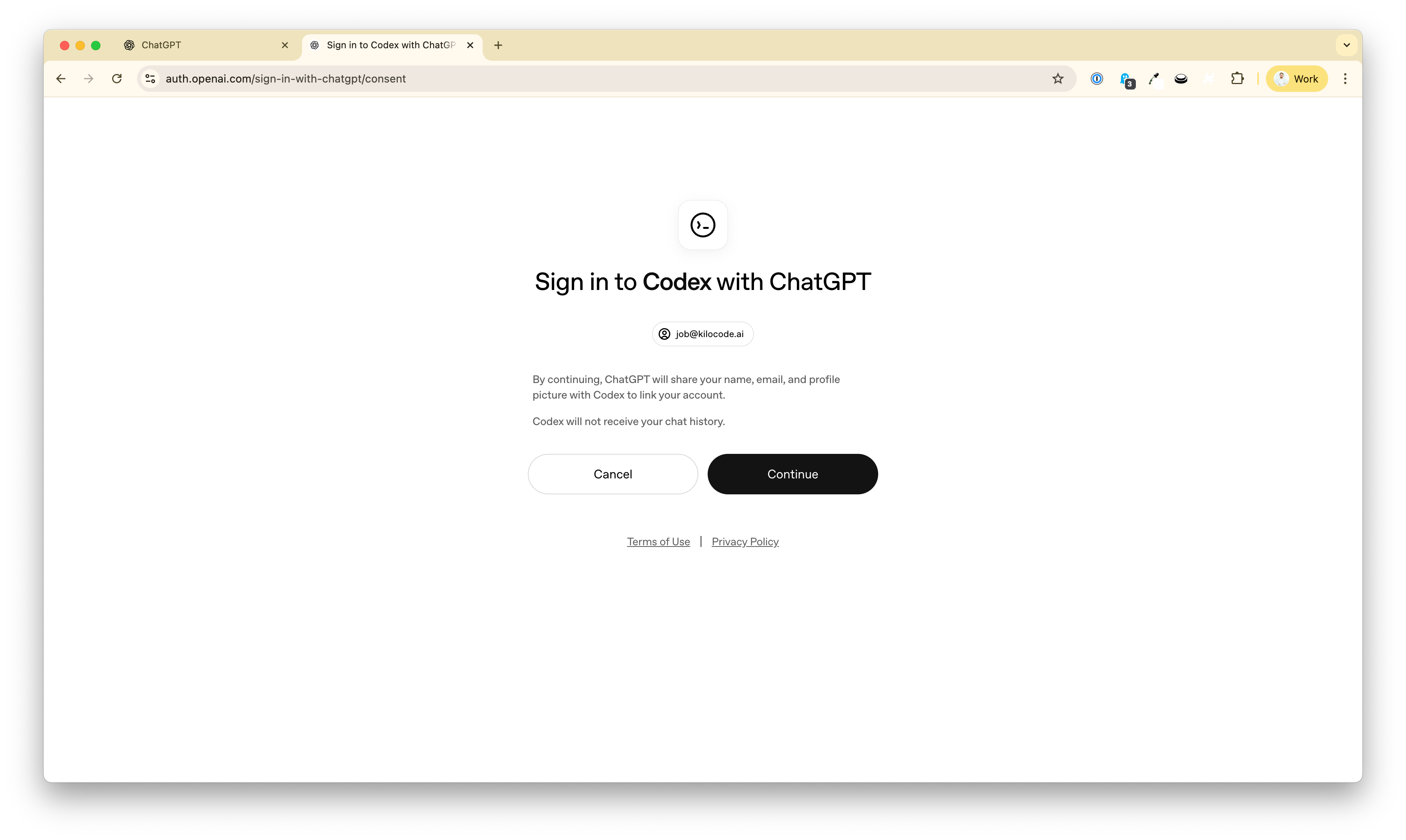
OAuth login (no API keys): Click “Sign in to OpenAI Codex,” authenticate in your browser, and you’re done.
Full agentic workflows: Generate, refactor, debug, edit files, and run terminal commands inside Kilo Code.
Multiple AI modes: Switch between Code, Architect, Debug, and Ask modes for different tasks. Unlock better code reviews with Kilo’s Code Reviewer.
Open source and vendor-neutral: Kilo Code is free and open source with no lock-in.
Note that you can use your ChatGPT subscription for Kilo’s core functionality, such as our VS Code extension and CLI, but this does not include cloud features such as Cloud Agents, Kilo Deploy, or KiloClaw. However, you can use the Kilo Gateway to access all GPT models everywhere in Kilo.
Recommended OpenAI models (included)
Depending on your subscription tier, you’ll see models in the OpenAI Codex catalog like:
GPT-5.4 and GPT-5.4-Codex — OpenAI’s latest flagship, offering superior coding, reasoning, and native computer-use capabilities for complex workflows.
GPT-5.3-Codex — powerful coding model, 56.8% on SWE-bench Pro and 77.3% on Terminal-Bench 2.0.
GPT-5.2-Codex — tuned for agentic workflows and multi-file refactors.
GPT-5.2 — strong general-purpose reasoning for daily coding.
GPT-5-Mini — fast, cost-conscious iterations.
o3 — deep reasoning for complex planning and debugging.
o4-mini — efficient everyday reasoning.
OpenAI models are popular for many different tasks and modes in Kilo. The new GPT login lets you optimize across the models in your plan.
Try o3 in Architect mode and plan your next big project. Use GPT 5.4 to plan and 5.2 Codex to code. Dive into o3 for complex debugging. The possibilities are endless.
Setup takes ~2 minutes
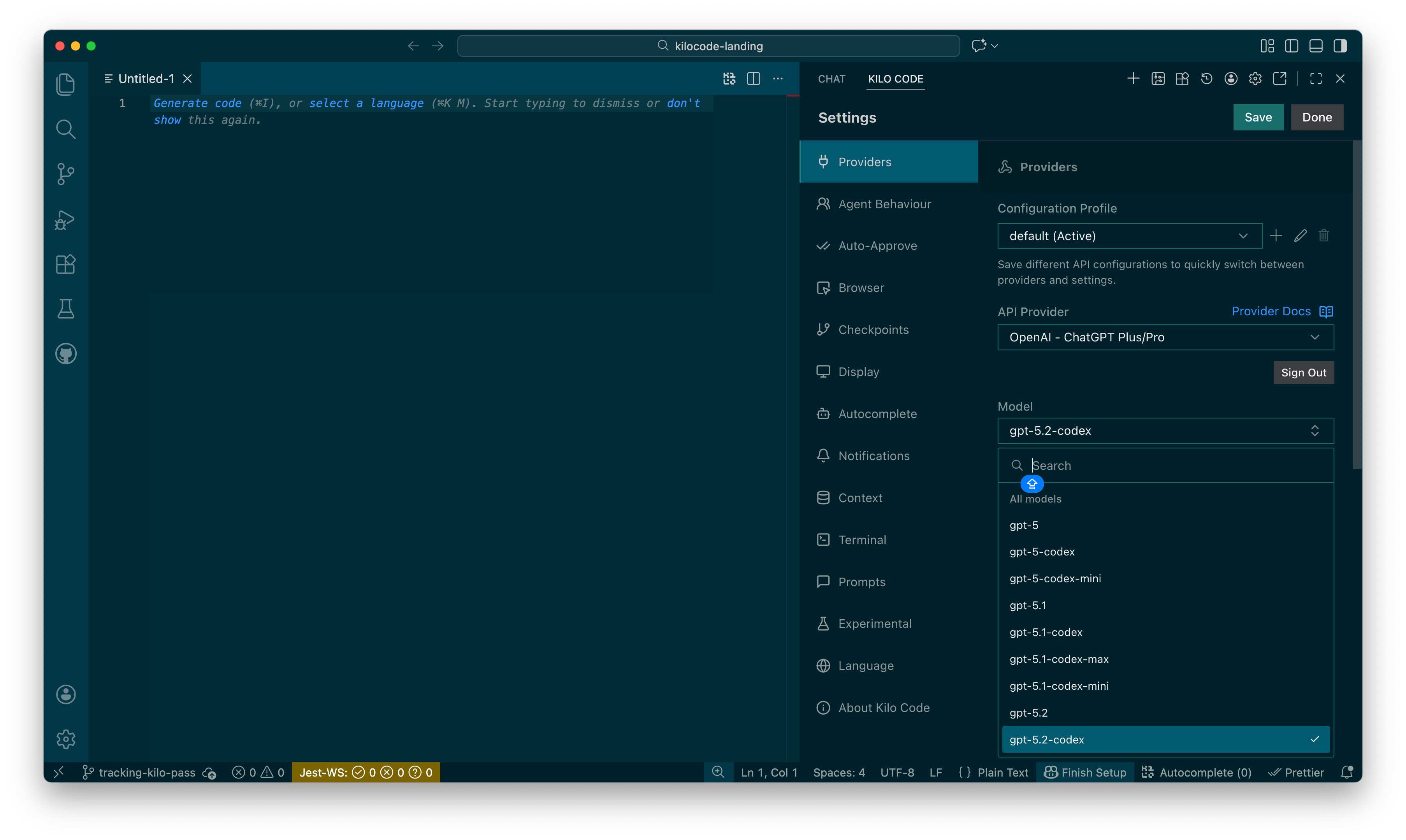
Open Kilo Code settings (gear icon in the Kilo panel).
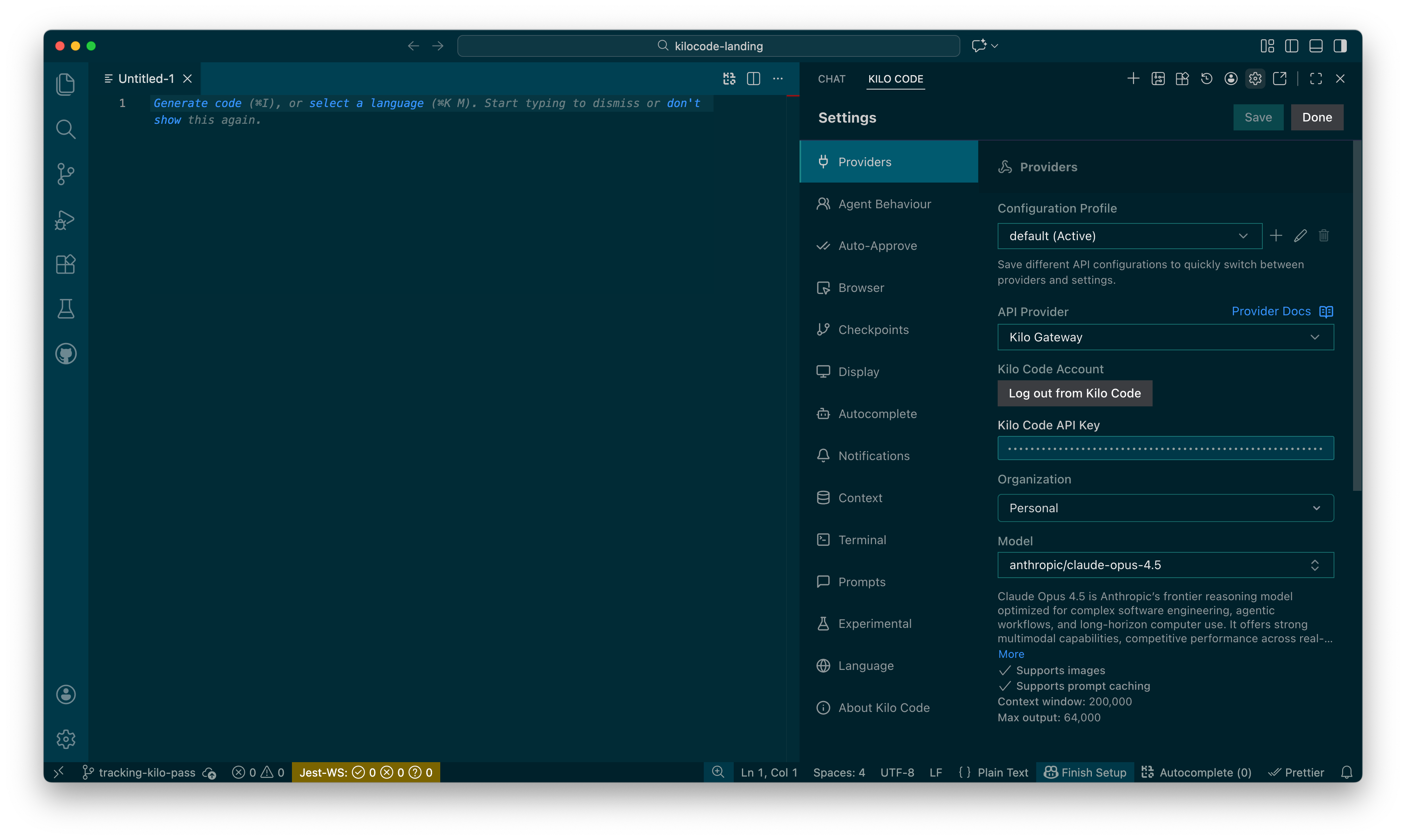
Select OpenAI – ChatGPT Plus/Pro in the API Provider dropdown.
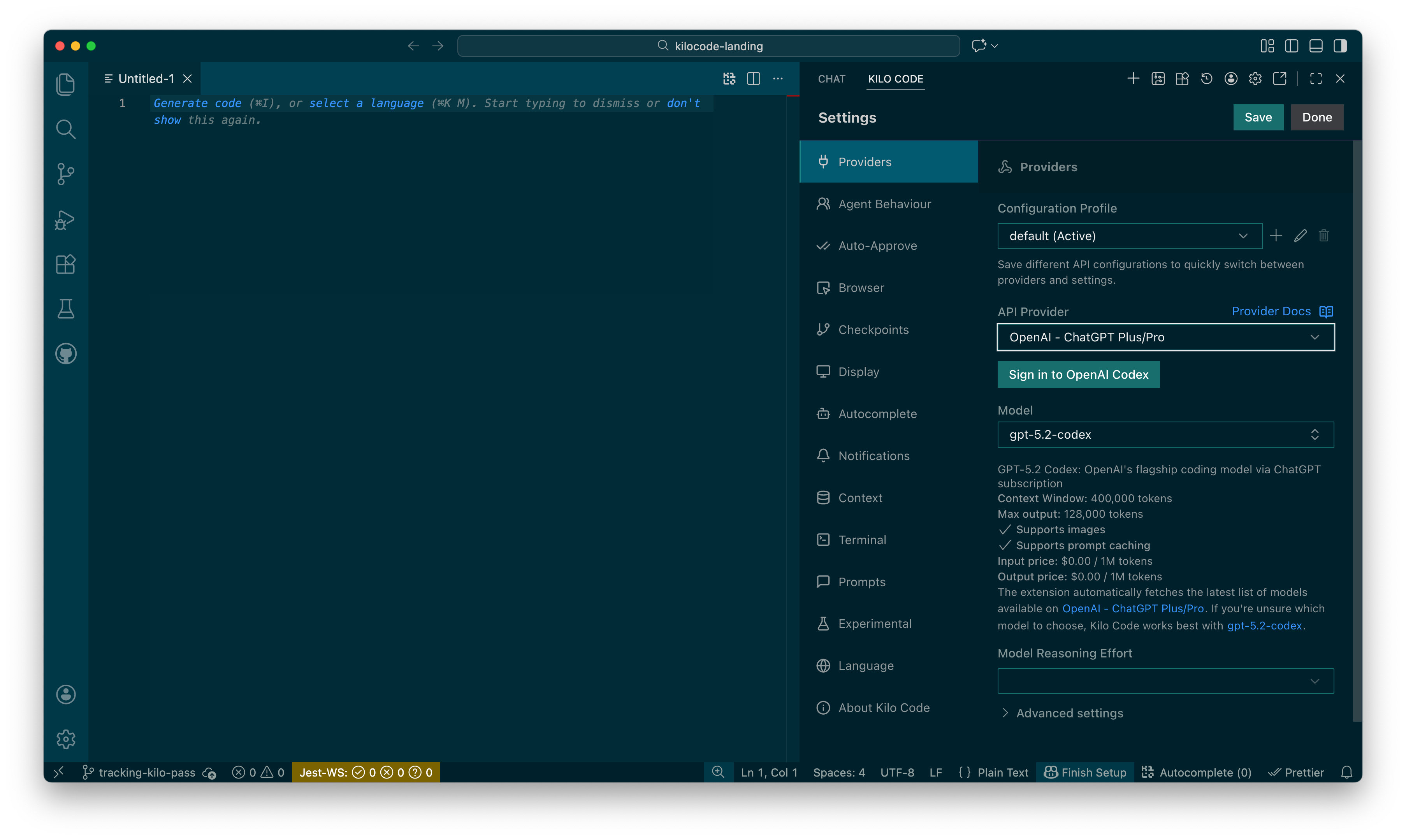
Click Sign in to OpenAI Codex and authorize in your browser.
Pick a model (for example, GPT-5.3-Codex) and start coding.
What’s included (and what’s not)
Included
Access to OpenAI Codex catalog models
Usage billed against your ChatGPT subscription limits
Secure OAuth tokens stored in VS Code secret storage
Limitations
Codex catalog models only (not every OpenAI API model)
OAuth tokens can’t be exported with settings
Requires an active ChatGPT Plus or Pro subscription
FAQ
Do I need a separate API key? No—just sign in with OAuth using your ChatGPT subscription.
Do all ChatPGT plans include access to Codex? Codex is included in ChatGPT Plus, Pro, Business, Edu, and Enterprise plans.
How is usage billed? Usage counts against your ChatGPT subscription, not separate API charges.
Can I still switch providers? Yes. Use OpenAI when it fits and switch to Claude, Gemini, or local models any time.
Can I use my GPT Subscription in KiloClaw? No. But you can use over 500 models, including GPT-5.4, in KiloClaw with the Kilo Gateway.
Get started
Install Kilo Code, connect your ChatGPT subscription, and start coding with OpenAI’s best models inside your IDE today.
WoW, Kilo goes from Great to God-like... To the point I'm start being afraid of how do you folks plan to make some money? Not joking at all, don't want one day to find out my favorite Kilo sold/closed. Pls think of some tier between Free and Team we'll be OK/attracted to pay as individual developers.
Wow, the part about full agentic workflows really stood out; it's smart leveraging existing subscriptions for advansed models like o3, so practical.