

Lovable was great for that first rush: describe an app, watch it appear, and iterate through chat. But then what?
You hit a ceiling. Your prototype works - people want it. But now you need to actually engineer the thing, and suddenly you’re exporting code into the void - wiring up infrastructure from scratch, and wondering why you didn’t just start in a real development environment.
TL;DR: Lovable gets you to a prototype fast, but then you’re exporting into the void. Kilo App Builder gives you the same vibe-coding flow, but you’re already inside a full engineering platform. When your app needs to grow up, you don’t start over. You keep building with agents, deploy with one click, and ship. Free models are available, including Devstral 2 and grok-code-fast-1. Try App Builder, and submit the app you build to our showcase gallery:
Why Kilo App Builder?
You’re Not Exporting Into the Void
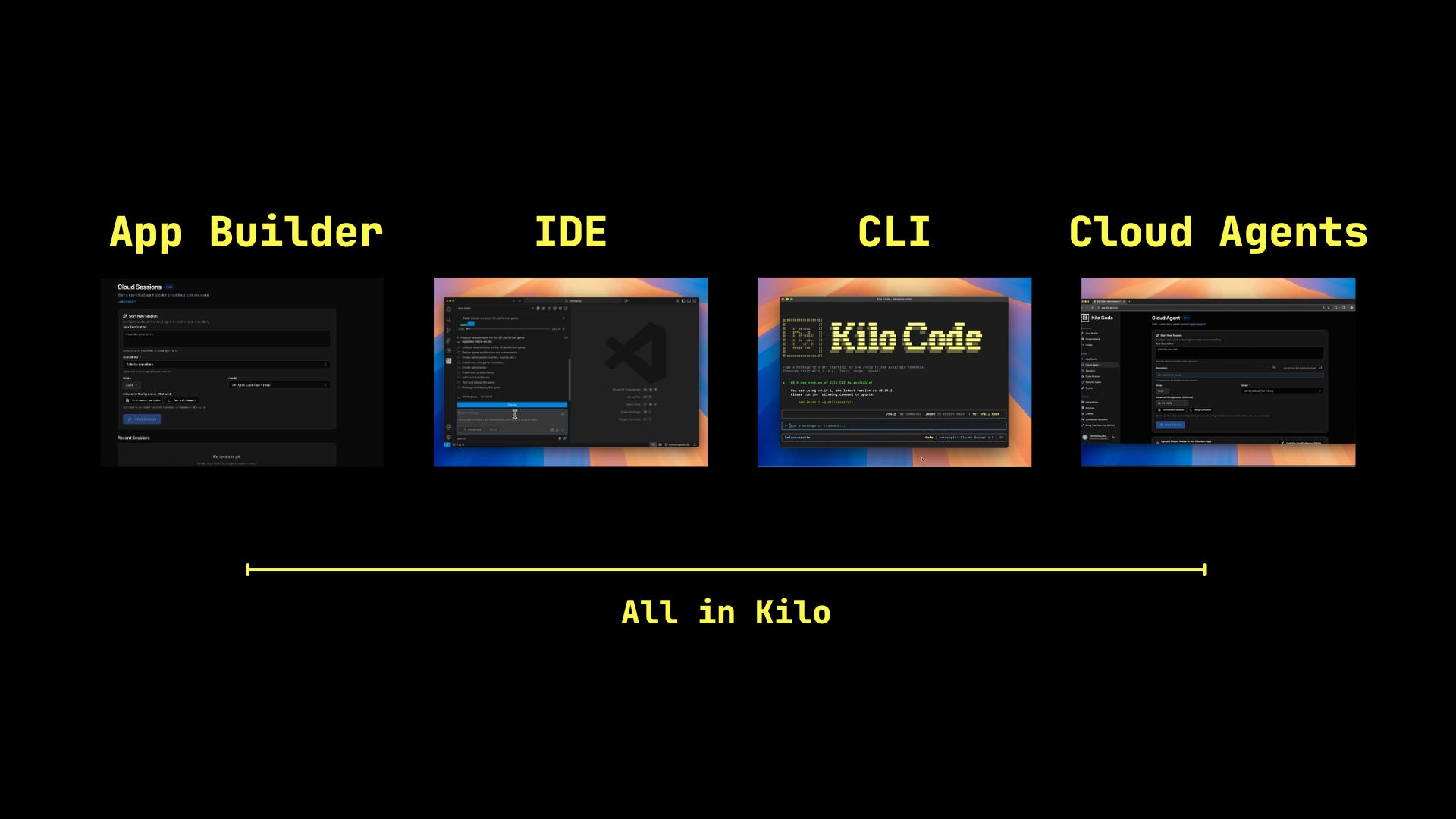
This is the core difference. Lovable gets you to a working prototype, but the path from prototype to production is a cliff. You export to the void and suddenly you’re on your own: configuring hosting, re-wiring auth, figuring out how to actually deploy this thing. The platform that built your app can’t help you ship or secure it.
Kilo’s App Builder lives inside a complete engineering platform. When your prototype is ready for more:
Continue in the Kilo CLI or IDE with the same access to 500+ models
Use Orchestrator mode to coordinate complex agentic development
Run parallel agents to tackle multiple parts of your app simultaneously
Deploy with one click directly from Kilo Deploy
Since Kilo integrates with GitHub in one click, you can move your project along the development flywheel seamlessly - from idea, to development, to Code Review, to production.
The gap between “it works” and “it’s live” disappears.
Making the Switch
Keep Building a Lovable Project in App Builder
You’ve got a Lovable project with real momentum and you want to continue development with more capable tooling. Here’s the path:
Export from Lovable via GitHub. If you haven’t already, connect your Lovable project to a repo and sync. Clone it locally. You now have a React + Tailwind + Vite codebase you fully control.
Open it in Kilo. Install the Kilo extension in VS Code or JetBrains, or use the Kilo CLI. Point it at your repo. Kilo’s specialized agentic modes can immediately start working with your codebase - refactoring, adding features, debugging, writing tests.
Replace Lovable dependencies as needed. If you were using Supabase through Lovable, you can keep it (just update your environment variables) or migrate to something else. Kilo can help you refactor auth, database connections, or edge functions.
This path is for projects with significant custom logic or existing users—apps where preserving the codebase matters more than starting clean.
Move Your Workflow to App Builder
You’ve been using Lovable for prototyping, demos, creative exploration, or MVPs. The project might not need to migrate - your workflow does. Here’s how App Builder fits in:
Same conversational flow. Describe what you want, watch it build with a live preview, iterate through chat. If you’re comfortable in Lovable, you’re comfortable in App Builder. The interaction pattern is nearly identical.
You pick the model. Lovable chooses for you. App Builder gives you 500+ options. Free models like Devstral 2, grok-code-fast-1, and stealth model giga-potato are genuinely capable for exploration. Switch to Claude or GPT-5.2 when you need heavier reasoning. Change models mid-session if something isn’t clicking.
No subscription walls. Usage-based pricing at model provider rates. No artificial limits killing your momentum when you’re deep in a build.
Native database support. Building something data-driven? App Builder has DB support built in. No need to immediately wire up Supabase or external services.
Iterate the way you’re used to:
“Make the sidebar collapsible”
“Add a dark mode toggle”
“The chart isn’t rendering correctly”
“Add user authentication”
Deploy or go deeper. One click gets you a production URL. Or export to Kilo CLI/IDE and keep building with agents that already understand your codebase. This is the difference—you’re not exporting into the void. You’re moving to a more powerful interface within the same platform.
Lovable Workflows in Kilo

If you’re used to Lovable’s patterns, here’s how they map:
Describe and build:
Lovable: Describe your app in natural language, watch it generate
Kilo: Same - describe your app, watch it build with live preview
Chat-driven iteration
Lovable: Ask for changes through chat, see updates applied
Kilo: Same - request changes, see them applied in real-time
Visual editing with hot reload
Lovable: Edit visually, see changes instantly
Kilo: Live preview in App Builder; full IDE editing when you export
One-click publish
Lovable: Publish to a Lovable URL
Kilo: One-click deploy to production URL
GitHub sync
Lovable: Two-way sync with a repo
Kilo: Export to CLI/IDE with full git workflow, and continued agentic orchestration
When Your App Outgrows App Builder
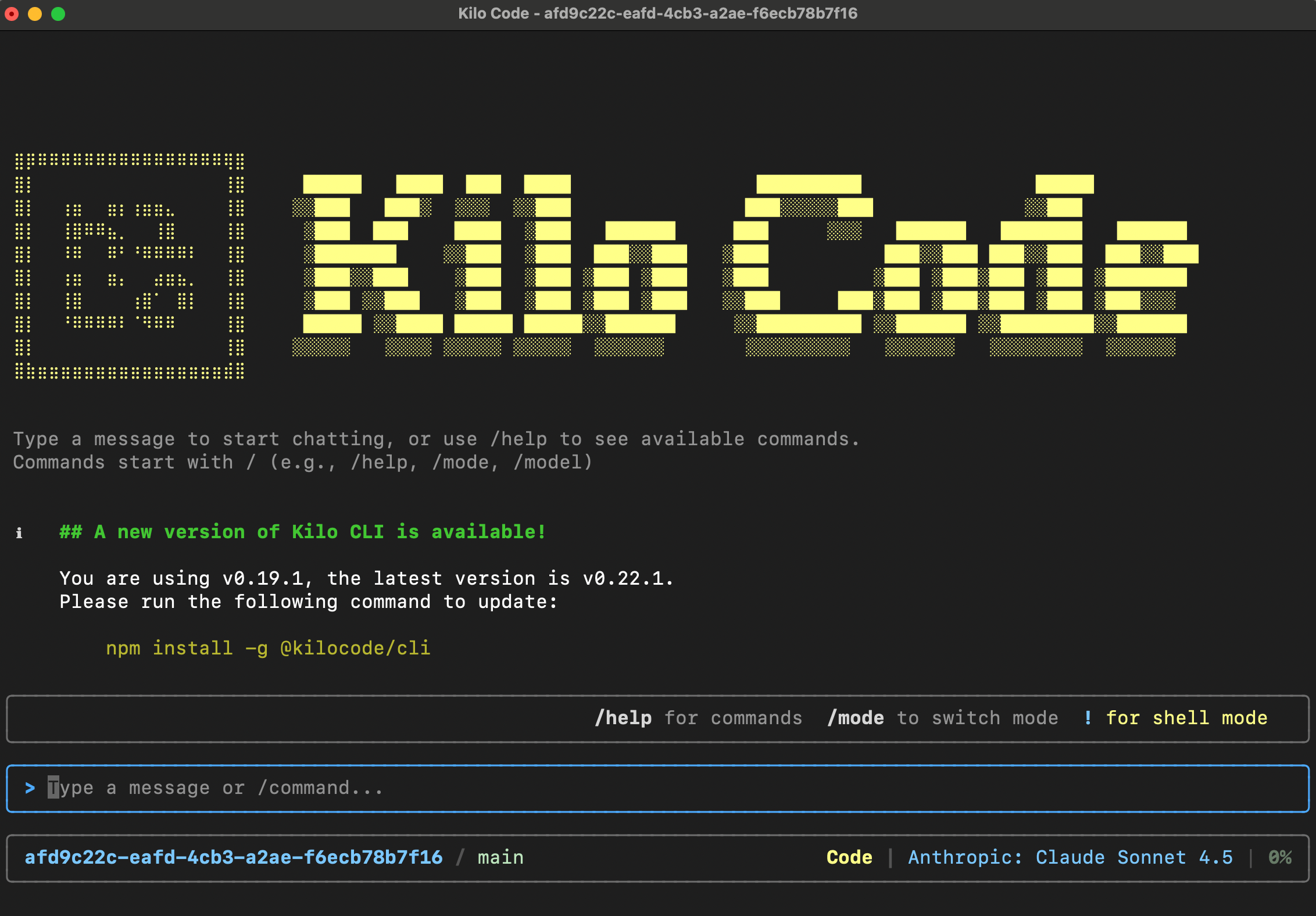
App Builder is the starting point. When your project needs more:
Orchestrator mode: Break down complex features into coordinated subtasks across Code, Debug, and Architect agents.
Kilo CLI: Run agents from your terminal with full git worktree support for parallel development.
Parallel agents: Work on multiple parts of your codebase simultaneously without conflicts.
Memory Bank: Store architectural decisions and context so you’re not re-explaining your app every session.
Code Reviews: Automated PR analysis before you merge.
Kilo Deploy: One-click deployment with intelligent configuration detection.
The key thing: you don’t re-platform. You don’t export and figure it out. You just access more capability within the same system.
Questions?
Jump into the Kilo Discord. The community is active, and the team is eager to hear your feedback!