

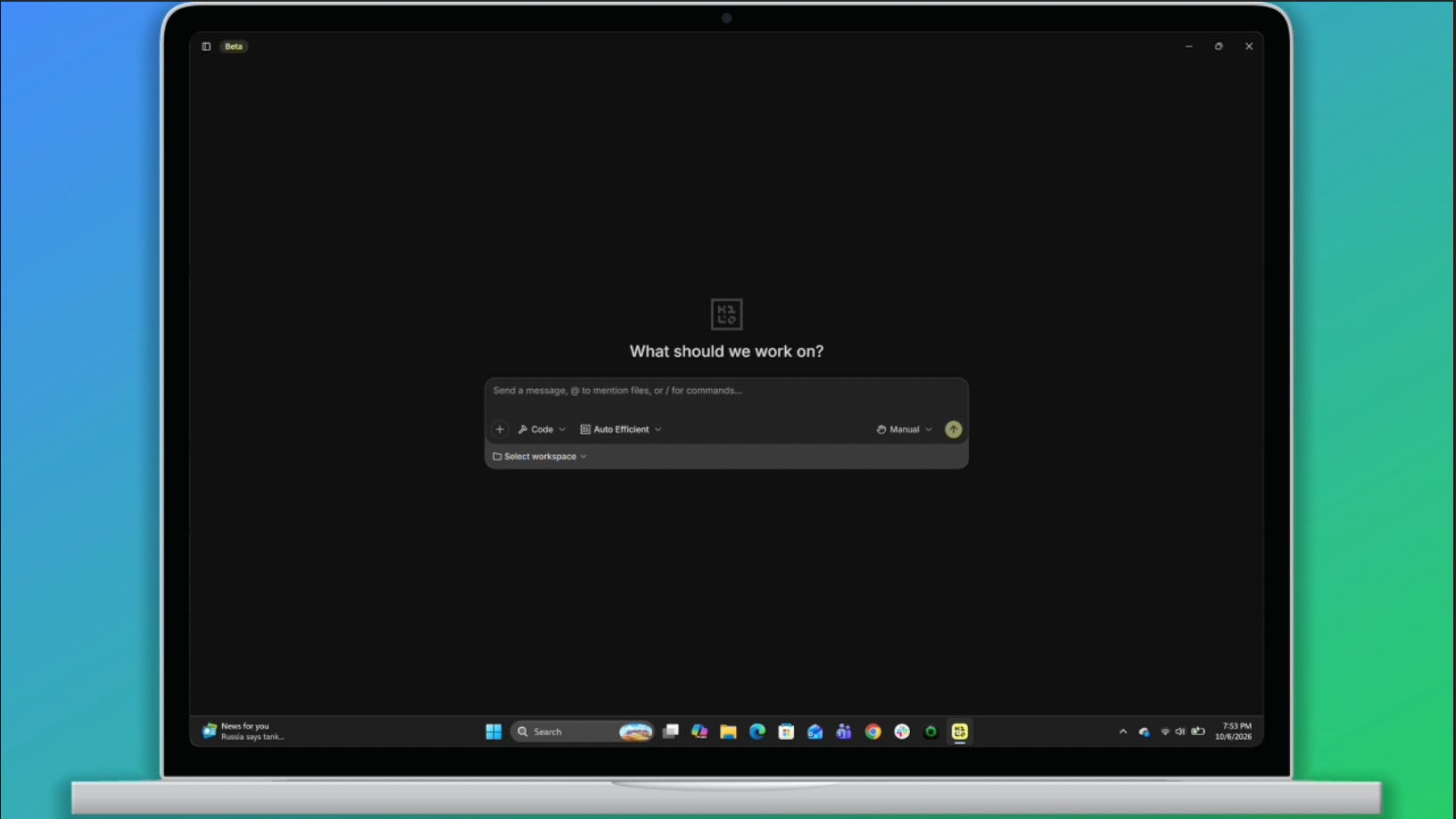
Microsoft’s new Surface Laptop Ultra runs on Windows on ARM and is designed to run local AI in production. Starting today, Anaconda supports Windows on ARM, so it’s also a first-class machine for building with Python.
Here’s what that means for you: Python, conda, and Anaconda’s vetted packages run natively on the device from day one. You can manage all of them in Kilo Desktop, the agentic engineering tool for developers and data scientists who build AI applications and analyze data.
No more emulation
Until now, Python on Windows on ARM meant emulation. Anaconda and Miniconda ran through Prism, the layer that lets x64 apps run on ARM chips. It worked, but every instruction took an extra step. Packages with hardware-specific code didn’t always cooperate.
That step is gone. The Python runtime, conda, and the packages in Anaconda’s trusted repository are now built for ARM64. They run directly on the processor.
The practical upshot: install Kilo Desktop on a new Surface device, and Python behaves the way it does everywhere else.
This matters most for AI work. Local AI depends on a long chain of software, from Python down to the libraries that talk to the GPU. When every link is native and trusted, the hardware can do what it was built to do.
Your environment, portable
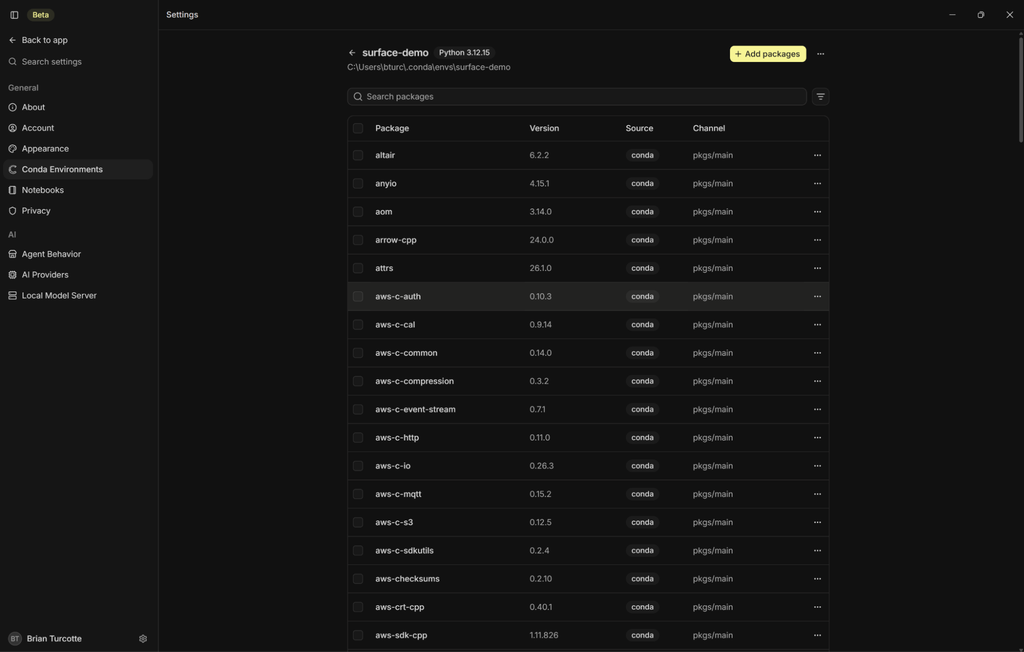
Most projects start with an environment: its own Python version and its own packages. Conda describes all of that in one environment.yml file.
On Windows on ARM, that file works the same way it does on any other platform. In Kilo Desktop, you can:
Import your
environment.ymlPull in Anaconda vetted packages
Build the environment and work from there
A teammate with the same file gets the same setup. A project built on one Surface device can be rebuilt on another, or on a colleague’s machine, with less guesswork.
Run models on the device
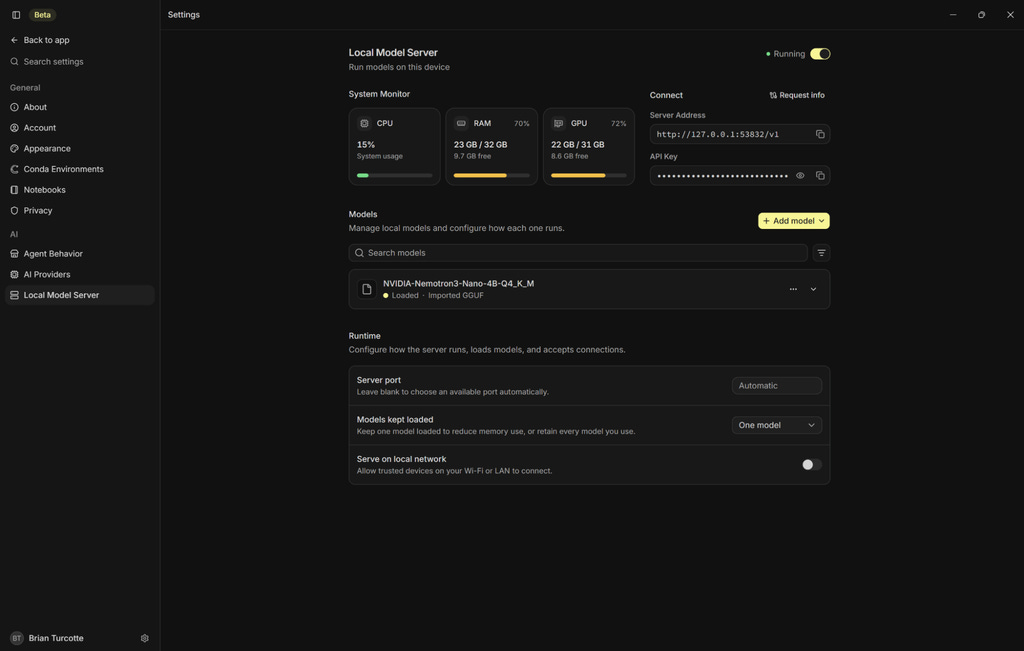
Windows on ARM makes it practical to run AI models entirely on the Surface device. Once your packages and models are downloaded, everything runs locally. No data goes to the cloud.
In Kilo Desktop, you can import, serve, and use local models directly in the app. Load an open-weights model and start a local model server in a few clicks.
The server uses the widely adopted OpenAI-compatible API. To point your existing code and tools at the local model, you change a single address.
The build, start to finish
From a new Surface device to a working AI app in minutes:
Install the native Windows on ARM build of Kilo Desktop and access Anaconda packages.
Create your project environment from a single
environment.ymlfile.Serve models locally from Kilo Desktop.
Build a Python app with Anaconda packages, such as a Streamlit dashboard over a local dataset, that answers questions using the model on the device.
The whole stack stays on your laptop: the Python runtime, the packages, the model, the agent, the data, and the finished app.
Why builders should care
Building solo? You get a laptop that runs real AI workloads locally. Use it to prototype, work with sensitive private data, or build on the go.
Building on a team? You get reproducibility and control, two things enterprises have been asking for. Environment files keep setups consistent across devices. Sandboxing lets agents work on real projects while limiting what they can reach.
Building for Windows on ARM? Native Anaconda packages open up richer capabilities. The tools data scientists and AI developers use every day now run natively on the platform.
Start building
Anaconda’s native Windows on ARM support is available now.
I do like the idea of kilo desktop but it's still clearly WIP I've had endless issues with sub agents getting stuck in a similar fashion to what I saw when playing with gas town, but it's definitely got potential