

For months, we’ve watched developers build incredible things with Kilo Code. We’ve built alongside our open-source community as we navigated agentic engineering together.
But what happens when you want to share what you’ve built, quickly, and simply? The deployment dance begins.
Switch tabs. Configure hosting. Copy environment variables. Wait. Debug. Wait some more.
We thought: What if shipping your work was as seamless as building it?
Now it is.
One Click Deployment
Kilo Deploy lets you take Next.js projects and put them live on the internet with a single click. No YAML files to wrestle with. No build configurations to debug at 2 AM. No context switching to a separate platform.
You click Deploy. We handle the rest.
Your project builds. Artifacts upload. Infrastructure provisions. Logs stream in real time so you can watch the magic happen. And within moments, you have a live URL to share with the world, or just send to your team for feedback.
This is deployment the way it should have always worked.
Built for How You Actually Work
We designed Kilo Deploy around the workflows developers already have, not the workflows we wish they had.
Our simple GitHub integration means that every push to your connected branch triggers a rebuild. Make a change, push your code, and your deployment updates automatically. No webhooks to configure, no CI/CD pipelines to maintain.
Zero configuration required. Kilo Code detects your package manager—npm, pnpm, yarn, or bun—and runs the right build command. It generates your deployment settings automatically. You focus on your code; we focus on getting it live.
Full deployment history gives you complete visibility into every build. Timestamps, logs, URLs, it’s all there. Need to redeploy? You can do it with a single click. Want to inspect what went wrong in that failed build from last Tuesday? The logs are waiting for you.
What You Can Build
Kilo Deploy currently supports Next.js 14 & 15, with support for Next.js 16 on the way. That covers the vast majority of modern React applications, from simple landing pages to complex full-stack apps.
Here are some scenarios where Kilo Deploy really shines:
Quick prototypes
Had an idea in the shower this morning? By lunch, it can be live. There’s something magical about being able to share a working URL instead of a screenshot or a screen recording. “Here, try it yourself” hits different. For example, here’s a 2D video game I created in one shot with Anthropic’s Opus 4.5, and deployed right away with Kilo Deploy:

Staging environments
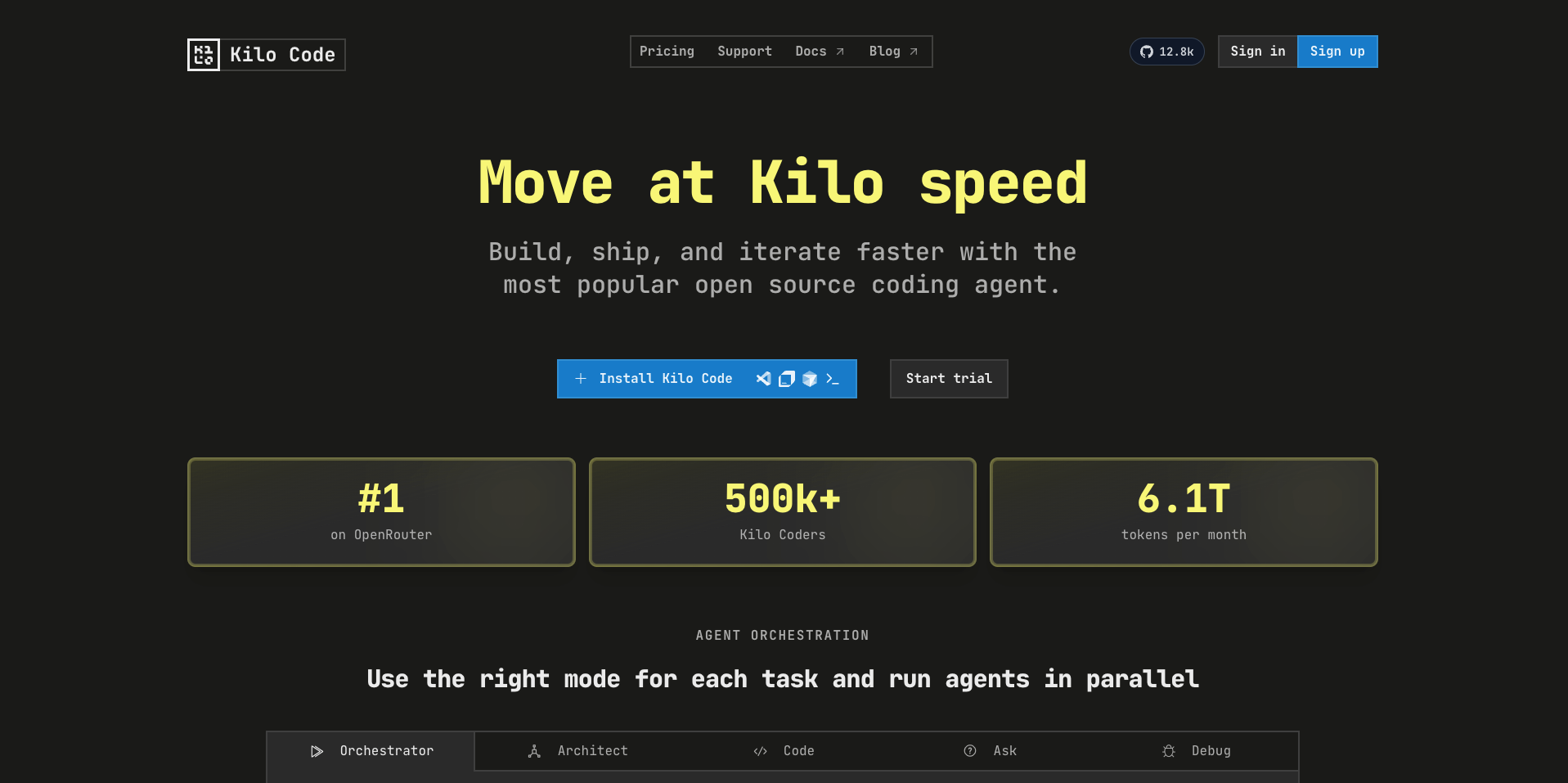
Before you push to production, give your team (or your client, or your beta users) a real preview environment to explore. Catch bugs before they catch you. I even deployed a copy of our website with Kilo Deploy, and I frequently use it to show my Kilo colleagues live mockups of potential changes:
Rapid iteration
When you’re in the zone, the last thing you want is friction. Push commits, watch rebuilds happen automatically, see your changes live in seconds. Stay in flow.

Environment Variables and Secrets
Real applications need configuration. Kilo Deploy has you covered.
During deployment setup, you can add environment variables with a simple key-value interface. Need to keep something secure? Toggle it as a secret, and we’ll encrypt it appropriately. Your production credentials stay safe.
Speaking of databases: while Kilo Deploy doesn’t include built-in database hosting, it plays nicely with any external database service. Connect to Supabase, PlanetScale, Neon, your own PostgreSQL instance, or whatever your stack requires.
Pricing
To celebrate our launch, Kilo Deploy is currently free to use for a limited period.
We want you to jump in, deploy your projects, and experience the platform firsthand without barriers. We will be rolling out our official pricing tiers in the near future, but during this introductory period, the bill is on us.
Our goal is to get Kilo Deploy into as many hands as possible. We encourage you to test the limits of what the platform can do; however, to maintain stability for the wider community, we reserve the right to manage or pause projects with extraordinary resource consumption or unusual traffic patterns.
Getting Started
If you’re already using Kilo Code, you’re two minutes away from your first deployment:
Connect GitHub. Head to Integrations → GitHub, click Configure, and follow the prompts. This takes about 30 seconds.
Open the Deploy tab. You’ll find it in your Organization dashboard or Profile.
Click New Deployment. Select your repository and branch.
Hit Deploy. That’s it. Watch the logs stream, and grab your deployment URL when it’s ready.
We’ve deliberately kept this simple because deployment should be simple. The complexity should live in your application, not in shipping it.
What This Means for Kilo
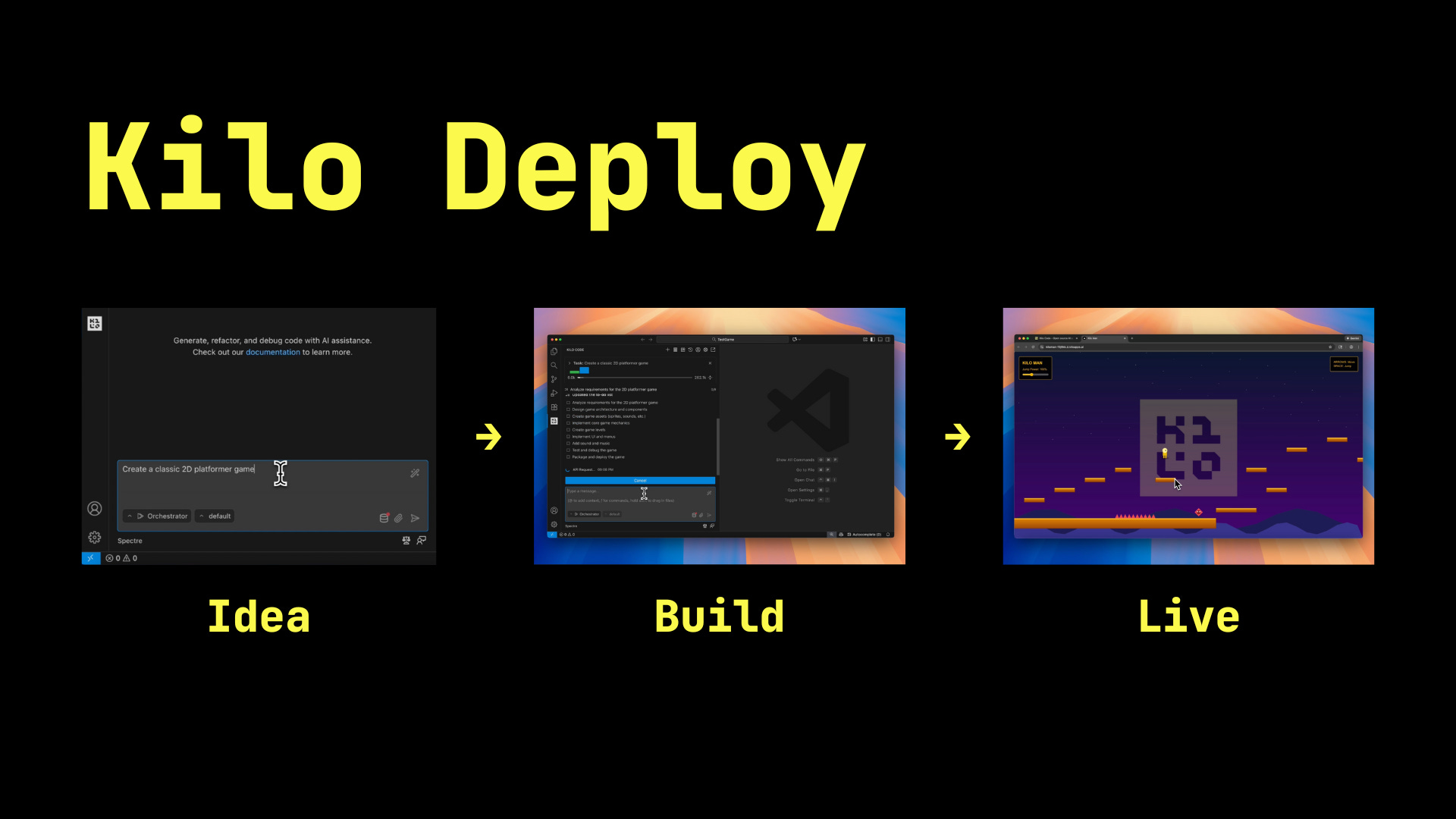
You can now go from idea to live application without ever leaving the Kilo ecosystem. Prototype something, build it out, deploy it, iterate on feedback, ship updates—all in one place, all with the tools designed to work together.
This is just the beginning. We have ambitious plans for Kilo, and we can’t wait to share what’s next. But for today, we’re excited to put this in your hands.
Try It Now
Kilo Deploy is available today for all Kilo Code users. Connect your GitHub account, spin up a Next.js project in Kilo, and ship something.
Then tell us about it. We want to see what you build. Share your deployments with us on Twitter, drop into our Discord, or just reply to this post. Every project you ship makes us unreasonably happy.
The deploy button is waiting. Go push something live.
Have questions? Check out the Kilo Deploy documentation or reach out to our support team at hi@kilo.ai. We’re here to help you ship.
You guys are so generous!
will you be adding platforms besides next.js?