

Kilo Console is a local, browser-based UI for the Kilo CLI. It gives you one place to manage your projects, git worktrees, sessions, and settings — without hand-editing JSON config files. This guide walks through the basics.
Kilo Console is in beta. Watch video for a quick overview or read the walkthrough below.
Open the console
Start it from your terminal. You will need to install a Release Candidate package since it’s still an experimental feature:
npm -g install @kilocode/cli@rc
kilo console
This starts a local daemon and opens the console in your browser. The main page lists every project you have.
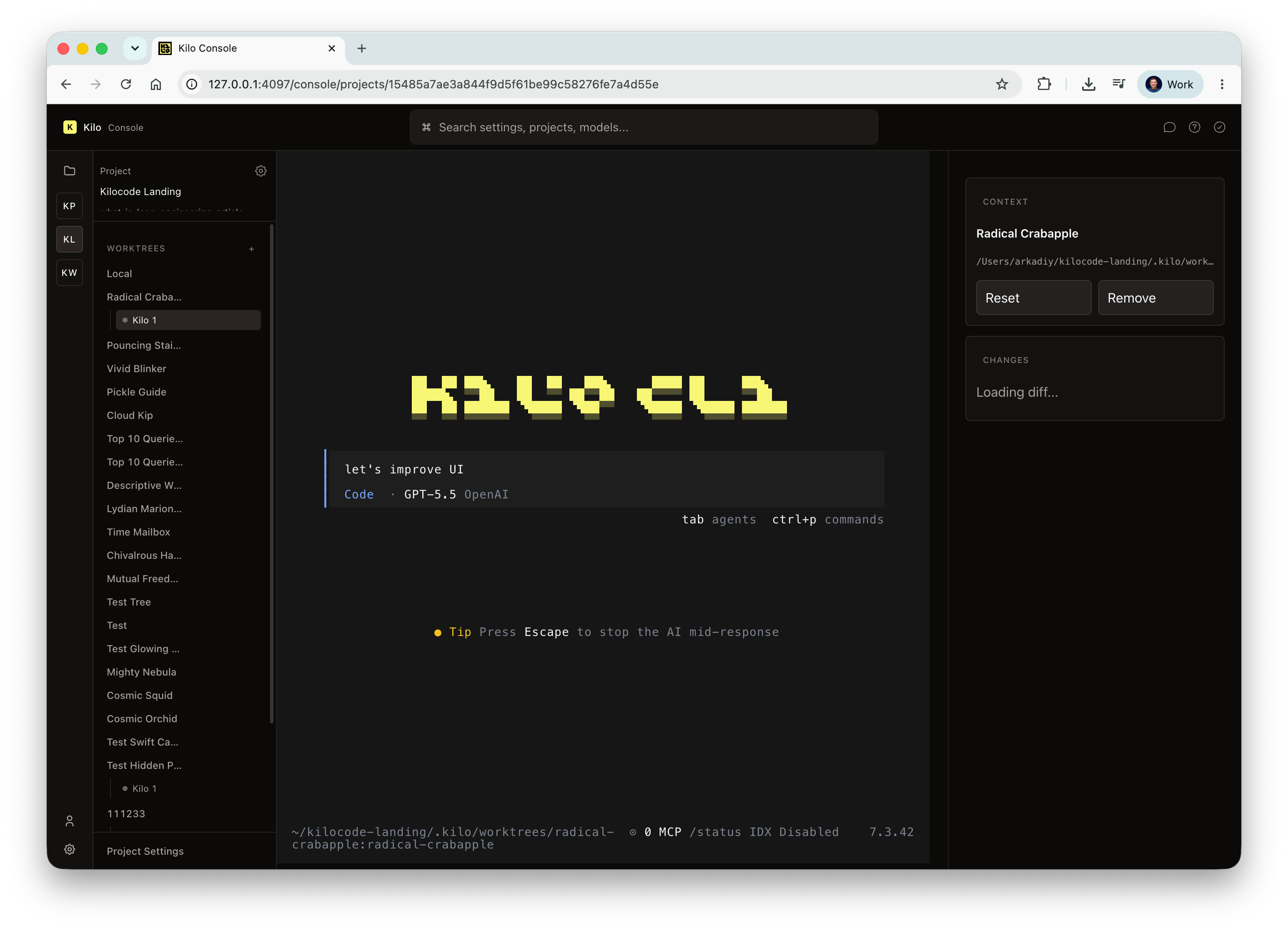
Open a project and create a worktree
Click a project to open it. Inside the project you have access to its git worktrees. From there you can launch a CLI session in that worktree and start working.
Edit project settings
Open the project’s settings to set things like your default models.
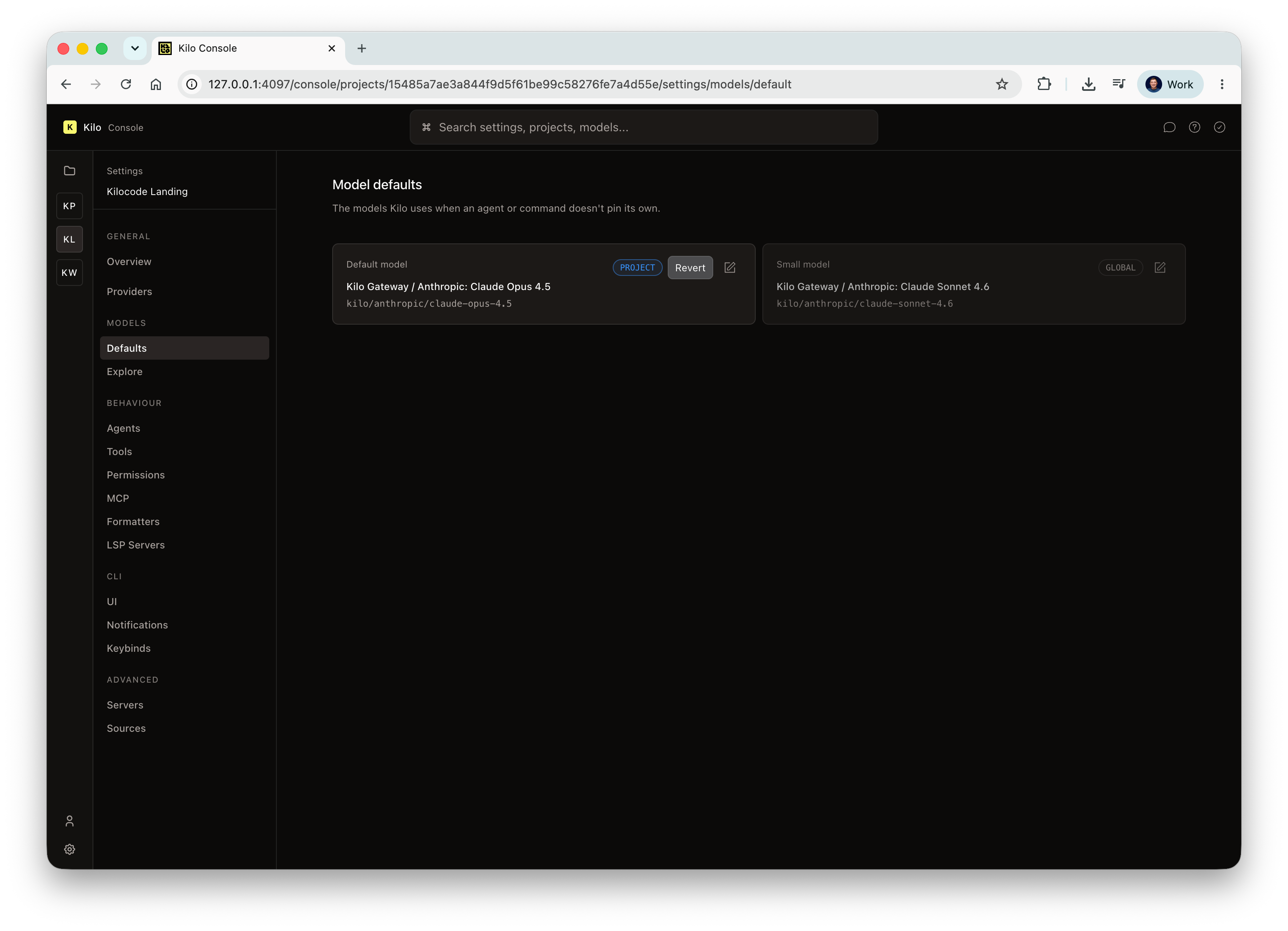
Each setting shows where its value comes from: whether it’s inherited from the global config or set on the project itself. Pick the value you want and save.
Work with agents
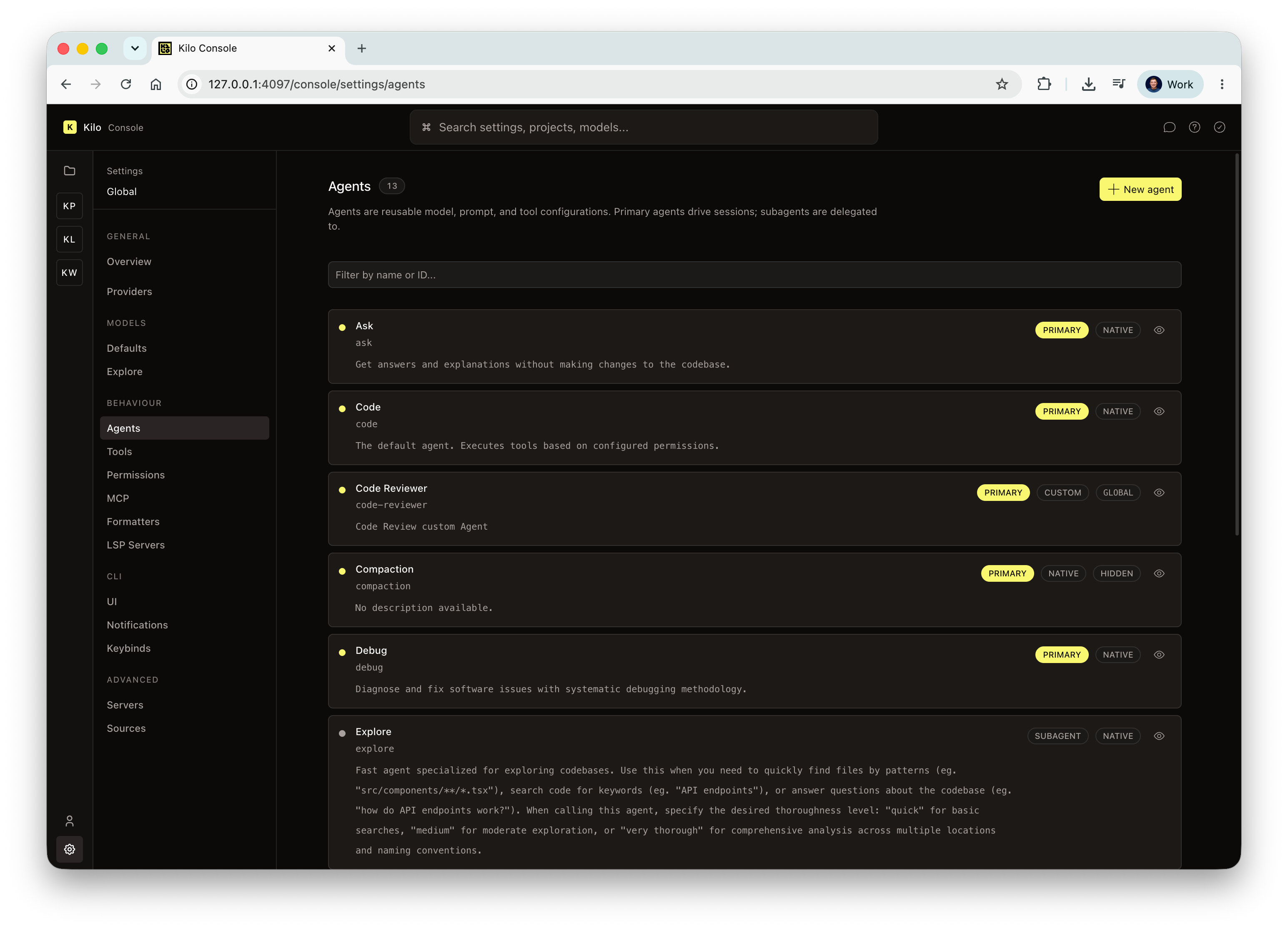
In the agents section you can create a new custom agent, or look at the agents the Kilo team ships by default.
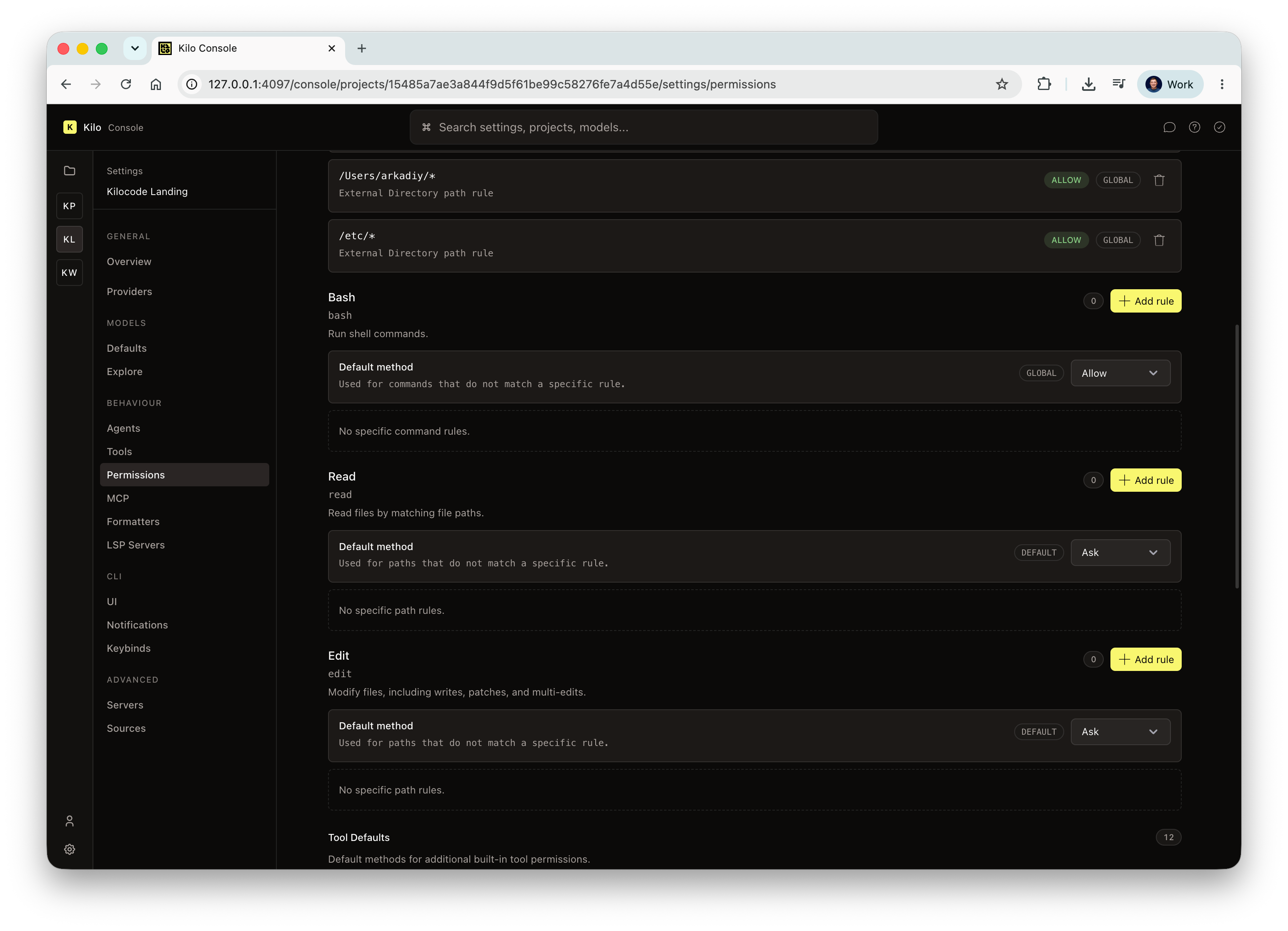
You can view the tools available, review permissions, and edit or add new permission rules that control what the agents are allowed to do.
Connect providers in global settings
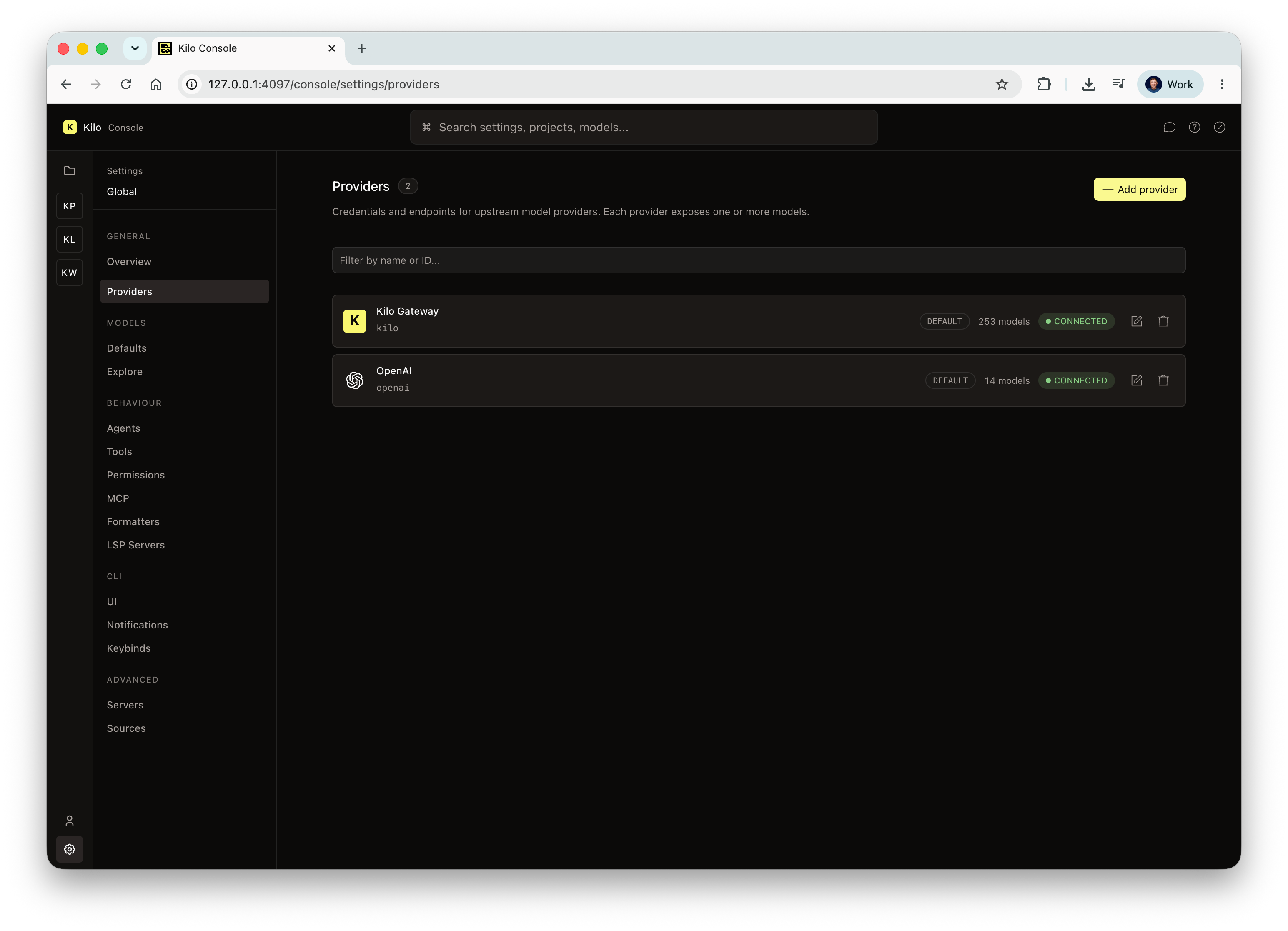
Global settings is where you connect model providers. Out of the box you’ll have Kilo Gateway; opening the provider list lets you choose from dozens more.
Change the UI theme
Global settings also include UI options. Open the theme setting and pick a theme. Save it, and the change applies to your running terminal session right away, no restart needed.
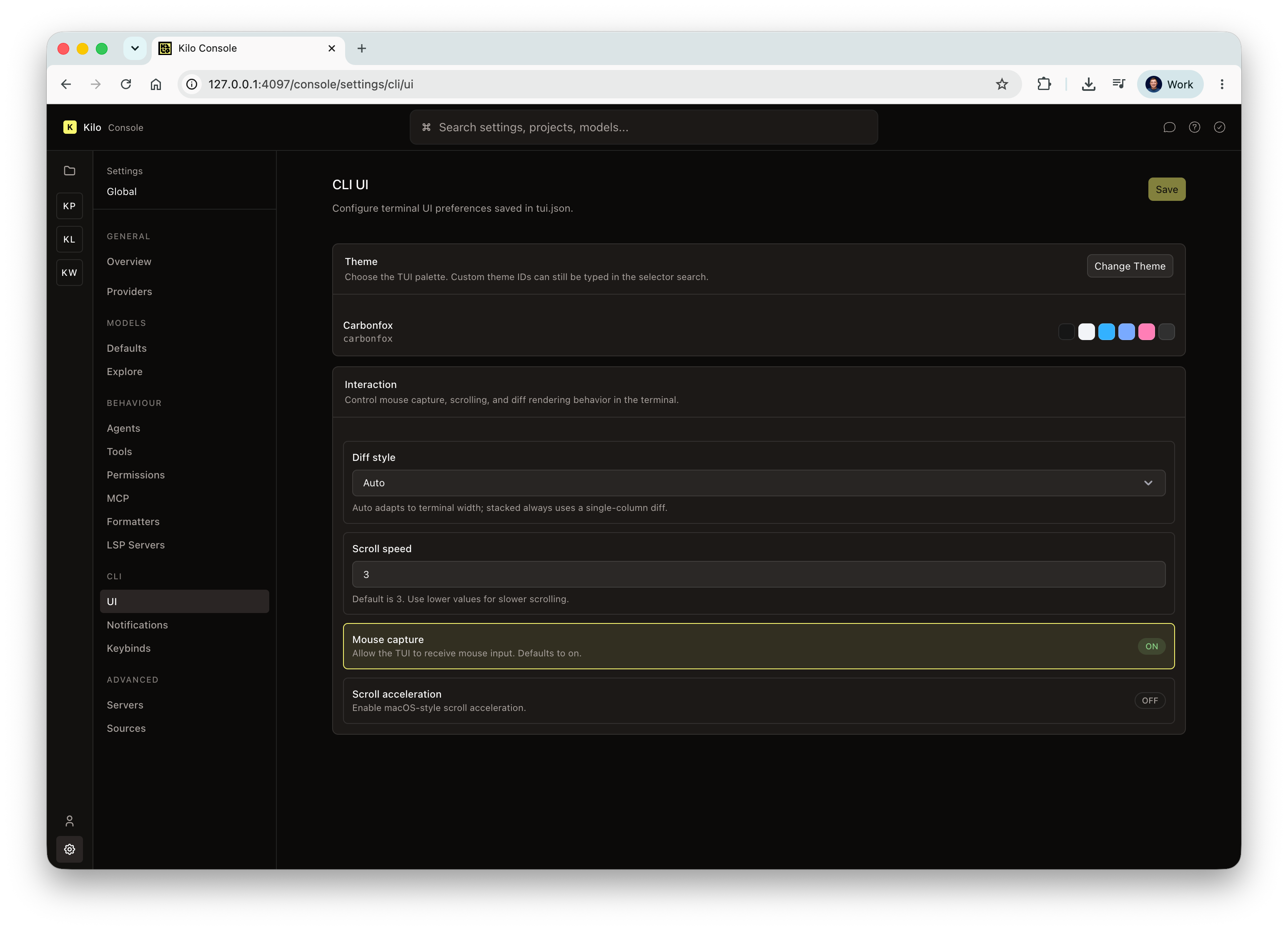
You can also edit notification settings here and review the rest of the console’s options.
Send feedback
That’s the basic tour. Since Kilo Console is in beta, feedback is genuinely useful — share it in the Kilo Discord.
Hello,
How about adding a visual loop builder to Kilo Console? Users could create and manage agent loops with a no-code interface.
Example workflow:
1. Select a project.
2. Drag-and-drop to set a goal (e.g., "Resolve all ESLint warnings").
3. Define triggers (e.g., on commit, on schedule).
4. Set exit conditions (e.g., max iterations, all checks pass).
5. Monitor execution in real-time with logs and status updates.
This would turn loop engineering from a manual, code-heavy task into a visual, accessible workflow—perfect for the Console’s design.
Keep up the good work.
Thanks!
I dont have any projects listed, nor can i add any. Am i missing something?
> No projects have been opened with this Kilo server yet.