

A few weeks ago, one of our engineers opened a PR titled “native chat panel rendering,” and I thought: finally.
We’d had a JetBrains plugin for a while, but it never felt truly native. It was built around a webview wrapper: mostly the VS Code experience embedded inside a JetBrains panel.
I think the future of AI in development is AI living side by side with developers in the tools they already use. Some developers want autonomous agents like Kilo Cloud agents. Many others want AI directly inside the IDE, alongside the code, terminals, search, inspections, and project tools they already use every day.
Today we’re shipping the native Kilo Code plugin for JetBrains IDEs. It’s on the Marketplace now, generally available.
Why the old plugin felt wrong
We already had a JetBrains plugin, and it worked, but it was built around a webview wrapper: mostly the VS Code extension embedded inside a JetBrains panel. If you used it, you probably noticed.
Small details gave it away: scrolling didn’t feel like IntelliJ, and file navigation didn’t behave like the rest of the IDE. It did the job, but it never matched the quality bar JetBrains users expect.
JetBrains has over 15 million active developers. These are people who chose IntelliJ or WebStorm or PyCharm because they care about their tools. They notice when something doesn’t belong. For developers who choose JetBrains because of the depth and polish of the IDE, that mismatch was hard to ignore.
So we decided to rebuild the plugin properly instead of continuing to layer fixes on top of the wrapper.
Built for the IntelliJ platform
The new plugin is written in Kotlin with Swing UI, the same foundation used by JetBrains IDE components. Rather than porting the old webview approach, we rebuilt the plugin from scratch: 50+ pull requests over about two months of focused development.
The first native release includes:
Chat sessions with full conversation history
Slash commands for quick actions
Support for JetBrains remote development
@file mentions that use IntelliJ’s own file indexing, so they stay fast even in massive projects
Model and provider settings with 500+ models, same as VS Code
Agent behavior settings for controlling autonomy levels
MCP server management for tool integration
Drag-and-drop file attachments, including pasted images and transcript files
Profile balance display for tracking account usage directly in the IDE
Proper scrolling, tool views, and UI polish that feels like it belongs in IntelliJ
Everything renders natively. The tool call views look right, and scrolling works the way IntelliJ scrolling works. The result is a plugin that behaves like part of the IDE rather than a separate web app embedded inside it.
Why native IDE integration matters
JetBrains’ State of Developer Ecosystem 2025 found that 85% of developers regularly use AI tools for coding, and 62% rely on at least one AI coding assistant. JetBrains users specifically already have options: JetBrains ships its own AI Assistant baked in, GitHub Copilot works in JetBrains, and Cursor exists, though it’s VS Code-based.
Kilo differs from those tools in two important ways: openness and agentic workflows.
Open source and model flexibility. Kilo is fully open source. You can audit the code and see exactly what’s being sent where. You can use Kilo-hosted models, bring your own API keys at zero markup, or run local models for complete privacy. JetBrains AI Assistant and Copilot each make model choices on your behalf. Kilo gives you more control over which providers and models you use.
Kilo lets you choose the model per workflow: Claude for deeper reasoning, GPT for fast iteration, or a local model when the code should stay private.
Agentic capabilities. Kilo goes beyond autocomplete by acting as a coding agent inside the IDE. It can inspect a project, propose an approach, edit files, run commands, and keep working through errors until the task is complete. That agent workflow now runs natively inside JetBrains with all the context your IDE already has.
What’s still missing
There are still some specialized features from the VS Code extension that we’re working to bring to the JetBrains plugin. VS Code is where Kilo started, and some of the more advanced integrations haven’t made the jump yet. The core JetBrains experience is solid enough for GA, though VS Code users may notice that a few advanced integrations are still in progress.
We’ll keep shipping updates. Because the plugin is now built directly on the IntelliJ platform, the team can close those gaps without carrying the old webview constraints. The team that built this, primarily kirillk, with contributions from markijbema, marius-kilocode, johnnyeric, and chrarnoldus, is continuing to close the gap.
Install Kilo Code for JetBrains
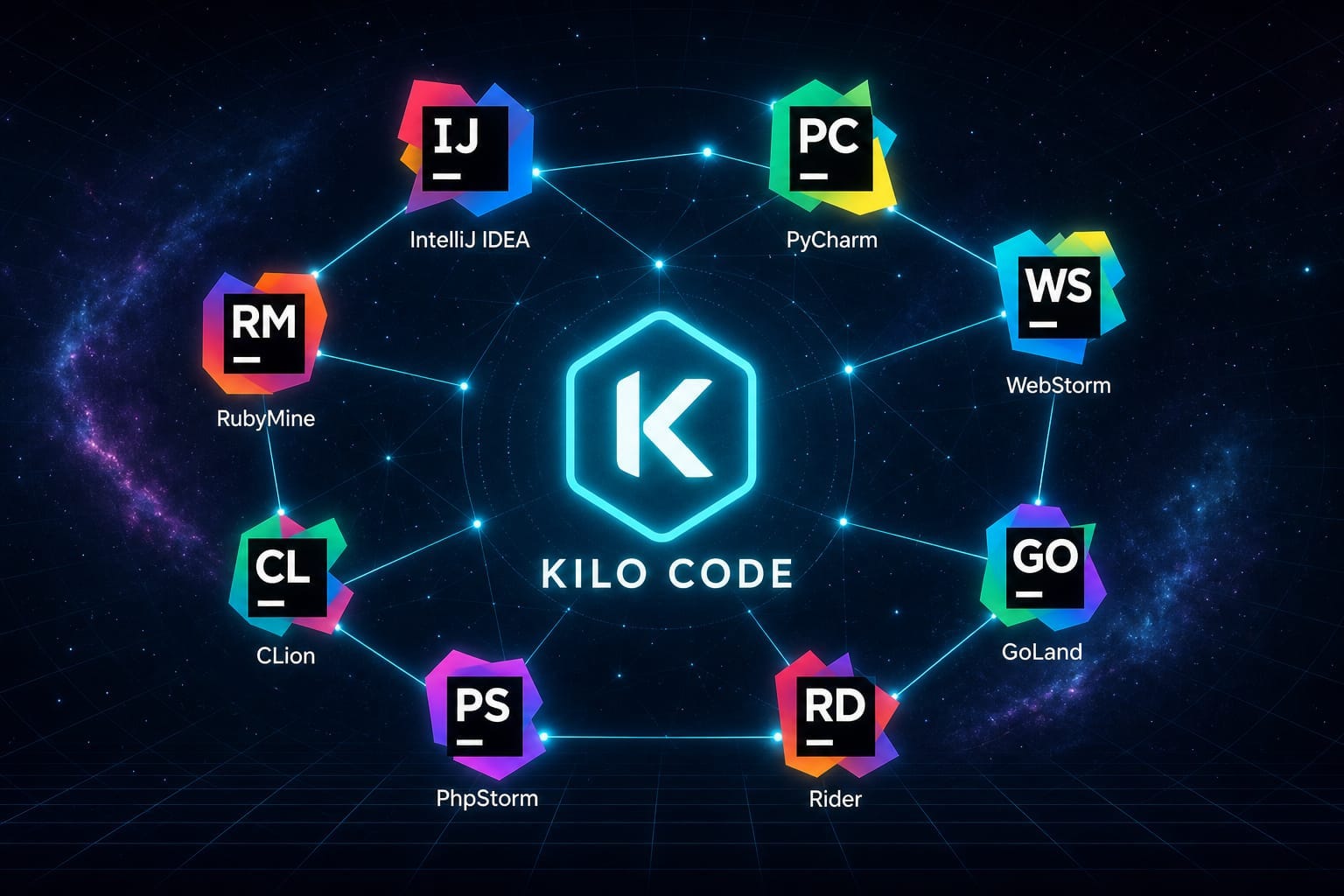
Install from the JetBrains Marketplace. Works with IntelliJ IDEA, WebStorm, PyCharm, GoLand, Rider, PhpStorm, CLion, RubyMine — any JetBrains IDE on the IntelliJ platform.
If you’re already a Kilo user on VS Code, your account and API keys work the same way. If you’re new to Kilo, you can sign up or bring your own provider keys and start immediately.
When is auto-completion expected to be supported? I really need it