

Last week I watched my Claw remind me about a dentist appointment I never told it about. It pulled it from my Google Calendar, noticed the commute time conflicted with a standup, and messaged me on Telegram with a suggestion to reschedule one of them. I didn’t ask it to do any of that.
Over the last few months, we’ve been busy shipping improvements that make OpenClaw easier to run, easier to trust, and easier to make part of your day. The goal has been simple: make KiloClaw the best way to Claw. For that, we decided to focus on three major themes - (1) the ability to quickly get set up with useful skills; (2) the ability to quickly and easily integrate with the tools you need and (3) an easier way to use more “advanced” OpenClaw features.
Getting Up and Running

Lots is made of how much you can do with OpenClaw, but understanding what it can do for you can be tough without real-world functioning tools. We’ve spent a lot of effort in making it easy to get started with Kilo Claw and see real value right away. From a built in morning briefing to single click install of new skills, Kilo Claw is the best way to realize early value from OpenClaw.
Morning Brief
Every KiloClaw instance now ships with an integrated morning brief workflow. You set a time, and your Claw delivers a summary of your calendar, email highlights, weather, and anything else it thinks you need to know — directly to Telegram, Slack, Discord, or whatever channel you use.
There is no separate configuration step. The setup wizard asks “when do you want your briefing?” during onboarding, and the workflow runs the next morning. Weather, calendar conflicts, urgent emails, package deliveries — all in one message before you’ve opened your laptop.
Most people who try KiloClaw say the morning brief is the first thing that makes it click. You stop opening your email to figure out what’s going on and start the day already knowing.
Built-in Email Address
Every KiloClaw instance gets a dedicated @kiloclaw.ai email address. Set up forwarding from your main inbox, and your Claw can scan incoming messages for your morning brief, flag urgent items, and draft responses.
This avoids IMAP credential setup and Gmail API configuration; forwarding is enough. Your Claw receives copies of your email, reads them, and surfaces what matters. It can surface relevant messages while leaving decisions to you.
Previously, giving your agent email access meant either sharing your password, which is not ideal, or setting up a full Google OAuth flow with Gmail scopes, which is time-consuming for anyone not on Google. The @kiloclaw.ai address works with any email provider — Gmail, Fastmail, Outlook, whatever. Just set up forwarding and you’re done.
Single-Click Claw Bytes Installation
ClawBytes launched a few months ago as a cookbook of ready-to-use automation recipes — GitHub triage, task management, email cleanup, research workflows. Each Byte is a prompt plus the tools it needs, structured so you can get running in minutes.
Now you can install them with a single click from the KiloClaw dashboard. Browse the ClawBytes library, hit install, and the recipe’s prompt, tools, and cron schedule get configured on your instance automatically. The install flow handles the prompt, tool setup, and schedule.
The community has been contributing recipes too. If you’ve built an OpenClaw automation that works well, you can submit it to the cookbook. New ones land weekly.
Integration without the Heartache
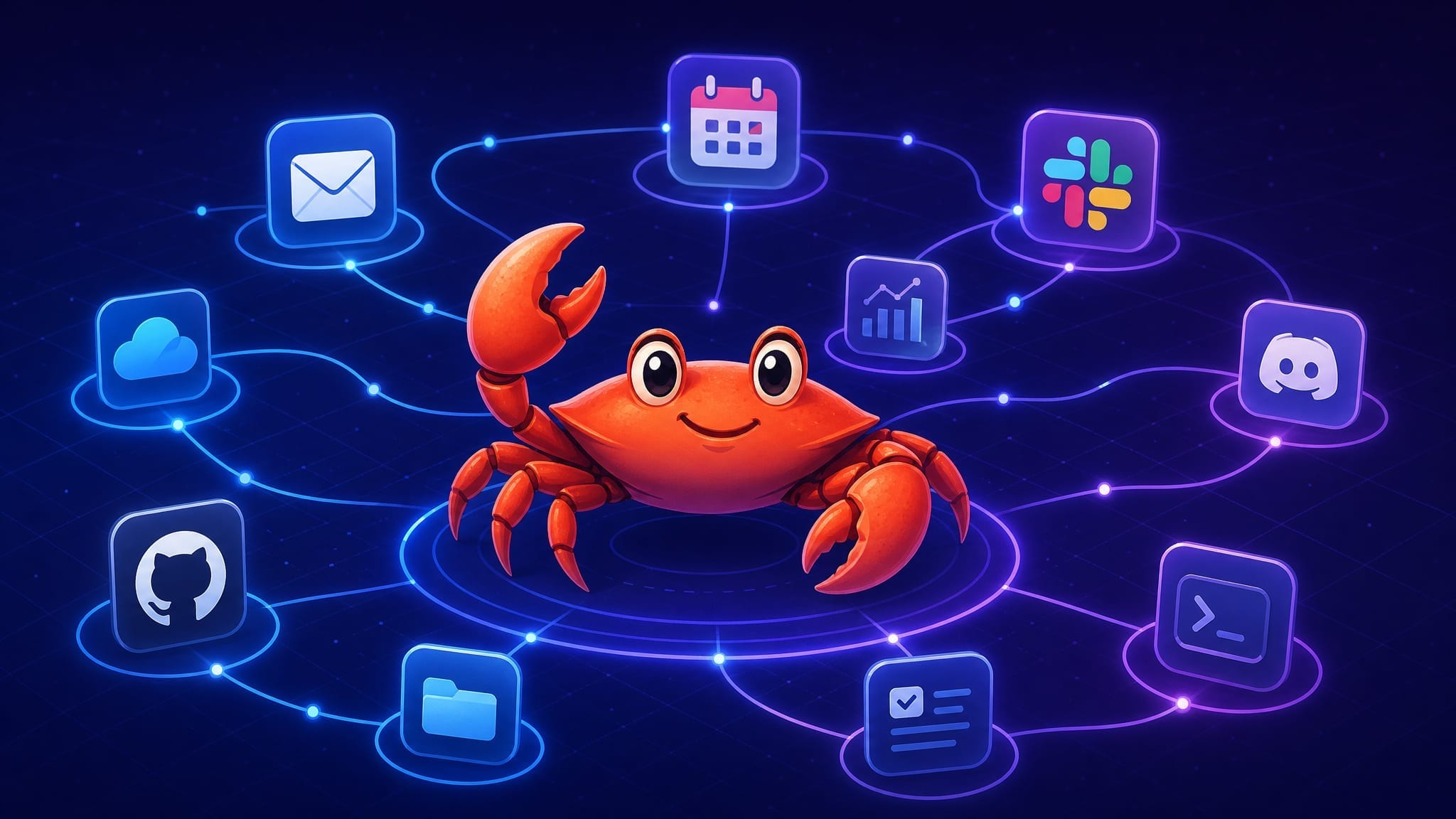
The thing that makes OpenClaw so powerful is when you’re able to integrate it with all the tools you need quickly and easily. Thus we’ve been focused on making calendar integration as simple as possible, as well as bringing Composio to give access to hundreds of other tools with one simple login.
Google Calendar with OAuth
Calendar was the single most requested integration we heard about on Reddit, Discord, and support calls. The old path involved creating a GCP project, enabling APIs, downloading credentials, running a local auth flow, and hoping the token refresh didn’t break overnight.
Now it’s three clicks in the setup wizard: OAuth consent screen, pick your Google account, authorize. After that, your Claw can read events, create them, check conflicts, and send you reminders — all through Google’s official OAuth 2.0 flow with tokens stored in KiloClaw’s AES-256 encrypted vault.
Asking your agent “what’s on my calendar” is fine, but that is the basic use case. The more useful part is what calendar access enables: morning brief, meeting prep, scheduling conflicts, travel time calculations. Calendar is the foundation.
Composio Integration
Composio gives agents access to 860+ tools through a single MCP endpoint. KiloClaw now ships with direct Composio support — your Claw can connect to the Composio MCP server at connect.composio.dev/mcp and register all available tools into its runtime.
If there’s a SaaS tool you use that doesn’t have a native OpenClaw skill, Composio probably has a connector for it. Notion, Linear, Airtable, HubSpot, Jira — the list is long. Point your Claw at Composio and the tools show up in its runtime without writing custom code.
We build native integrations for the things everyone uses (Google, GitHub, Telegram). Composio covers the hundreds of niche apps that individual teams need but wouldn’t justify dedicated engineering effort from us.
Advanced OpenClaw without an Advanced Degree

OpenClaw is an extremely powerful and customizable tool - that might be both its greatest strength and its greatest weakness. To try and help Kilo Claw users realize the full potential of OpenClaw without having to configure everything by hand, we’ve brought advanced features to our simple configuration screens, and also enabled you to start from your existing OpenClaw rather than from scratch.
Memory with Vector Search and Dreaming
OpenClaw’s memory system now does more than grep through markdown files. The memory-core plugin provides both keyword and vector search over your agent’s workspace. When your Claw needs context from a past conversation or decision, it runs a semantic search against embedded representations of its own memory.
Dreaming handles background consolidation. When enabled, memory-core schedules a sweep during off-hours. It runs three phases — light, REM, and deep — that score short-term memories by importance and promote the valuable ones into long-term storage.
It works as an overnight consolidation process. The raw daily notes accumulate during waking hours. Then dreaming runs overnight, decides what’s worth keeping, consolidates it into MEMORY.md, and tags low-confidence items for review. The Red Hat Emerging Technologies team wrote a good deep-dive on the architecture if you want the technical details.
Your Claw gets better over time without manual memory management. It remembers your preferences, your projects, your communication patterns — and it doesn’t lose that context when the session window fills up.
Import Your OpenClaw Identity
If you’ve already been running OpenClaw self-hosted — with a customized SOUL.md, IDENTITY.md, USER.md, and accumulated memory files — you can now import that identity directly into KiloClaw. Your agent’s personality, knowledge, and workspace come with you.
We built it this way because migration should preserve the work you’ve already put into the agent. Your Claw already knows who you are, what you like, how you communicate. Switching hosting providers shouldn’t erase that.
The import pulls your workspace files (identity, soul, memory, skills) from a GitHub repo or direct upload. After import, your Claw picks up with its existing voice, context, and preferences intact.
What’s Next
We’re shipping fast. The team is working on tighter enterprise controls (SSO/SCIM provisioning is already live for orgs), more native integrations, and improvements to the dreaming pipeline based on early feedback.
If you haven’t tried KiloClaw yet, there’s a 1-day free trial with no credit card required. Your instance provisions in under five minutes, and the morning brief arrives the next day. That gives most users enough time to evaluate the workflow.
And if you’re already running KiloClaw — check the ClawBytes library. New recipes are landing weekly, and single-click install makes trying them trivial.
Shame that the price of KiloClaw has jumped 500%+ since it's launch - was going to spin one up this week, thinking it was still $9/m and then quickly backtracked when I realised the price has gone up to $55/m out of nowhere.