

We launched Kilo Code Reviewer on Product Hunt on Tuesday and hit #1 Product of the Day. As of now, we’re #1 OSS Product of the Day, Week, and Month, and running up to the top 3 of the month. To celebrate, we brought Code Reviewer directly into your editor with the new Review mode.
Review joins the existing lineup of specialized agent modes: Code, Ask, Debug, Architect, and Orchestrator. But in addition to reviewing PRs in GitHub after you push, Review mode works on whatever’s in front of you right now.
Two Stages, Same Engine
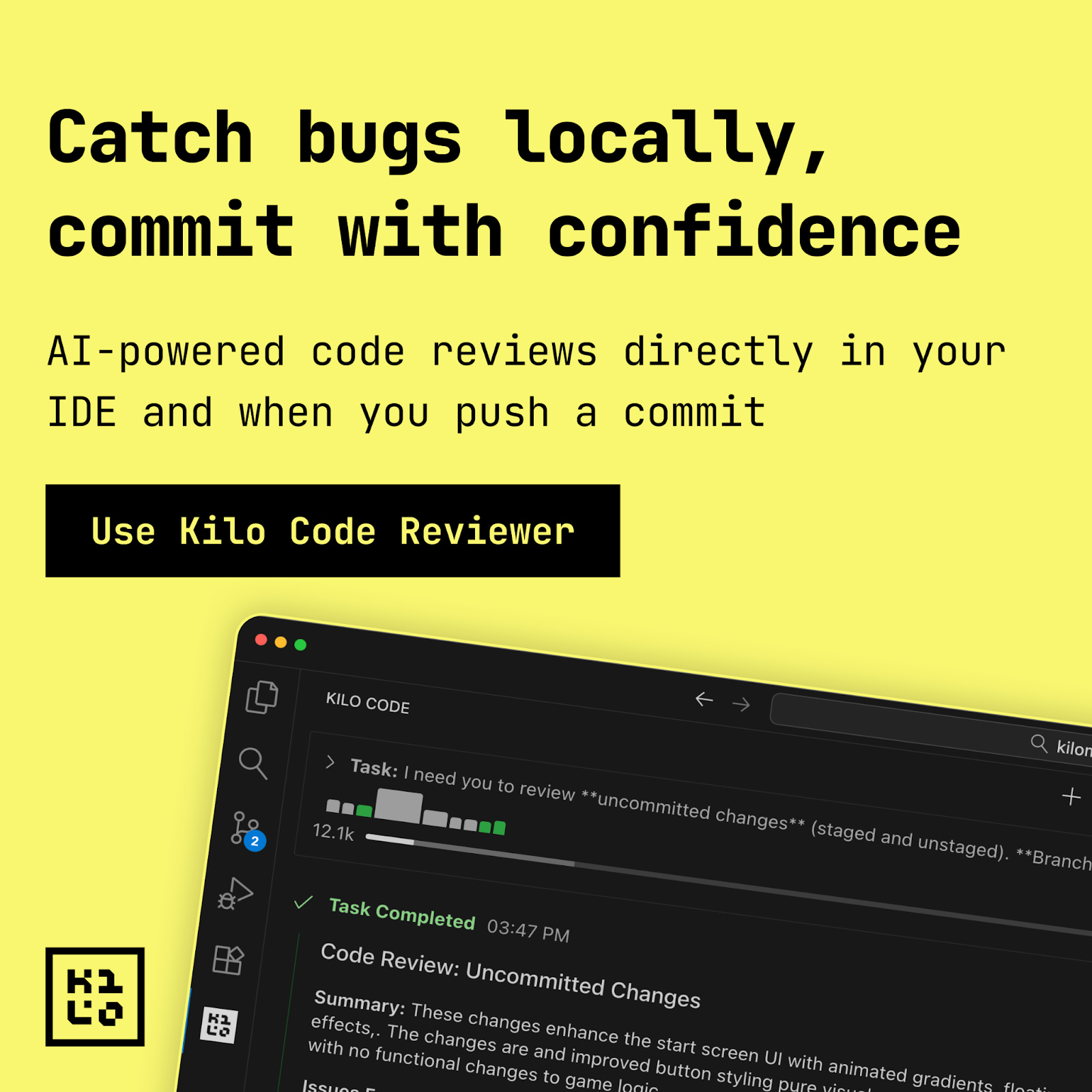
A few weeks ago we shipped the Kilo Code Reviewer, which automatically analyzes pull requests the moment they’re opened on GitHub. It posts structured feedback as inline comments, catches issues across security, performance, style, and test coverage, and keeps watching as new commits get pushed.
Use Kilo Code Reviewer: https://kilo.ai/code-reviewer
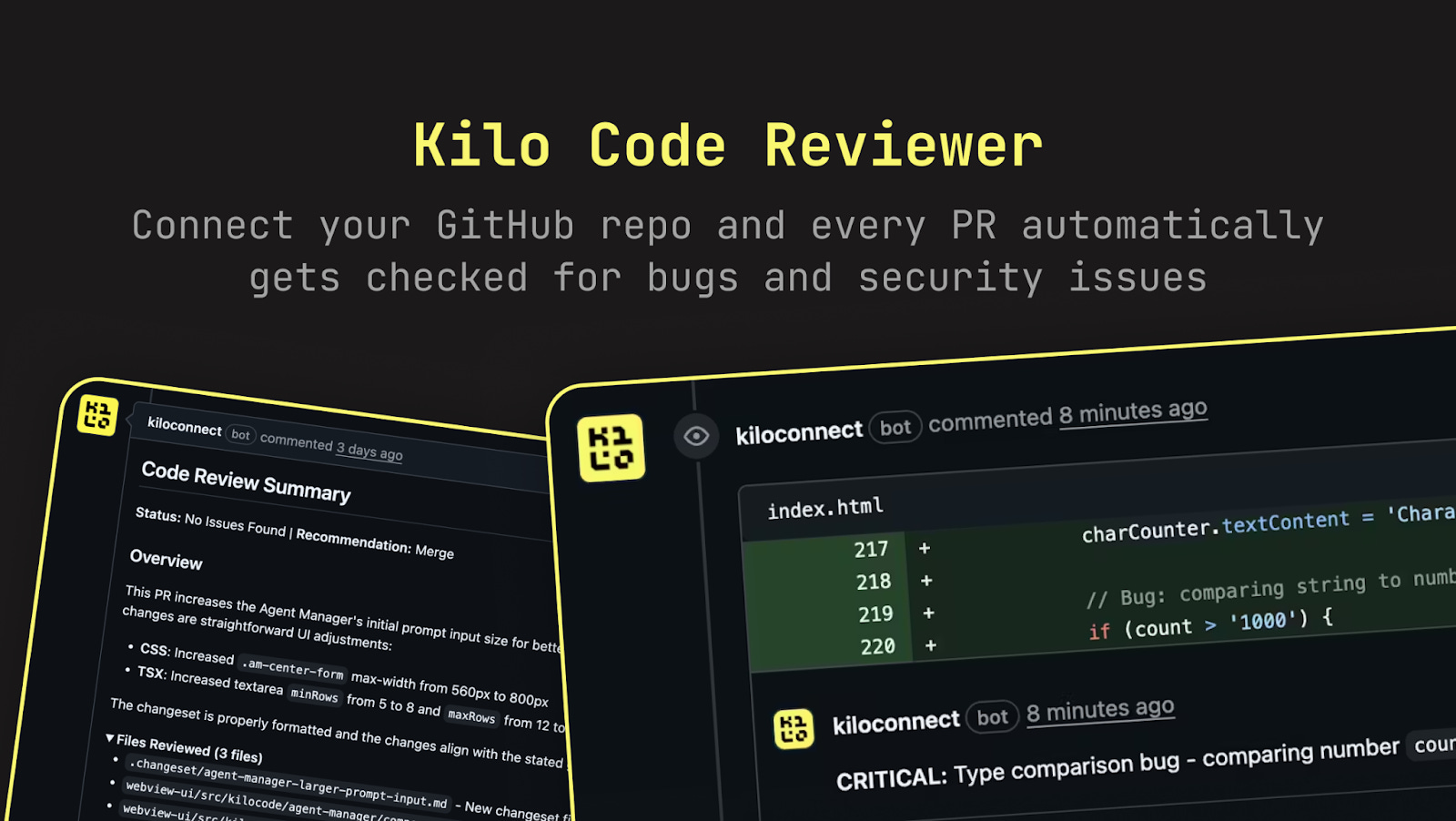
Review mode brings that same analysis engine into your editor. Same depth and model flexibility. The difference is when it runs: Review mode works on code before you commit, before you push, before anyone else sees it.
When Review Mode Makes Sense
Mid-build gut checks.
You’re an hour into implementing something and you’re not sure if you’re overcomplicating it. Run a review on what you have so far. Get feedback while you can still easily change direction.
Before you push.
Think of it as a pre-flight checklist. Catch the obvious issues before they become comments on your PR. Your reviewers can focus on architecture and design instead of pointing out that you forgot to handle the null case.
Code that isn’t going anywhere yet.
Spikes, experiments, local projects without a remote. Review mode doesn’t need a PR or even a commit. It works on whatever’s in your editor.
Private feedback.
Sometimes you want a second opinion without broadcasting that you’re unsure. Early drafts, unfamiliar territory, code you’re still figuring out. Review mode keeps that between you and your IDE.
Reviewing others’ work.
You’re about to approve a teammate’s PR. Run Review on it first. It’ll flag things you might skim past, so your attention goes to the decisions that actually need human judgment.
Learning mode.
New language, new codebase, new team conventions. Review mode will point out patterns you’re missing and idioms you haven’t picked up yet. Faster ramp-up with less “why didn’t anyone tell me” moments later.
What It Analyzes
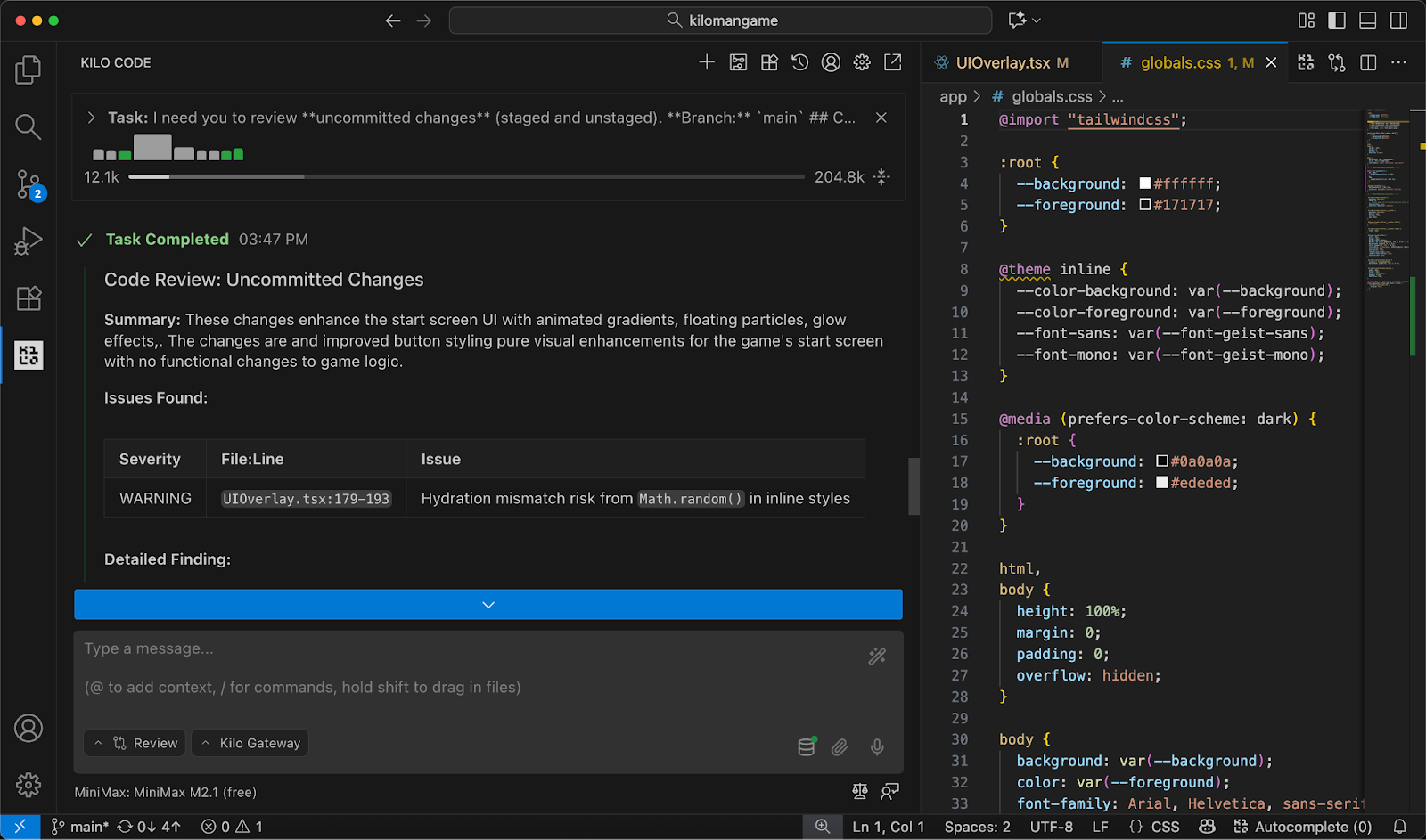
Review mode looks at:
Security vulnerabilities
Performance issues
Bugs and logic errors
Error handling gaps
Style and convention violations
Test coverage
Documentation
Maintainability and code smells
You get structured feedback with explanations, not just a list of warnings. And because you’re still in your editor, acting on that feedback is easy and immediate.
Same Models, Same Flexibility
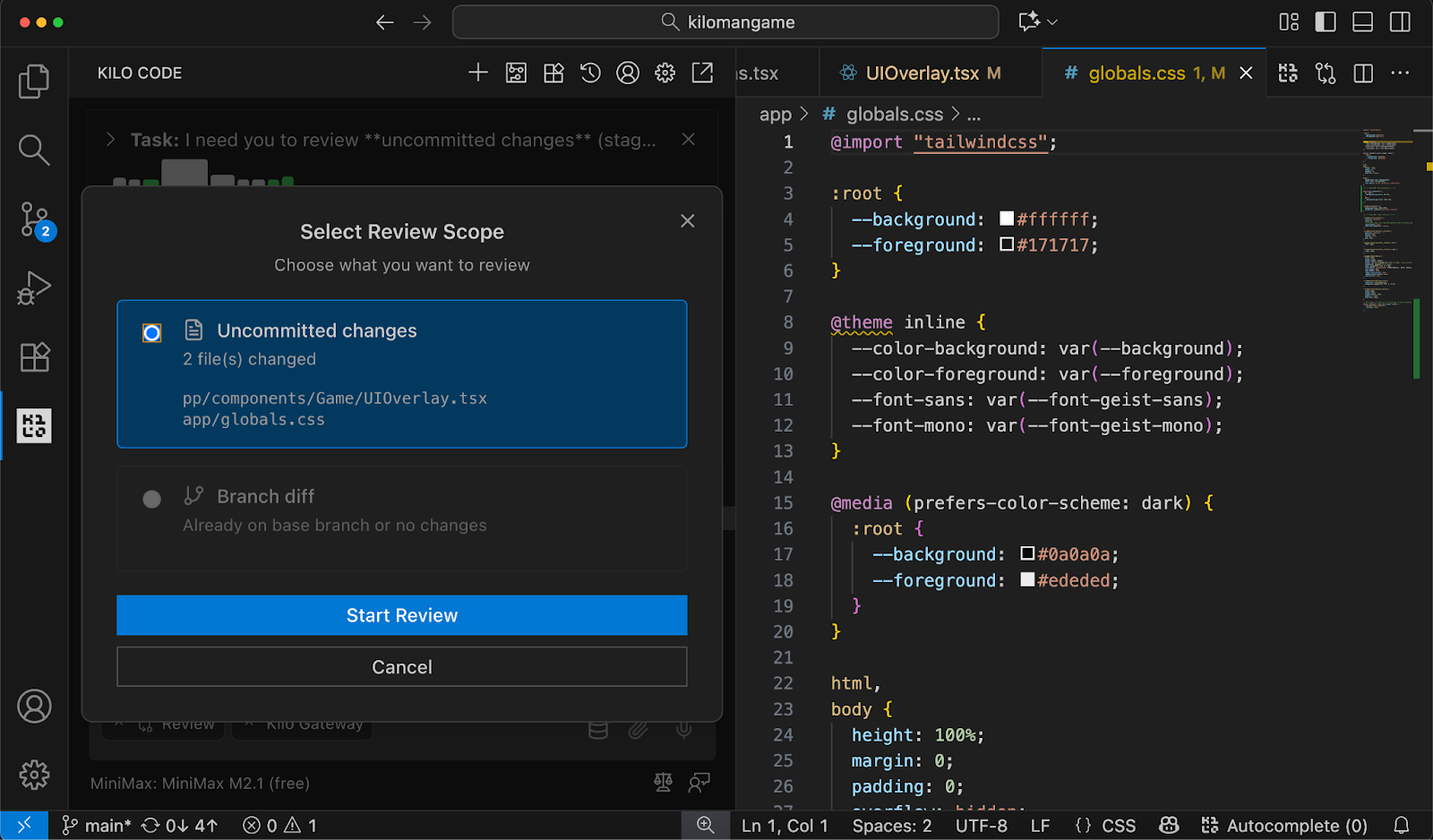
Review mode uses the same model selection you have everywhere else in Kilo. Quick refactor? Use something fast and cheap. Security-sensitive change? Bring in heavier reasoning. You pick the right tool for the job, same as you would for any other mode.
Speaking of which: if you run Review with MiniMax M2.1 or GLM 4.7, it’s free for a limited time. No token costs. These models handle most reviews well, and you can always upgrade when you need more depth.
The Full Picture
Review mode and the Code Reviewer are different stages of the same workflow.
Review mode catches issues while you’re building. The GitHub integration catches issues once you’ve pushed and as the PR evolves. Together, they mean every piece of code gets looked at twice before it merges, without adding any manual steps to your process.
That’s the goal: review as a continuous, frictionless part of development, not a gate you wait at.
Get Started
Review mode is available now in VS Code. Update to the latest version and you’ll see it alongside Code, Ask, Debug, Architect, and Orchestrator in your mode selector.
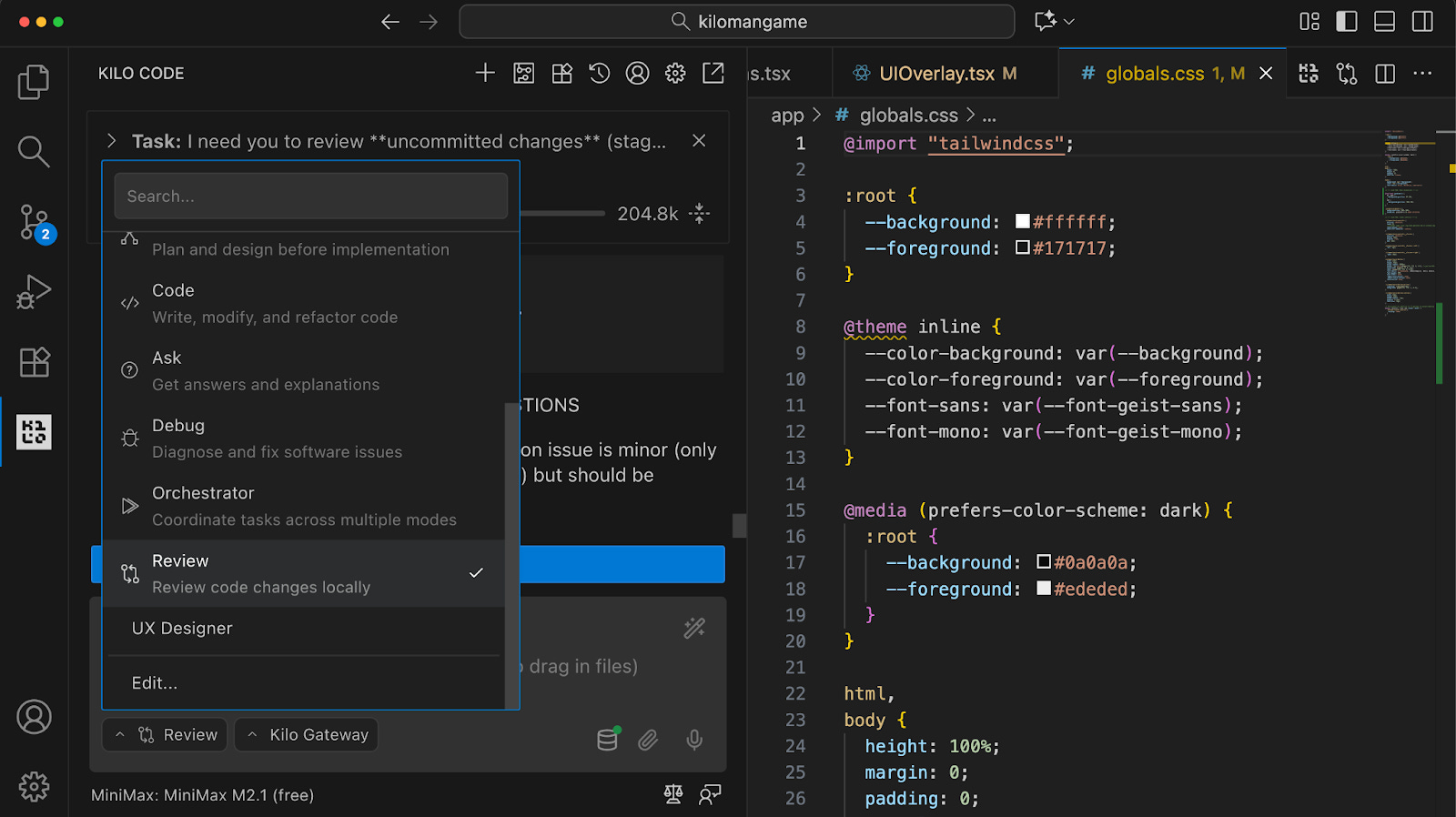
Try it on whatever you’re working on right now!