

Ivan joined Kilo a few weeks ago as our first designer. Not “first designer to lead a design team” — first designer, period. Before him, there was no design function. Features shipped anyway. PRs landed all day. The org moved at what he’s started calling “agent speed.”
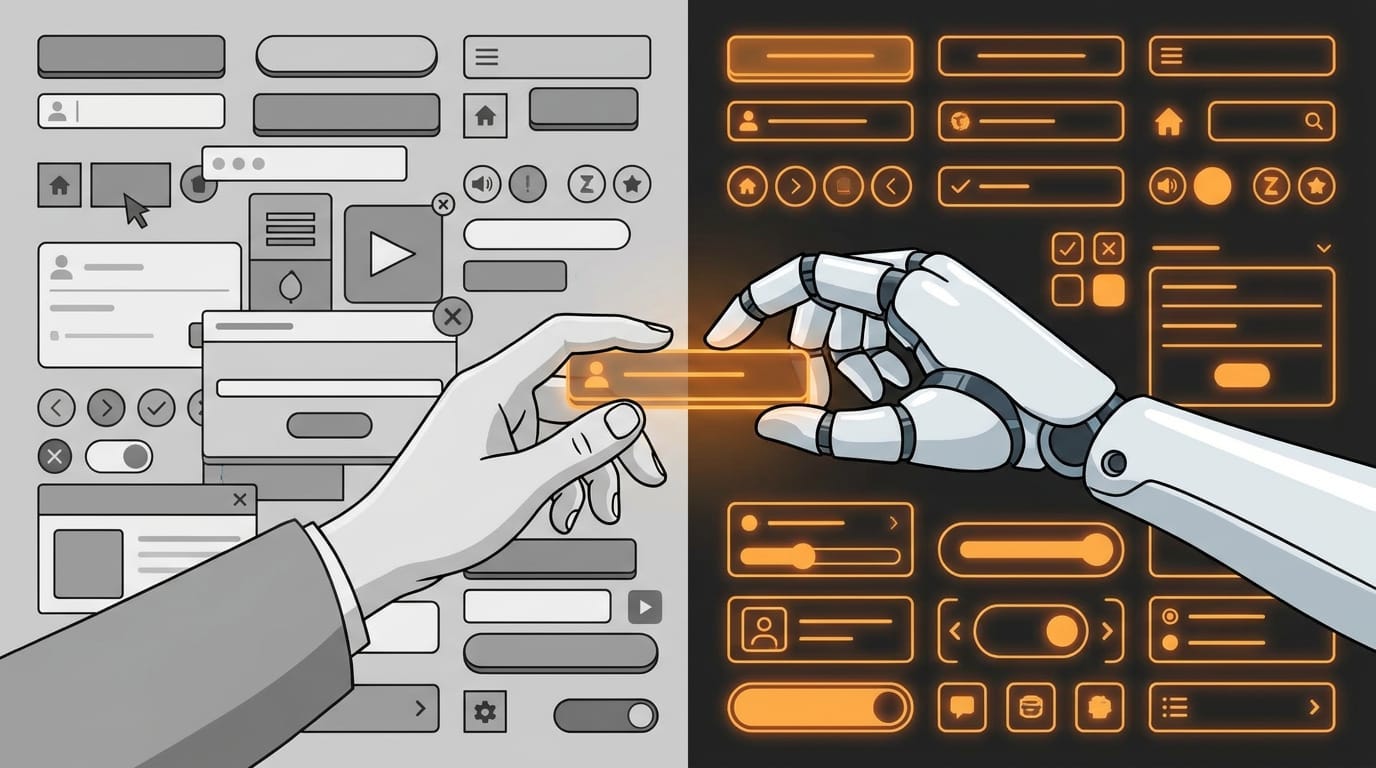
Every engineer here operates like a mini-CEO. They don’t wait for specifications. They don’t wait for mockups. They see a problem, they ship a solution. Sometimes multiple times a day. The velocity is genuinely impressive — and terrifying if your job is supposed to be designing things before they get built.
So he had a choice. Two ways to lose this game:
Option A: Pixel janitor. Accept that design happens before he knows about it, spend all his time cleaning up after the firehose, perpetually one sprint behind.
Option B: Beautiful irrelevance. Create gorgeous Figma specs that are technically perfect and aesthetically flawless. By the time anyone looks at them, the feature shipped Tuesday and we’ve moved on.
Neither of those is a real job. So he’s been thinking about what a design function actually looks like when your colleagues include AI agents that ship production code.
The Traditional Design System Assumption
Most design systems are built on an assumption that breaks here: a designer will interpret the rules.
A traditional design system says “use 4px spacing multiples” and “primary buttons are blue.” It assumes a human designer will understand when to break those rules, when to apply judgment, when the context demands something different. The system is a reference document. The designer is the interpreter.
That assumption doesn’t work when half the code getting written comes from AI agents, and the human engineers are moving too fast to check a Figma file.
The system has to be directly usable by the people — and the agents — actually shipping. Not just readable by designers who might interpret it later.
Docs as Infrastructure
In practice, documentation becomes infrastructure.
The “brand vibes” doc nobody reads becomes useful when an agent can ingest it — and if it’s written clearly enough, actually act on it.
DESIGN.md becomes as important as README.md. Not because designers will reference it, but because it’s the source of truth that agents and fast-moving engineers will consume without asking questions.
This changes what design documentation looks like. It can’t be “capture the ineffable feeling of the brand.” It has to be specific, opinionated, and machine-actionable.
Three Layers
Ivan’s been sketching out a rough timeline:
Short Term: Stabilize
Not glamorous, but necessary.
Right now, there’s been a lot of dev-led design. That’s not a criticism — it’s what happens when you don’t have a designer and you ship constantly. But it means inconsistencies have crept in. Button styles that differ across surfaces. Spacing that varies by who wrote the component. Color usage that drifted from whatever the original intent was.
First job is to audit, find the obvious drift, and get everything to a shared floor. Document what actually exists, not what we wish existed. Create a baseline.
Medium Term: The Fun Part
DESIGN.md — a markdown file that holds the brand DNA. Written for agents as much as for humans. Not “we value simplicity” but “form labels are sentence case, never title case” and “error states always include a suggested action, not just a description of what went wrong.”
Custom skills — the kind of thing Kilo uses internally. Skills that encode “the Kilo way” so that when a dev or an agent reaches for a UI primitive, they reach for the right one by default. The system isn’t just documented; it’s embedded in the workflow.
Maybe a drift linter — essentially a component inventory CLI that can flag when something doesn’t match the system. Like how a code linter catches style violations, but for design consistency.
Long Term: Kilo Uses Kilo
Eventually, agents become part of the consistency layer.
Imagine a design reviewer that flags drift in PRs the same way linters flag code smells. A copy checker that catches when button text doesn’t match our voice guidelines. A brand reviewer that notices when we’ve wandered off palette.
The goal is to set the policy, build the reviewers, then review the reviewers — not to personally inspect every pixel indefinitely.
Open Questions
He’s still chewing on several things:
How much process can a velocity culture absorb? Add too much structure and you kill the thing that makes this org effective. Add too little and you get permanent chaos. There’s a line somewhere.
How do you write DESIGN.md so it actually takes positions? It’s easy to end up with generic guidance that sounds good but flattens everything into mush. “Be consistent” isn’t useful. “Modals never contain more than one primary action” is.
What level should a skill live at? Component level? (”Use this card component.”) Flow level? (”Confirmation dialogs follow this pattern.”) Decision level? (”When in doubt, fewer steps beats more clarity.”) Taste level? (Is that even possible?)
How do you measure drift without crying wolf? A system that flags everything is useless. A system that misses real problems is also useless. Calibration matters.
What’s Next
Right now he’s deep in the audit phase — documenting what exists, finding the patterns and the anti-patterns, building the baseline. Tedious work, but necessary before anything else makes sense.
The medium-term work is what he’s most excited about. DESIGN.md as real infrastructure. Skills that encode taste. A system that doesn’t require him in the loop for every decision.
He’ll write more as this progresses. If you’re solving similar problems — design in a high-velocity, agent-heavy environment — we’d love to hear what you’ve figured out. Find us in Discord.
That is spot on and how I stabilized production quality with agentic development. An ounce of bug prevention is worth a pound of cure, and it is very easy to do, though can take time to "calibrate"..
I believe the key might be to defer (through top suite + consensus policy) to designers when creating and maintaining the design.md, implementing as part of the general MCP or during the QA/QC phase. This can maintain speed while incorporating design principles that can help the product stand out among its competitors.