

Since we launched Cloud Agents, tons of developers have used them to build from browsers, phones, and tablets — no local machine required. We’ve learned a lot from watching how people actually work with them.
This update is the result. Remote connections, reasoning effort, and a wave of quality-of-life improvements that make Cloud Agents feel more embedded in your workflow.
Here’s what’s new.
Remote Connections: Reach Your Local Sessions From Anywhere
This is the headline feature, and it changes how Cloud Agents fit into your workflow.
You can now connect Cloud Agents directly to a running session on your local machine. Your computer handles the compute. The cloud gives you a window into it from anywhere.
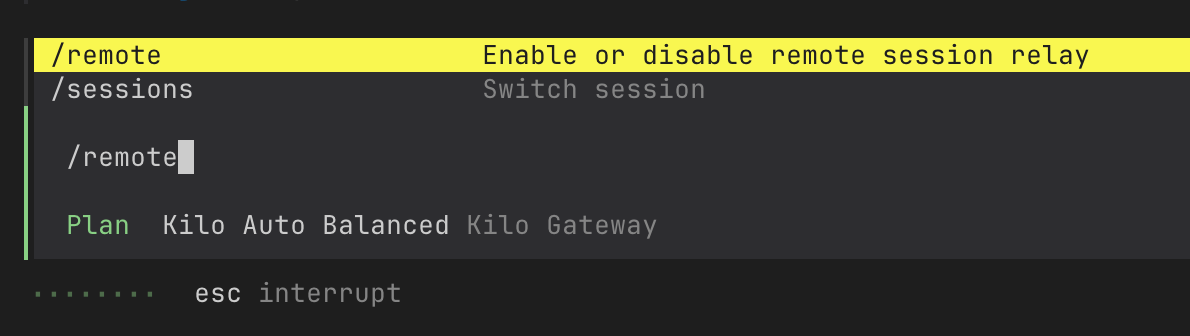
The classic scenario: you start a session in the Kilo CLI, need to leave your desk, enable remote mode with /remote, and suddenly you can check in on that session from your phone or browser — watching it progress, answering questions, without being tied to your machine.
To get started, enable remote mode in your CLI with the /remote command:
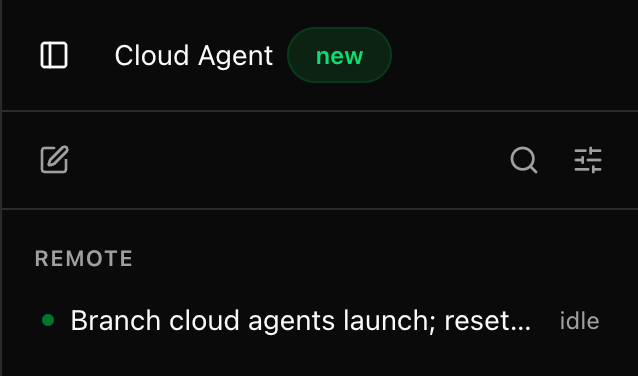
Once remote mode is enabled, your active local sessions show up right in the Cloud Agents dashboard:
This isn’t read-only access. The full interactive experience works through the 2-way connection:
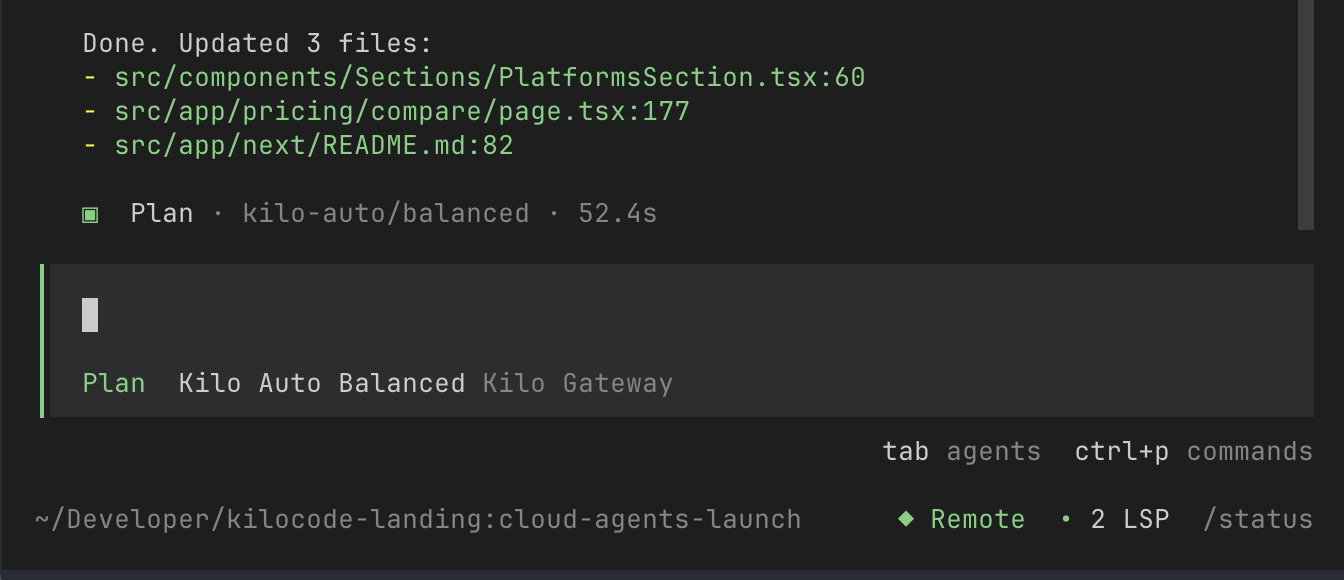
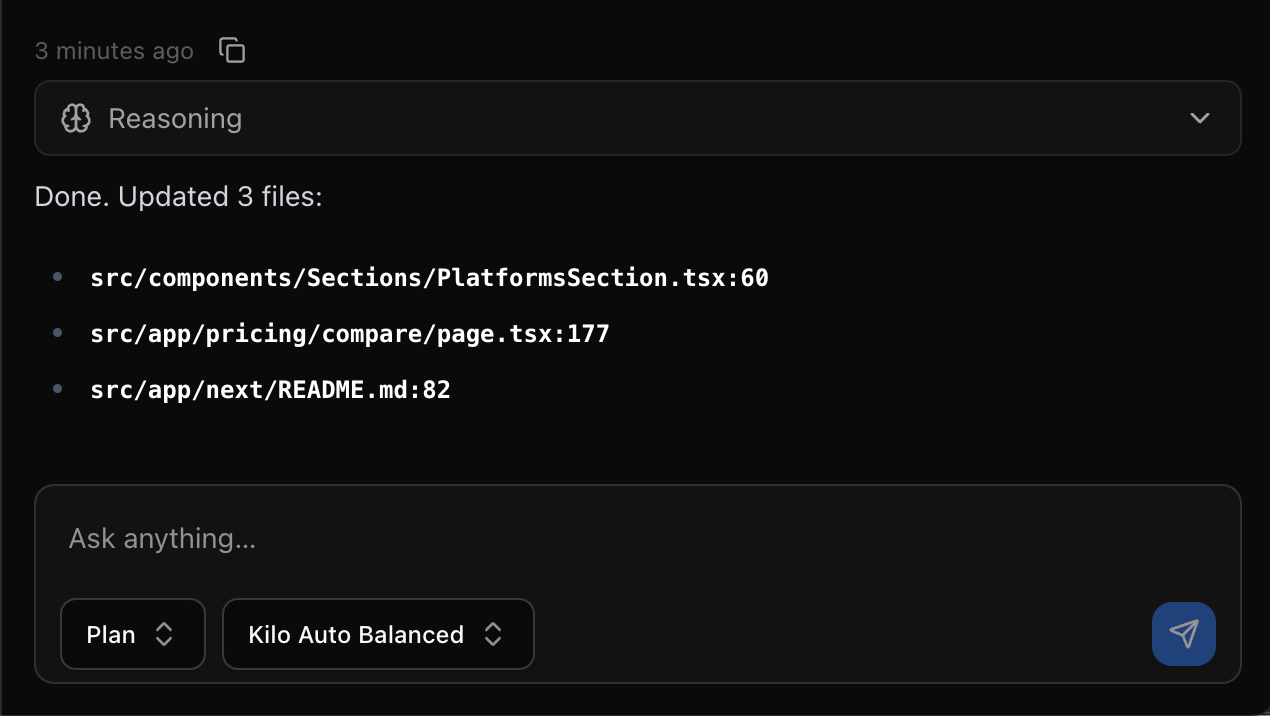
Answer questions where you prefer. When the agent needs clarification, the prompt shows up both in your CLI and the cloud. Answer it wherever you are.
Permission dialogues work too. Cloud Agents respect the same permission model you’re used to. When the agent wants to run a command or modify something sensitive, the permission dialogue routes to wherever you’re connected. You stay in control of what the agent can do, regardless of where you’re checking in from.
The result is that “cloud” and “local” stop being separate things. It’s just Kilo Code, running on your machine — and reachable wherever you are. Read the docs to get started.
Cloud Agents as Your Agent Manager
One pattern we’re seeing more and more: developers using Cloud Agents not just as a convenience, but as a coordination layer for running multiple agents in parallel.
Start several sessions at once — each working on a separate PR, a targeted review, or a specific task — and use the dashboard as your control panel. While one agent is adding missed translations to an open PR, another is doing a focused review comparing your implementation against a reference codebase. You’re not waiting on any of them.
Some real examples from our own team:
Spinning up a cloud agent to add translations that were missed in a locally-built PR, without interrupting local work
Running multiple perspective-specific code reviews on a single PR — each agent looking at it from a different angle, all posting their findings as review comments — like this research issue that was created entirely with Cloud Agents, including the follow-up comments
Building several PRs in parallel in the cloud, then testing and iterating on them one by one locally
Delegating “implement X” or “open a PR for issue Y” tasks to cloud agents while staying focused locally on the work that actually needs your attention
The key advantage over local: cloud sessions don’t stop when you close your laptop or step away. Your local environment is for the things you want to actively test. The cloud handles everything that just needs to run.
Quality of Life, Everywhere
Beyond the headline features, we’ve shipped a wave of improvements that make Cloud Agents much more usable as a daily driver.
One unified page. Cloud Agents is now a single dashboard where you can both start new sessions and see all your existing ones. Previously, active sessions lived on a separate Sessions page — that split is gone.
Sessions grouped by day. Your session history is organized by day, so it’s easy to scan what was open yesterday, what you started over the weekend, and what you’re picking up today. Context at a glance.
Delete sessions when you’re done. Small, but genuinely useful. When a task is complete and the session has served its purpose, you can remove it. Keeping your dashboard clean makes it much easier to track what’s actually in flight.
Rename sessions. Give sessions meaningful names so you can find them instantly when you need to come back.
Auto-detect repo from pasted URLs. Paste a GitHub or GitLab link and the repo picker fills in automatically — one less thing to do manually.
And a whole list of under-the-hood improvements:
Faster session startup and reduced cold-boot times after idle periods
Improved session state indicators so you always know what’s happening
Better error handling and recovery when connections drop
Smoother scrolling and interaction in long chat sessions
Persistent sidebar filters
UI polish and bug fixes throughout the dashboard
Cloud Agents should feel noticeably snappier and more reliable across the board.
One Workflow, Anywhere
Cloud Agents started as a browser experience. With this update, they connect directly into your local development setup — and they’ve become a credible coordination layer for managing multiple agents at once.
Start a session locally, check in from your phone on the train. Spin up three agents in parallel, then test their output one by one. Name your sessions, clean up the ones you’re done with, and keep your focus on what matters.
It’s all one continuous workflow. The boundaries between local and cloud keep getting thinner.
Try It Now
If you’re already using Kilo Code, you’re a few clicks away:
Open Cloud Agents and start a session
Or start a session locally in the Kilo CLI, run /remote, and watch it become accessible from the cloud dashboard
Check in from wherever makes sense — browser, phone, or terminal
Cloud Agents compute remains free during the beta period. Kilo Credits are used for AI reasoning, as they are in the IDE and CLI.
We’re building Cloud Agents based on what you tell us. Drop into our Discord and let us know what you think. We want to know how they fit into your day-to-day life.
Your next session is waiting.