

There’s a pattern with many vibe-coding tools. You describe something, it looks amazing for about five minutes, and then you try to do anything real with it and the whole thing falls apart. You export the code, stare at a folder structure you didn’t write, and realize you’re basically starting over.
Kilo’s App Builder was built to break that pattern. It gives you the same conversational, describe-what-you-want flow, but you’re building inside of the end-to-end agentic engineering platform. Your app isn’t a throwaway. It’s production-ready code you can deploy with one click or pull into your IDE and keep building with Kilo’s agentic modes.
Here are seven ways people are actually using it.
1. Founders/Creators Validating Ideas Before Committing
You’ve got a startup idea and a pitch deck, but stakeholders want to see something real. The old playbook was to spend weeks finding a freelancer, burn through cash on a v1, and hope it’s close enough to what you imagined.
With App Builder, founders are going from concept to clickable product in a single afternoon. Describe your SaaS dashboard, your marketplace landing page, your onboarding flow. Watch it render in the live preview. Tweak it through conversation. Deploy it to a real URL and put it in front of users or investors that same day.
The key difference from other tools: when you’re ready to go deeper, you don’t export into the void. You open the same codebase in VS Code or the CLI and keep building with Kilo’s full agent suite. The prototype is the product’s foundation.
2. Product Managers Building Functional Specs (Not Slide Decks)
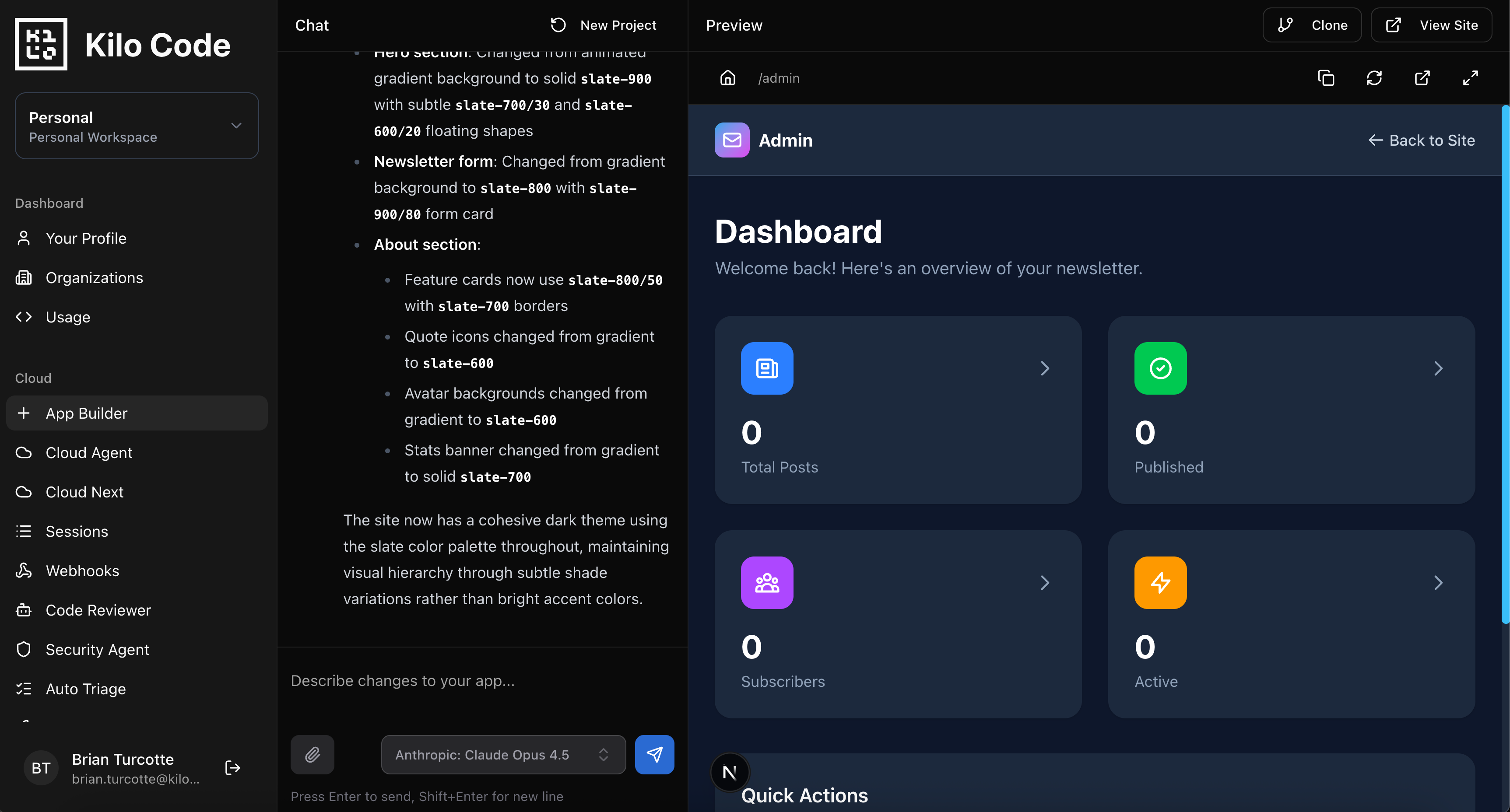
PMs spend a lot of time writing specs that engineers interpret differently than intended. Wireframes help, but there’s always a gap between a static mockup and the thing you actually meant.
App Builder closes that gap. Instead of describing a feature in a doc and hoping for the best, PMs can build a working version of what they’re envisioning. Not a Figma file. A functional app with real interactions, real data flows, real edge cases visible in the UI.
Hand that to your engineering team and the conversation changes completely. You’re reviewing working software, not debating what a bullet point means. And because it’s clean, generated code, engineers can actually use it as a starting point rather than throwing it away.
3. Engineers Spinning Up Frontend Prototypes While Focused on Backend
Here’s a scenario every full-stack engineer knows: you’re deep in API design, data modeling, or infrastructure work, and someone asks “can we get a quick UI for this?” You don’t want to context-switch into React for three hours, but the team needs something visual to rally around.
App Builder is perfect for this. Describe the interface you need, point it at your API contract, and let it generate a working frontend. Dashboards, admin panels, CRUD interfaces, settings pages. Get something functional in front of the team fast, then circle back and refine it later, either in App Builder or by pulling the code into your IDE.
It’s not about replacing frontend work. It’s about not letting UI become a bottleneck when your brain is in a completely different part of the stack.
4. Designers Turning Concepts into Functional Code
Design handoff has been a source of friction for as long as software teams have existed. Designers create pixel-perfect mockups. Engineers interpret them. Things get lost in translation. Three rounds of “can you move that 4px to the left” follow.
App Builder gives designers a new option: build the thing yourself. Describe the layout, the interactions, the responsive behavior. See it working in real-time. Iterate until it matches your vision. Then hand your engineering team actual running code instead of a Figma link.
This isn’t about designers replacing engineers. It’s about removing an unnecessary feedback loop. When the starting point is functional code that already looks right, the engineering conversation shifts from “build this” to “integrate this.” That’s a fundamentally different (and faster) workflow.
5. Teams Building Internal Tools Without Filing a Ticket
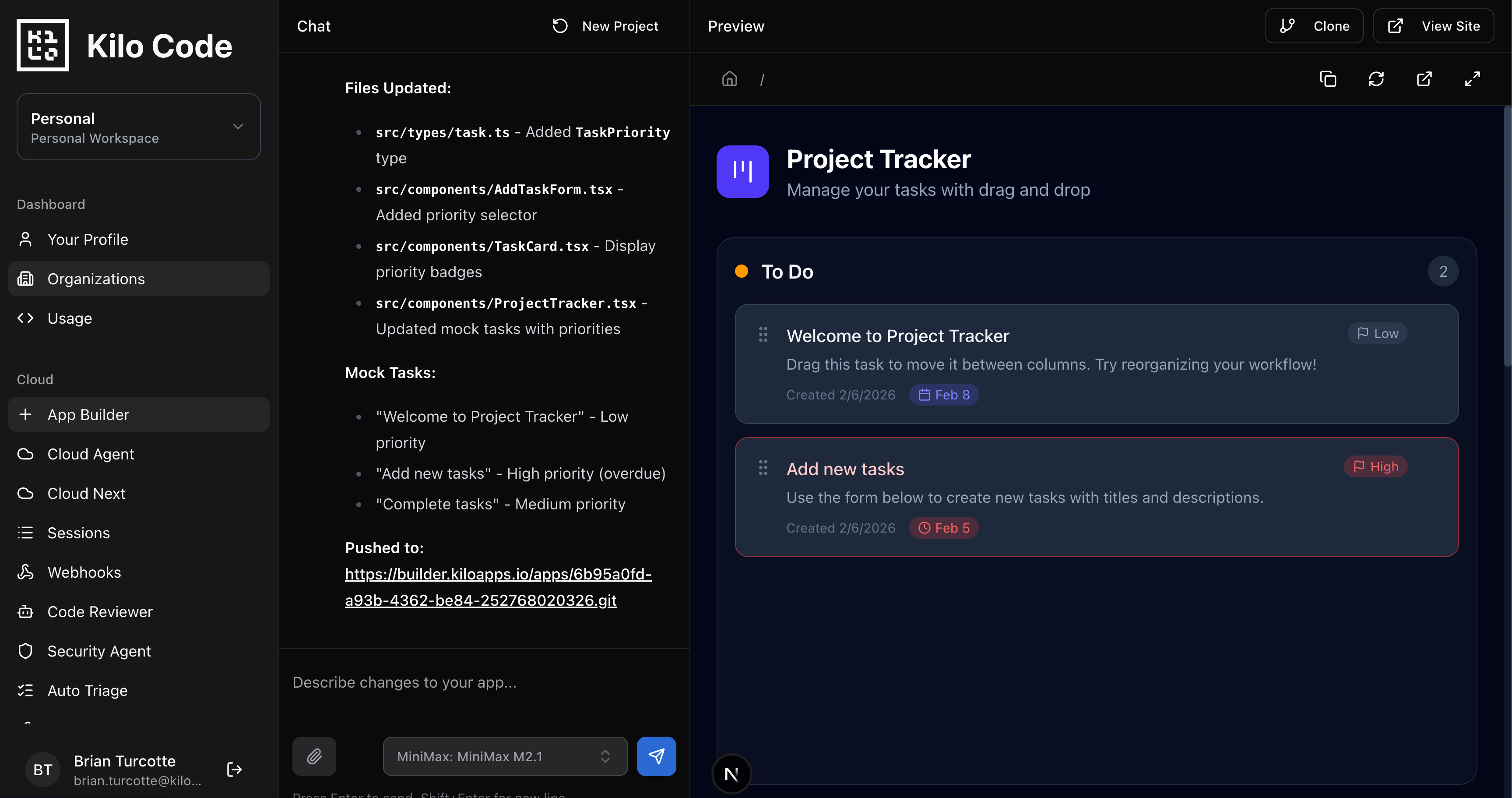
Every company has a backlog of internal tools that would save hours of manual work but never get prioritized. The sales team needs a commission calculator. Ops wants a dashboard for tracking vendor contracts. Customer support needs a lookup tool that hits three different APIs.
These aren’t complex engineering problems. They’re just never important enough to pull engineers off product work. App Builder changes the math. Anyone on the team can describe the tool they need and have a working version deployed in minutes. Connect it to your data, deploy it with one click, and it’s done.
And if it needs to grow beyond what App Builder can handle, export to the Kilo IDE and hand it off to engineering. The code is clean. The foundation is solid. No one has to start from scratch.
6. Developers Running Hackathon Projects at Full Speed
Hackathons are all about velocity. You’ve got 24 to 48 hours to go from idea to demo, and every minute spent on boilerplate, config, and deployment setup is a minute you’re not building the thing that matters.
App Builder eliminates the entire “getting started” phase. No repo setup, no dependency management, no deployment pipeline. Describe your app, iterate in real-time, deploy when you’re ready. If you hit a wall and need to drop into more powerful tooling, the code exports directly into Kilo’s IDE or CLI where you can spin up parallel agents and move even faster.
Teams using App Builder at hackathons aren’t just building demos. They’re shipping deployed products with real URLs that judges (and users) can interact with.
7. Agencies and Freelancers Delivering Client Prototypes Fast
Client work has a common rhythm: scope the project, build a prototype, get feedback, iterate, repeat. The prototype phase is where projects either build momentum or stall out. If it takes two weeks to show a client something they can click on, you’ve already lost energy and trust.
App Builder compresses that timeline dramatically. Take the client’s requirements from a kickoff call, describe them in plain language, and have a working prototype ready for review before the next meeting. Clients can interact with a live, deployed version instead of squinting at wireframes.
When the client signs off, you’re not throwing the prototype away. You’re building on top of it with Kilo’s full platform. Code Reviewer catch issues before they merge. Deploy ships updates with one click. The prototype-to-production path is a straight line, not a restart.
The Real Differentiator
The use cases above aren’t necessarily unique to App Builder. You could do a version of most of them with Lovable, Bolt, or Replit. The difference is what happens after the prototype.
With other tools, you hit a ceiling. The app gets complex, you need real engineering, and you export a codebase into... nothing. No agents, no deployment throughline, no code review. You’re on your own.
With App Builder, you’re already inside Kilo. Your prototype is the same codebase you’ll ship to production. When you need more power, you open it in VS Code and use Orchestrator mode to break down complex features across multiple agents. You deploy with one click. You run code reviews on every PR. The path from “I have an idea” to “it’s in production” never breaks.
That’s what makes App Builder a prototyping tool for serious projects. Not because the prototypes are fancier, but because they actually go somewhere.
Try App Builder at app.kilo.ai/app-builder